Connect the MC-X programming cable to the computer’s Ethernet port.
Open a web browser on the computer.
Enter 192.168.0.1 in the browser address bar to open MCWEB.
ADDITIONAL INFORMATION: Figure: MCWEB URL
ADDITIONAL INFORMATION:
Note: The steps specified in this procedure can vary if the MC-X has the updated firmware. A factory reset may not be necessary if a firmware update was done before the unit shipped from the factory. However, it is still necessary to create your own new user password.
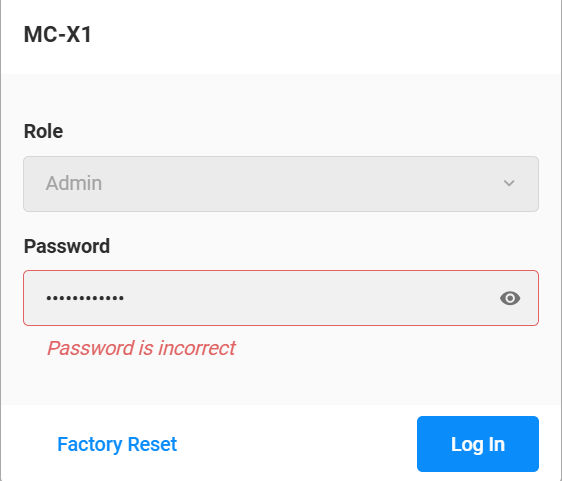
The login window shows. The Role field defaults to the Admin value. The Password field is blank, but it is necessary to enter a value. This lets the factory reset occur, after which you create a new user-define password. Enter any password and select Log In. The Password is incorrect message shows. This is expected.
Figure: MCWEB login
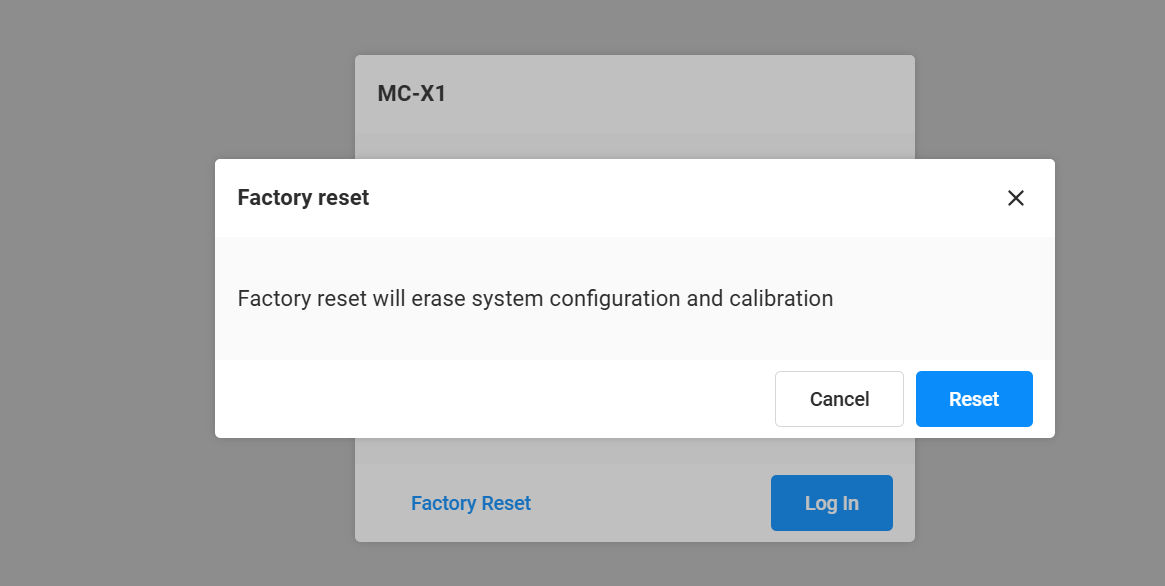
Select Factory Reset.
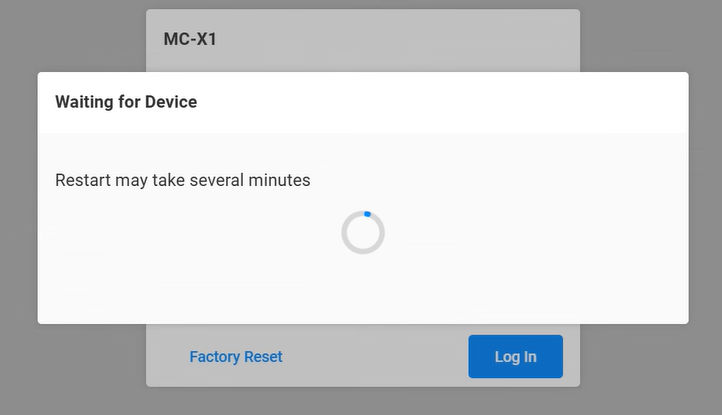
ADDITIONAL INFORMATION: The warning message shows. Select Reset.The restart occurs automatically. Wait for several minutes.
When the factory reset is done, enter your old password and select Log In.
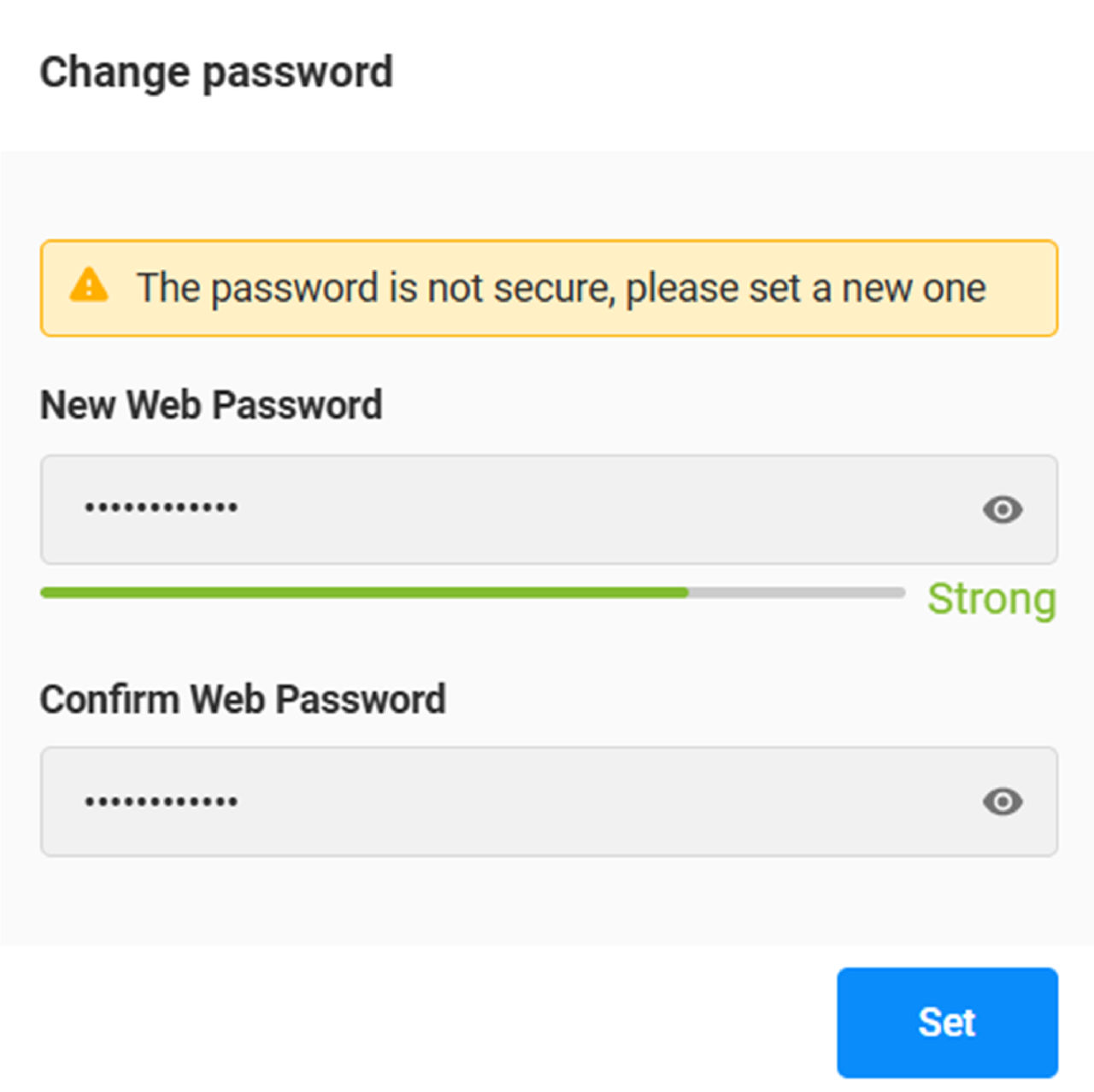
ADDITIONAL INFORMATION: The Change password screen shows.
Enter your new password:
Must be a minimum of 9 characters
Must be sufficiently strong
Is not necessary to start the with "mcx"
Confirm your new password.
Select Set. After you set the new password, the Login will show again.

 ADDITIONAL INFORMATION:Note: The steps specified in this procedure can vary if the MC-X has the updated firmware. A factory reset may not be necessary if a firmware update was done before the unit shipped from the factory. However, it is still necessary to create your own new user password.The login window shows. The Role field defaults to the