Install MC-X license
- Open MCWEB.
- Select .ADDITIONAL INFORMATION:
Figure: Configuration 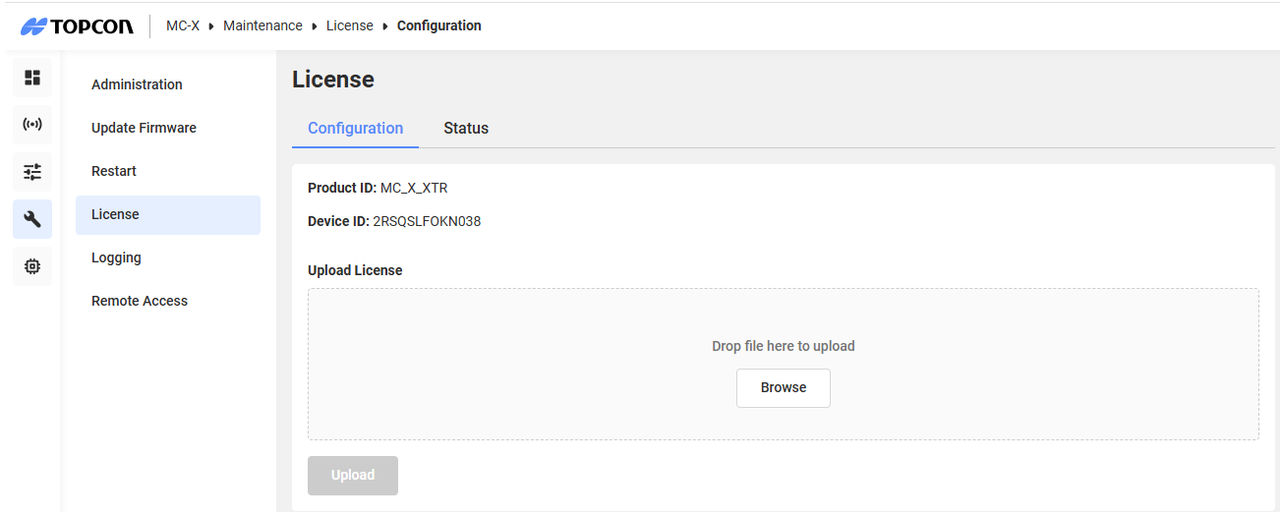
- Select Browse.
- Find and select the MC-X license file with the *.LIC extension.
- Select Upload to install the MC-X license for the MC-X controller.

Looking for your apps? Click the account icon in the upper right corner of the page.
Take your Topcon experience to the next level with myTopcon NOW! This platform is a self-service tool for your desktop or mobile device.





