
- Power off the camera and the CR-P1 scanner.
- Undo the latches and rotate them so they are free from the lip edges on the scanner.
- Rotate the camera/mount assembly upward about 45 degrees, and then pull the assembly away from the scanner.
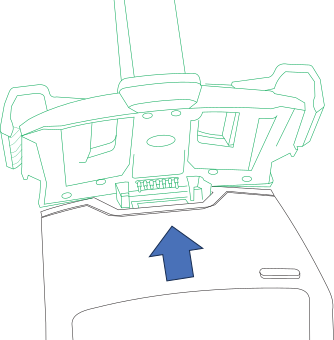
- Use the hex key to loosen the camera screw.
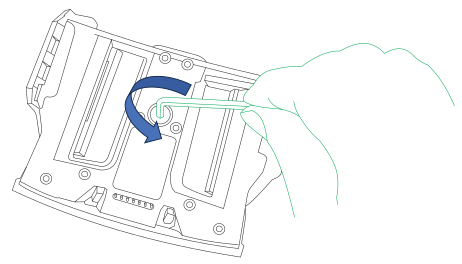
- Remove the camera, being careful not to damage the USB-C connectors.
- Store the camera and mount safely. To protect the camera and the lenses, use the soft cover included with your panoramic camera.
myTopcon NOW! support
Take your Topcon experience to the next level with myTopcon NOW! This platform is a self-service tool for your desktop or mobile device.





