
Connect the GNSS receiver to a controller or computer, open the web UI, and use installed and approved options on the About and Options menus.
- Connect the HiPer XR GNSS receiver to a field controller or computer and open the on-board web UI.
- Select .ADDITIONAL INFORMATION:
Figure: Installed OAFs on the Receiver 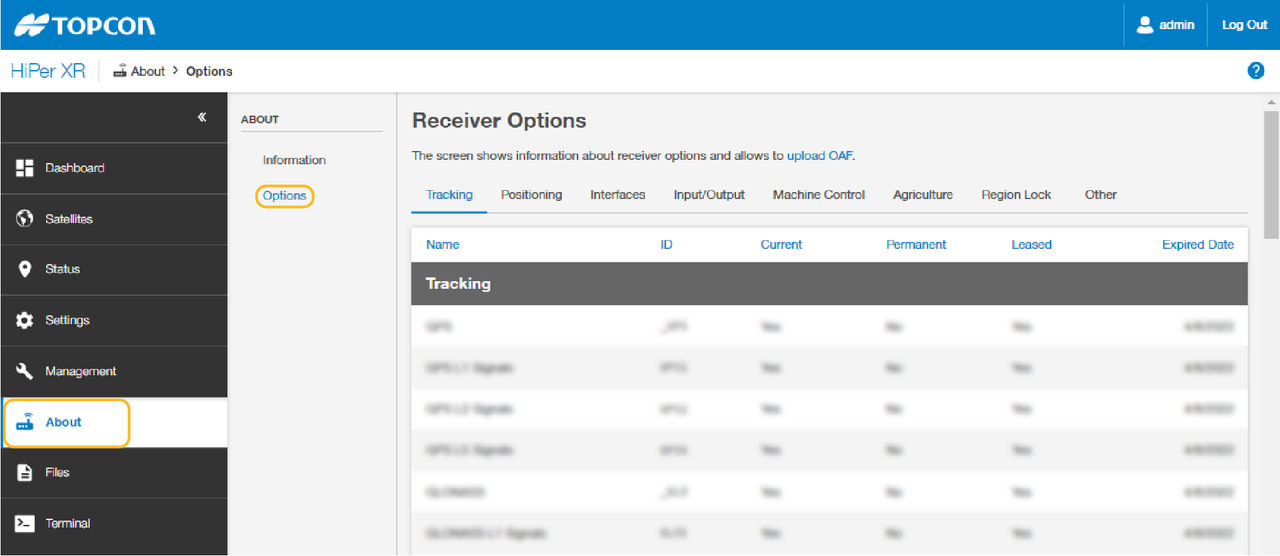 This shows all currently available options that are approved for the receiver. Scroll through the list to see the current approved options that are installed on the receiver.
Previous:
Load an OAF
myTopcon NOW! support
Take your Topcon experience to the next level with myTopcon NOW! This platform is a self-service tool for your desktop or mobile device.





