
Looking for your apps? Click the account icon in the upper right corner of the page.

PAT blade installation

All PAT-style blades that can be attached to a skid steer or CTL are supported.
Note: The components from the 2D Body, 2D Hitch Add-on, and 3D Mastless Add-on installations are necessary for the PAT blade installation, which also has a TS-i4 IMU sensor installed on the blade.
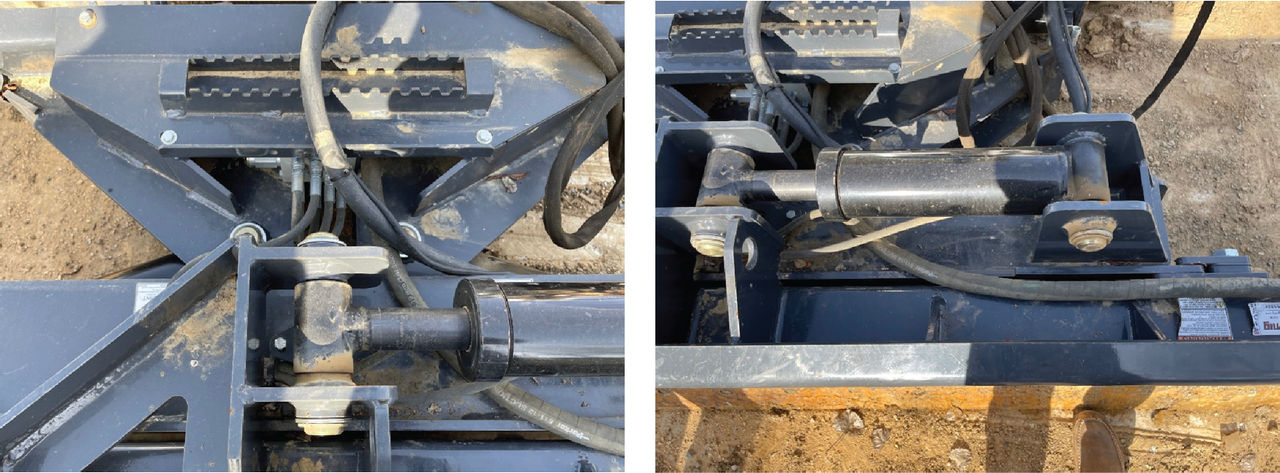
  1. Put the BAYO to M12 cable from the machine bulkhead down to the attachment.
    ADDITIONAL INFORMATION:
    Note: Do not put the cable in a location where it can be pinched or pulled.
  2. Put the M12 cable through the supplied protective hose.
    ADDITIONAL INFORMATION:
  3. Move the blade to its extents and record where strain relief is necessary.
  4. Identify a applicable location for the TS-i4 sensor. The sensor must be as near the center of the blade as possible.
    ADDITIONAL INFORMATION:
    Note: For some attachments, it is necessary to mount the sensor further from the center based on moving the blade to its extents.

myTopcon NOW! support

Take your Topcon experience to the next level with myTopcon NOW! This platform is a self-service tool for your desktop or mobile device. 

Product manuals
paper icon
Communications
phone icon
E-learning
hat icon
Quick start guides
support icon
Firmware & software updates
cloud icon
Troubleshooting
webinars icon





