
- Use the supplied magnet mounts to install the MC-X1 Controller onto the body of the machine.
- Connect the cable to the GX Series Display.ADDITIONAL INFORMATION:
Figure: MC-X1 controller 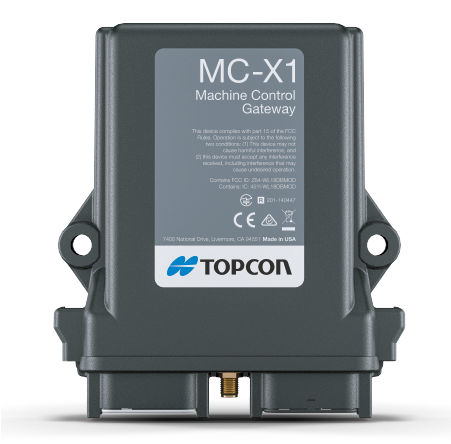
Figure: MC-X1 controller and SL-100 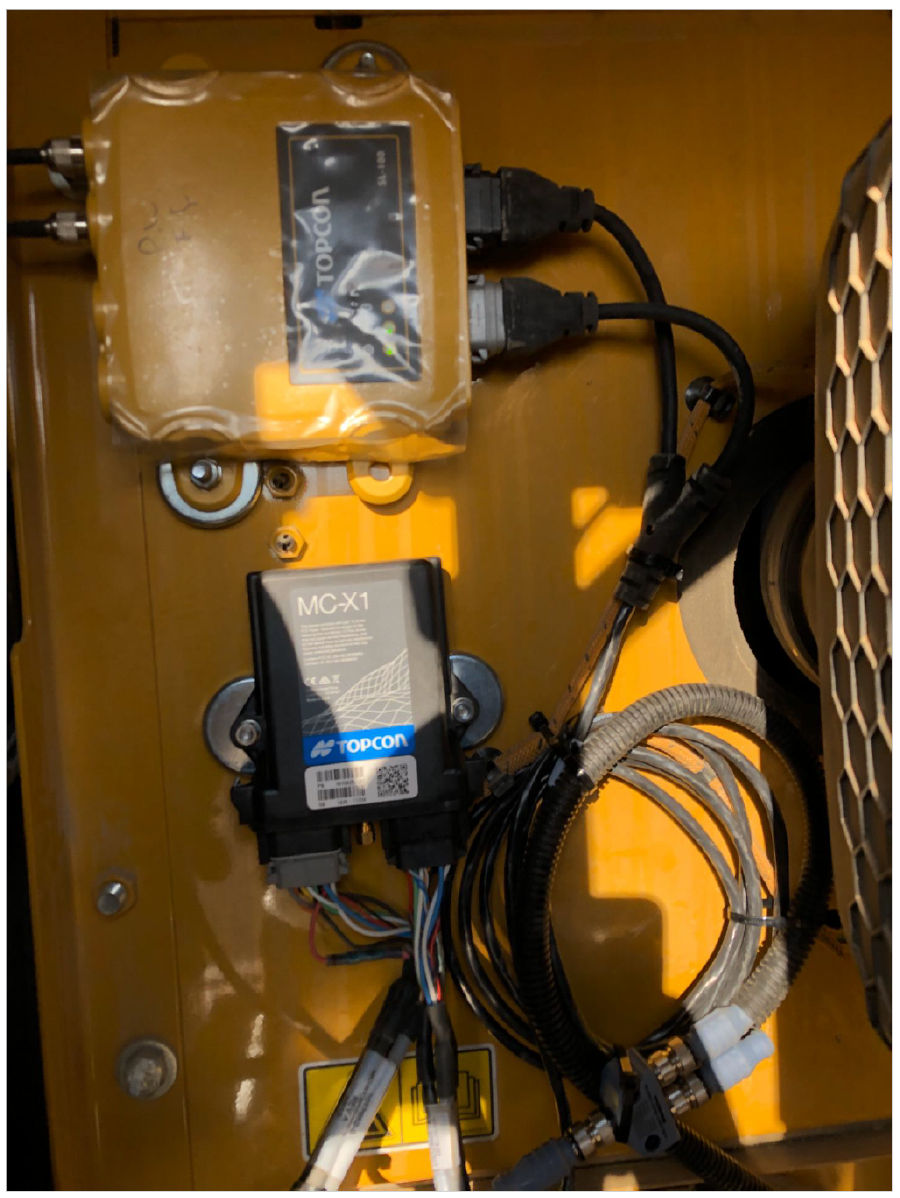
Previous:
CAT screen relocation
myTopcon NOW! support
Take your Topcon experience to the next level with myTopcon NOW! This platform is a self-service tool for your desktop or mobile device.





