
Factory reset for GR-i3
A factory reset returns all GR-i3 settings to the default values and clears the receiver’s Non-Volatile Random Access Memory (NVRAM). NVRAM holds data required for satellite tracking. The factory reset does not delete any files from the receiver and does not reset modem parameters. Perform a factory reset after loading new GNSS firmware files or to eliminate communication or tracking problems.
Note: GR-i3 receivers require time to collect new ephemerides and almanacs, up to 15 minutes, after each factory reset.
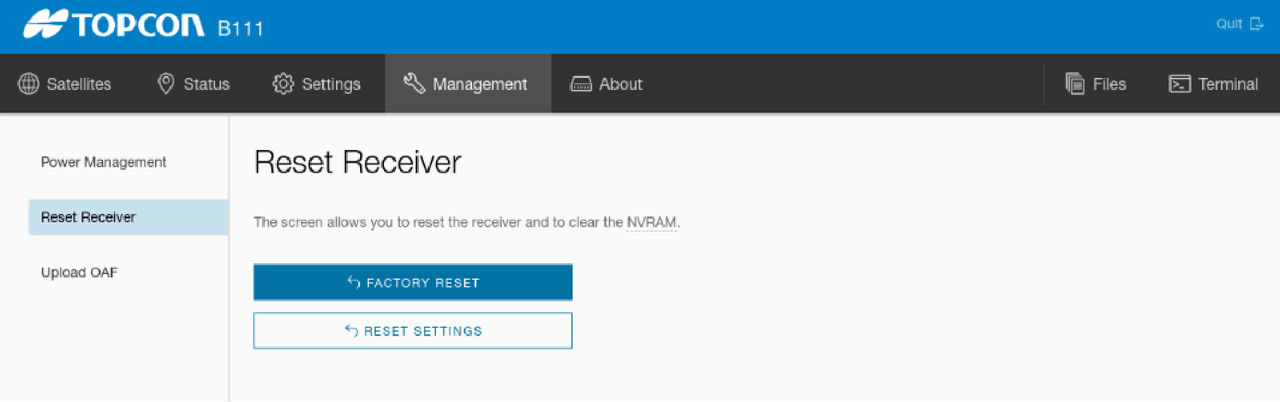
- Launch R-WEB. From the MC-X Machine Control Gateway, select .
- Select Factory Reset.ADDITIONAL INFORMATION:
Previous:
Upload GNSS OAF
myTopcon NOW! support
Take your Topcon experience to the next level with myTopcon NOW! This platform is a self-service tool for your desktop or mobile device.





