
Upload GNSS OAF
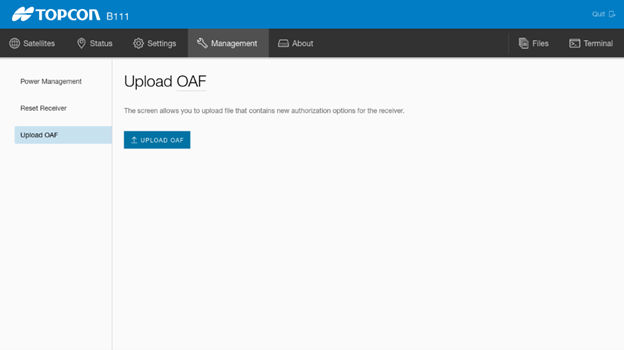
Use R-WEB to upload the GNSS (main or aux) OAF.
- Launch R-WEB. From the MC-X Machine Control Gateway, select .
- Select .ADDITIONAL INFORMATION:
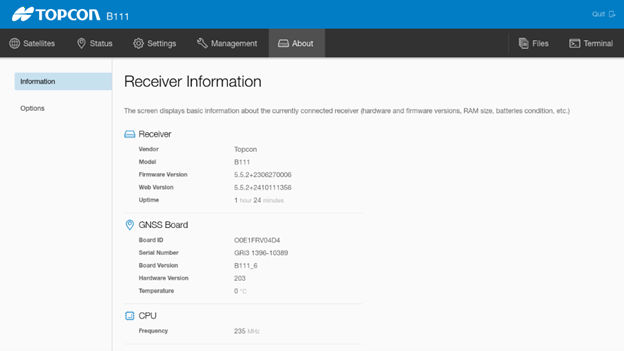
- View the status of the installed OAF. From the MC-X Machine Control Gateway, select .ADDITIONAL INFORMATION:
Previous:
Load GNSS firmware
Next:
Factory reset for GR-i3
myTopcon NOW! support
Take your Topcon experience to the next level with myTopcon NOW! This platform is a self-service tool for your desktop or mobile device.





