Looking for your apps? Click the account icon in the upper right corner of the page.

Single Mast Installation

Blade-mounted 2D/3D elevation sensors use masts. There are different brackets for the dozer manufacturers and models. You can attach some masts directly to the blade. Welded brackets are necessary for other masts.
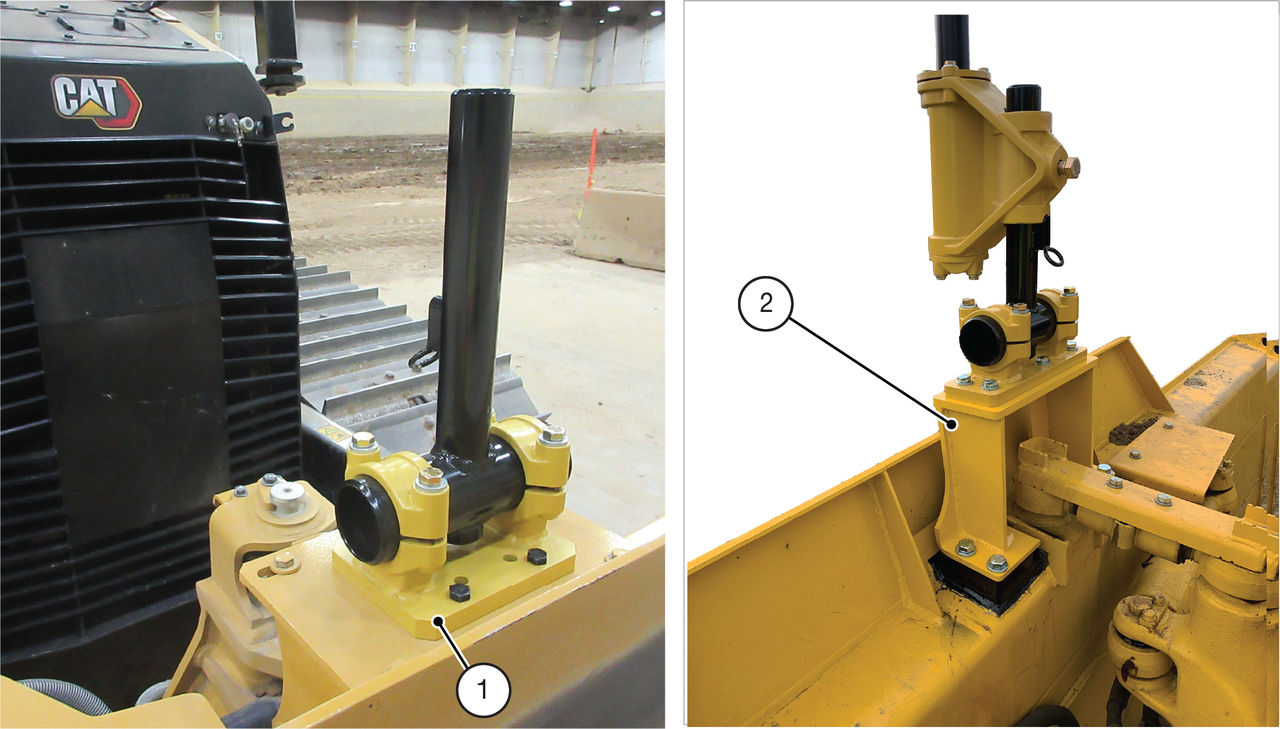
The photos in this section show the installation of the mast bracket (P/N 1002278-01). The procedure is identical for other brackets that require welding.
  1. Mark the mounting location of the pads.
  2. Grind the outlined areas to remove the paint.
  3. Weld the plates to the machine.
  4. Install the bracket to the mounting pads using bolts and washers.
    ADDITIONAL INFORMATION:
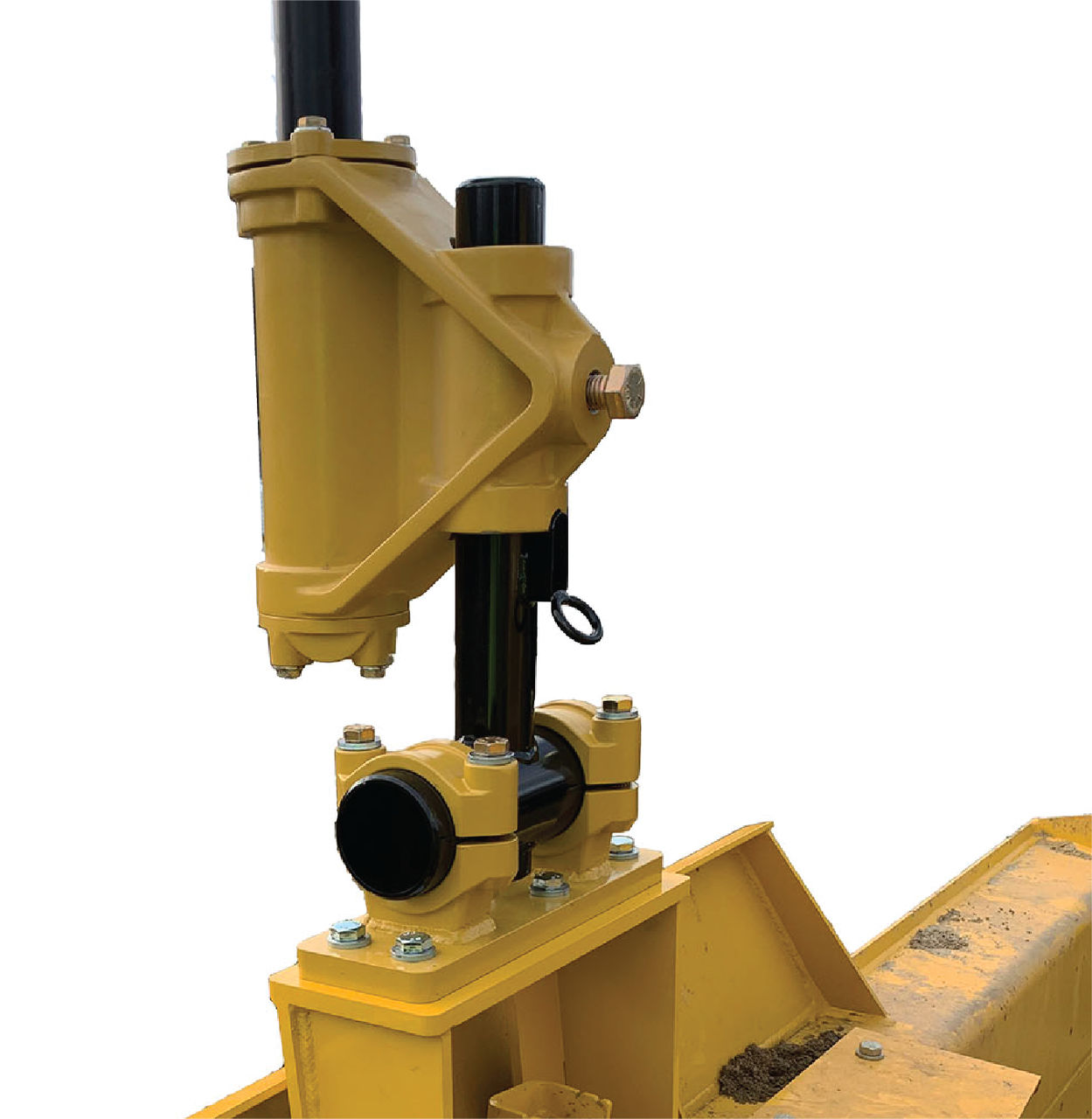
    Figure: Vibration post bracket
    1. Bolt-on mast bracket example
    2. Weld-on mast bracket example
  5. Install the T-post assembly onto the mounting bracket using the six bolts and washers.
  6. Attach the T-post to the bracket with the saddle brackets and hardware.
  7. Face the post in the applicable direction.
  8. Attach the mast to the tee with the slot in the mast in the notch.
  9. Tighten the set bolt to fully attach the assembly to the tee.
  10. Measure for 3D elevation sensor with the mast forward.
    ADDITIONAL INFORMATION:
    Figure: Vibe post

myTopcon NOW! support

Take your Topcon experience to the next level with myTopcon NOW! This platform is a self-service tool for your desktop or mobile device. 

Product manuals
paper icon
Communications
phone icon
E-learning
hat icon
Quick start guides
support icon
Firmware & software updates
cloud icon
Troubleshooting
webinars icon