
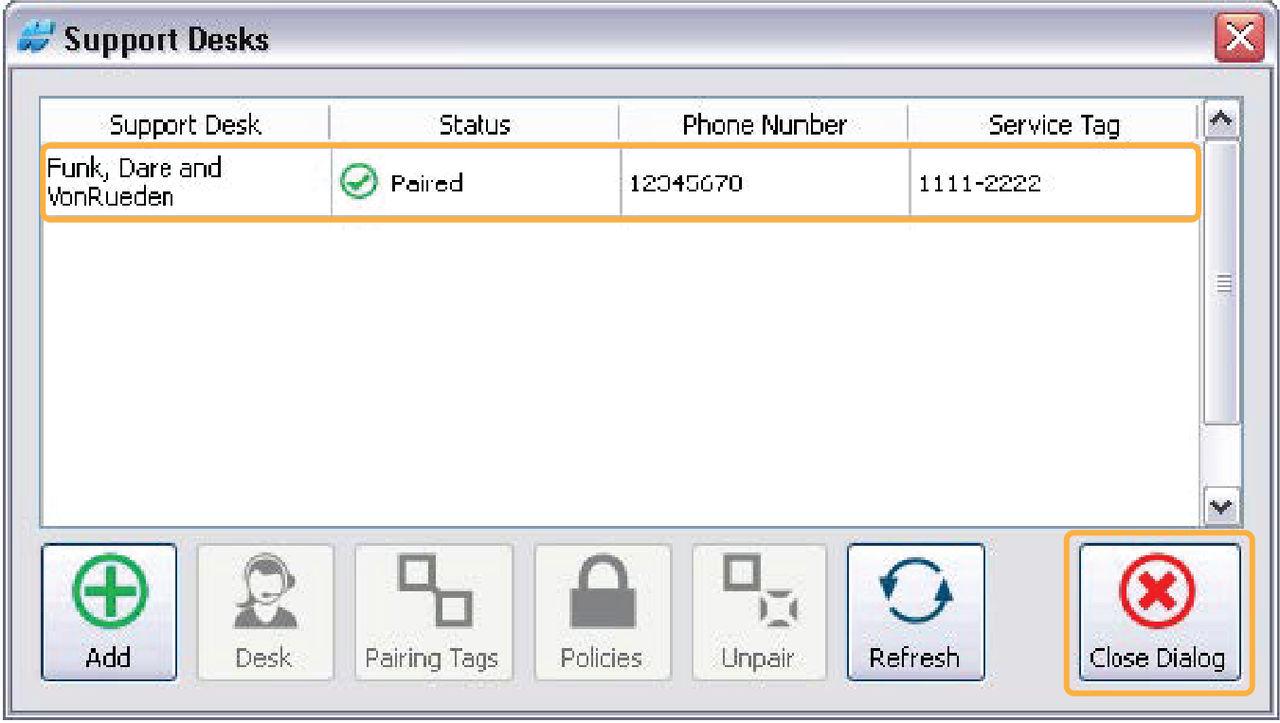
A Support Desk pairing can be reviewed or changed on the Support Desk window. Each step in the process can be reviewed at the bottom of the Support Desk window.
- Select .
- Select the applicable icon for modification.ADDITIONAL INFORMATION:
Icon Name Function 
Desk Opens the Desk Information window to view Support Desk details (read only) 
Pairing tags Opens the Editing Pairing Tags window 
Policies Opens the What can this Support Desk do? window 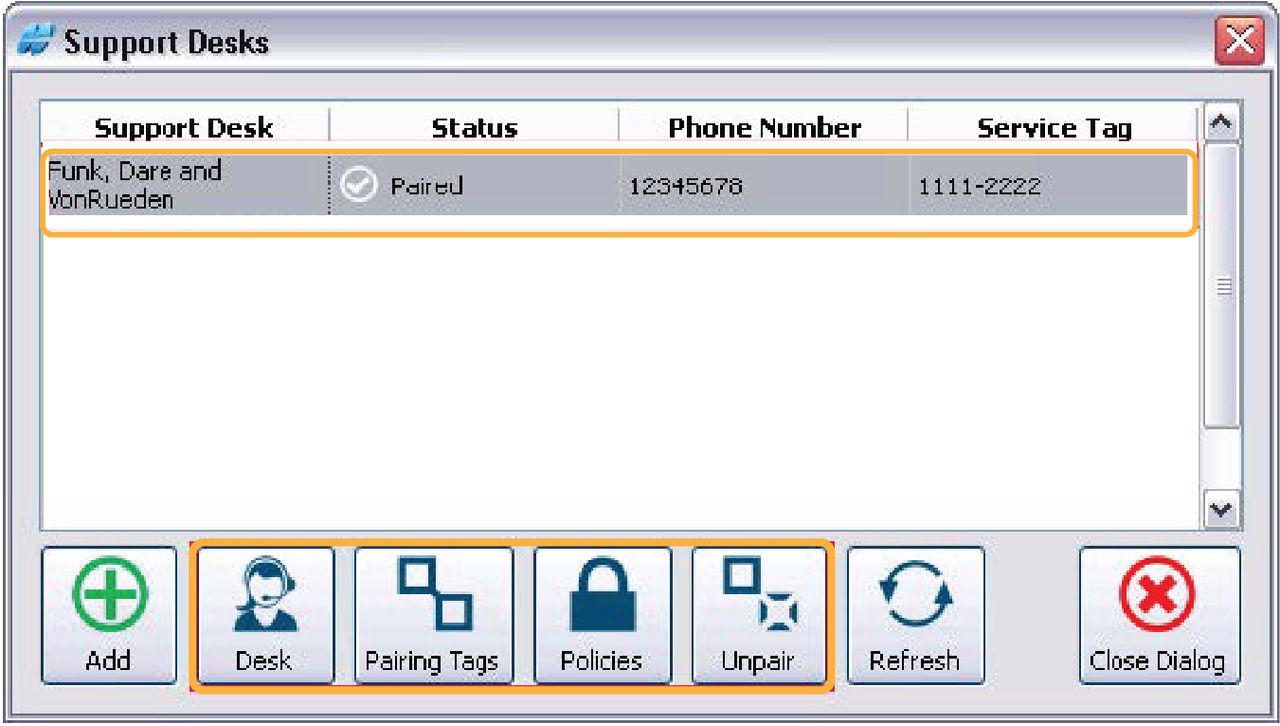
- Select Add Pairing.ADDITIONAL INFORMATION:
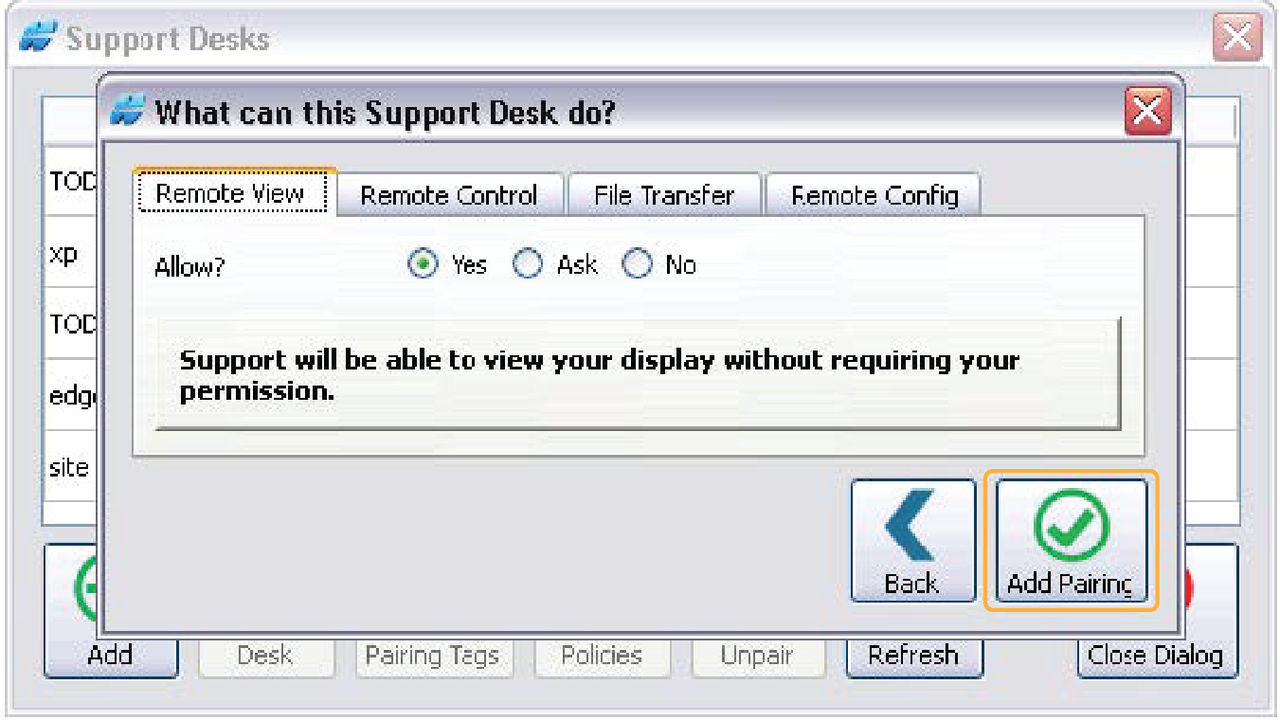
- The Remote Support Client goes back to the Support Desks window which shows the new Support Desk in the list.
- Select Close Dialog to exit.ADDITIONAL INFORMATION:
Previous:
Support desk permissions
Next:
Request support
myTopcon NOW! support
Take your Topcon experience to the next level with myTopcon NOW! This platform is a self-service tool for your desktop or mobile device.





