
- Connect the male bayonet to M12 Y harness (P/N 1058464-01) to the appropriate connector on the machine bulkhead. This is the single point of connect and disconnect for the Topcon system when switching to other attachments.ADDITIONAL INFORMATION:
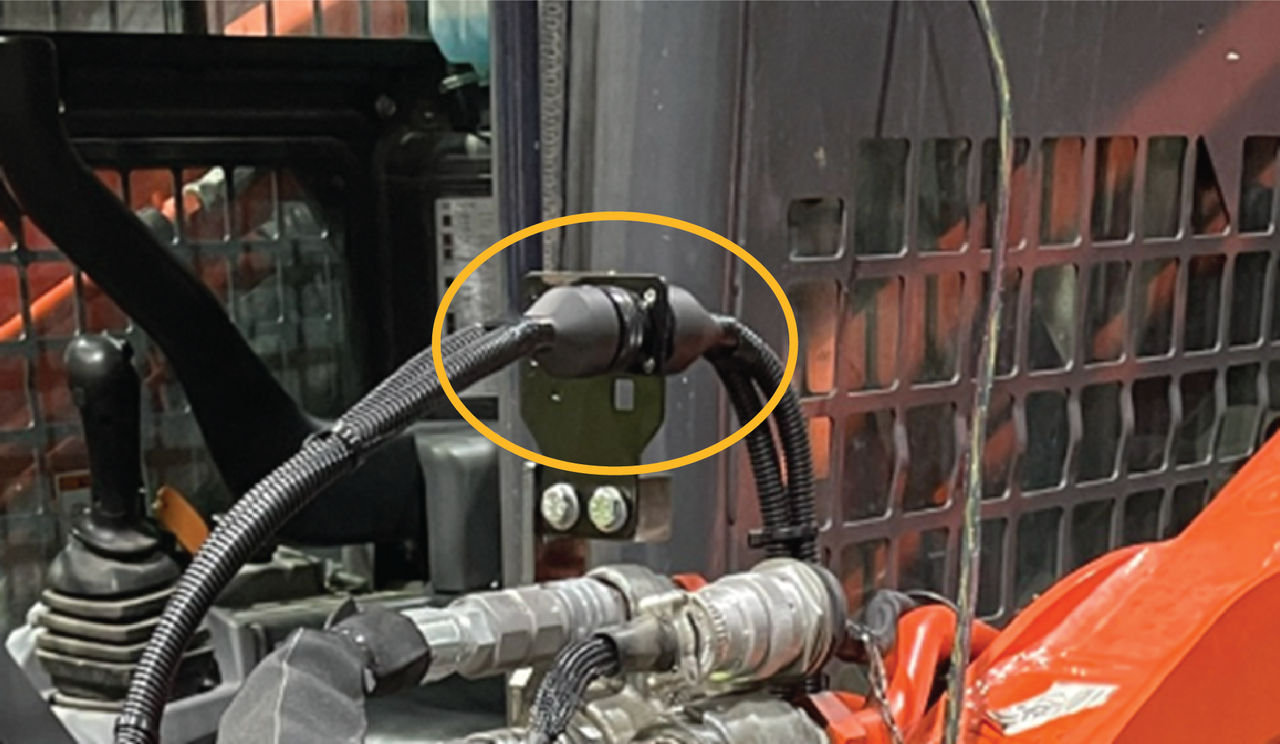
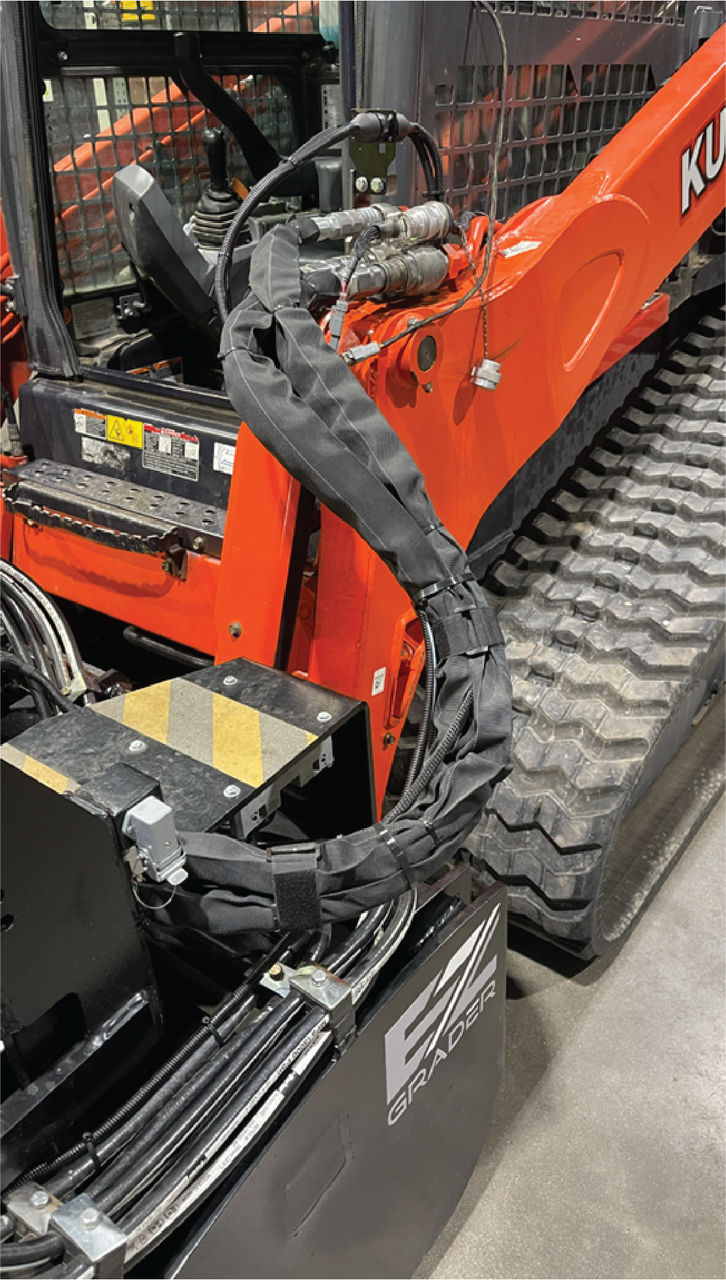
- Connect a 1M M12 cable to the CANopen connector of the bayonet to M12 harness (P/N 1058464-01). Connect the Ligchine interface harness (Ligchine P/N EL-015767) to the J1939 connector of the bayonet to M12 connector. Route the cables along the existing attachment hydraulic hoses and 14-pin interface cable. Wire loom the cables that run to the attachment and zip tie to the hydraulic hose.ADDITIONAL INFORMATION:
- Connect CAN Tee (P/N 3020-0526) to CANOpen cable.
- Connect the CANOpen M12 to CAN Tee (P/N 3020-0526).
- Connect CAN Terminator (P/N 4060-0586) to CANOpen CAN Tee.ADDITIONAL INFORMATION:
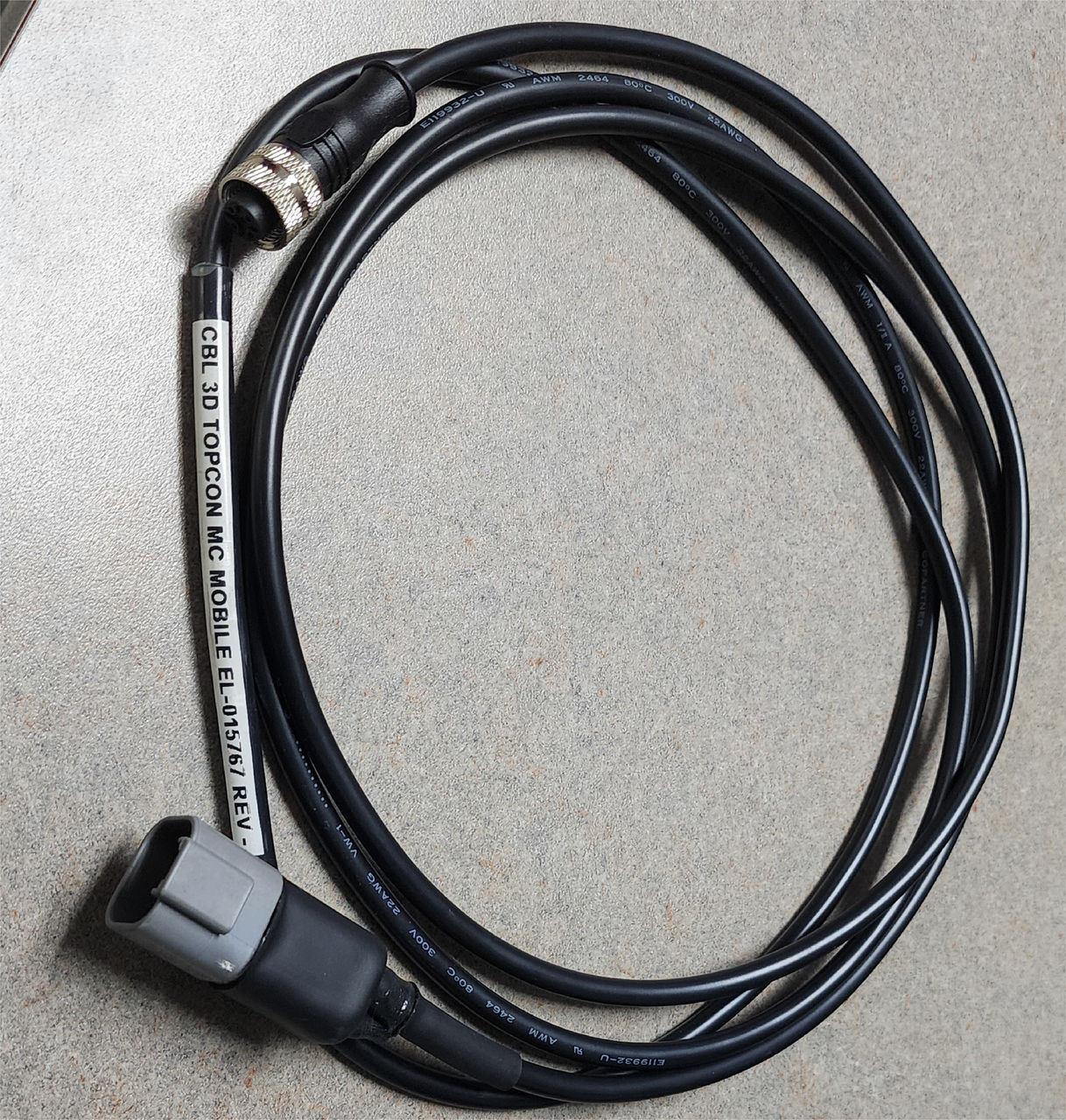
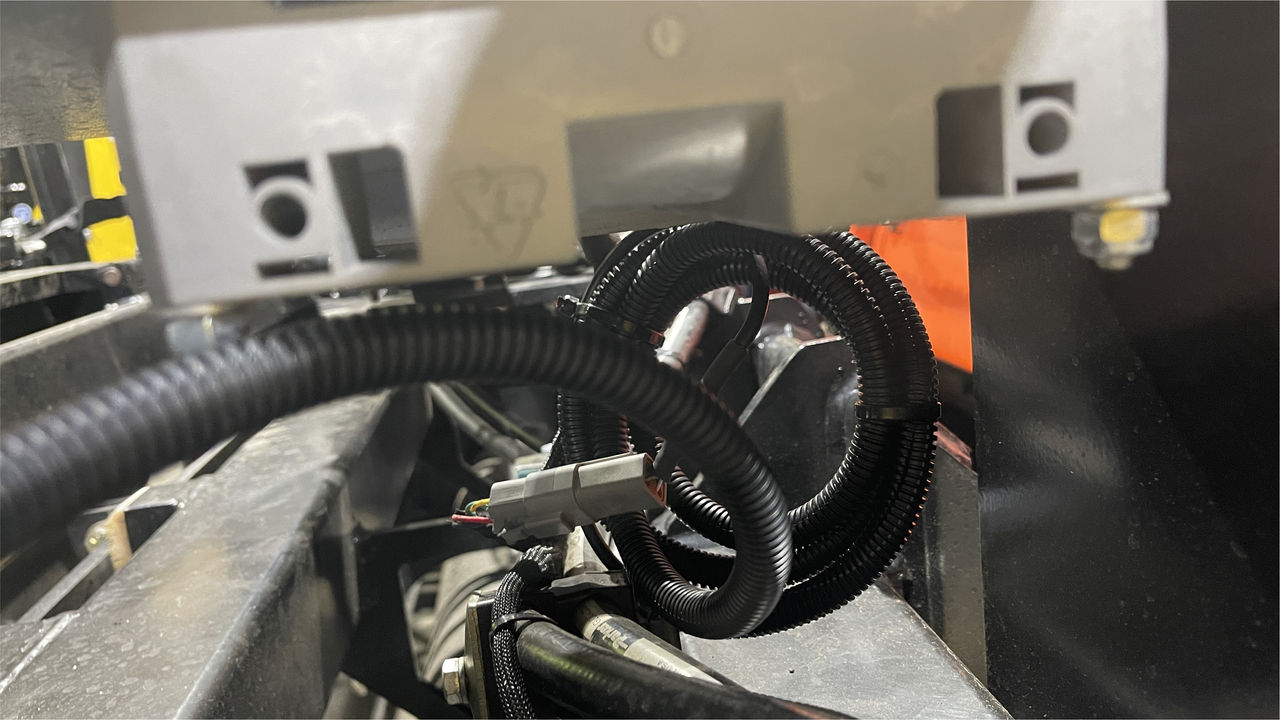
- Connect the Ligchine Interface harness to the Valve Controller Harness.ADDITIONAL INFORMATION:
Previous:
Test independent function
myTopcon NOW! support
Take your Topcon experience to the next level with myTopcon NOW! This platform is a self-service tool for your desktop or mobile device.





