
- Select a task.ADDITIONAL INFORMATION:
Figure: Task selection 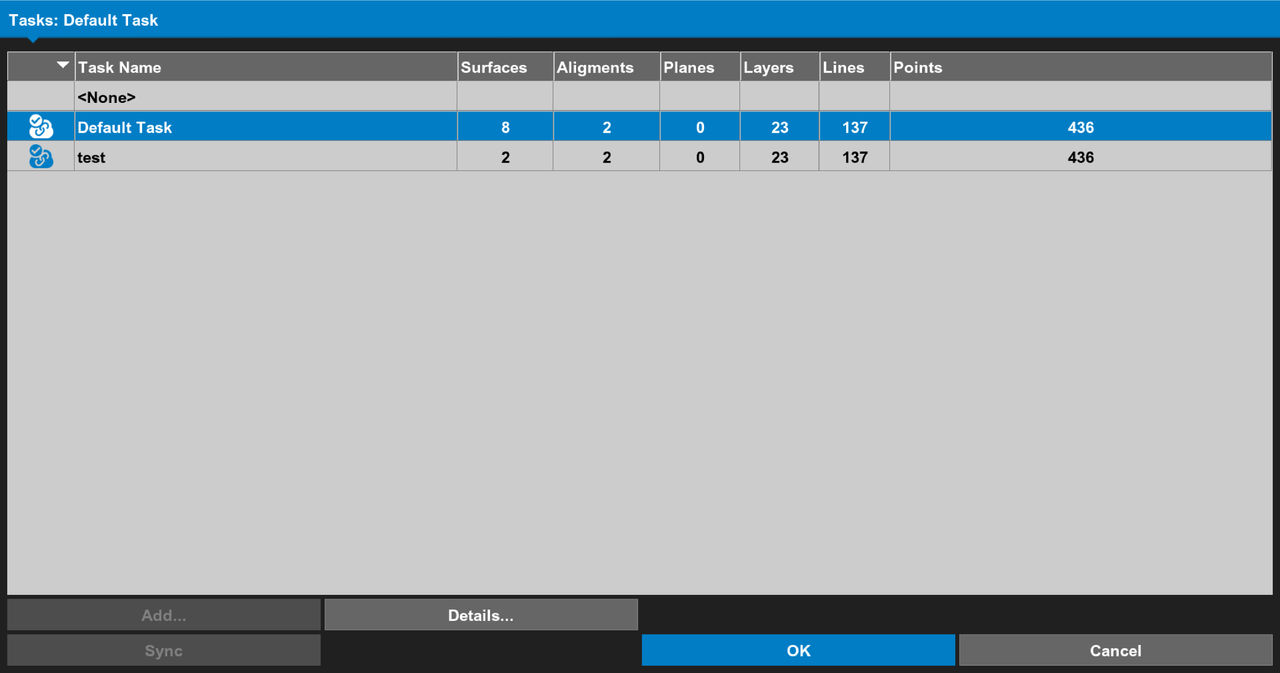
- Configure the task.ADDITIONAL INFORMATION:
Figure: Task configuration 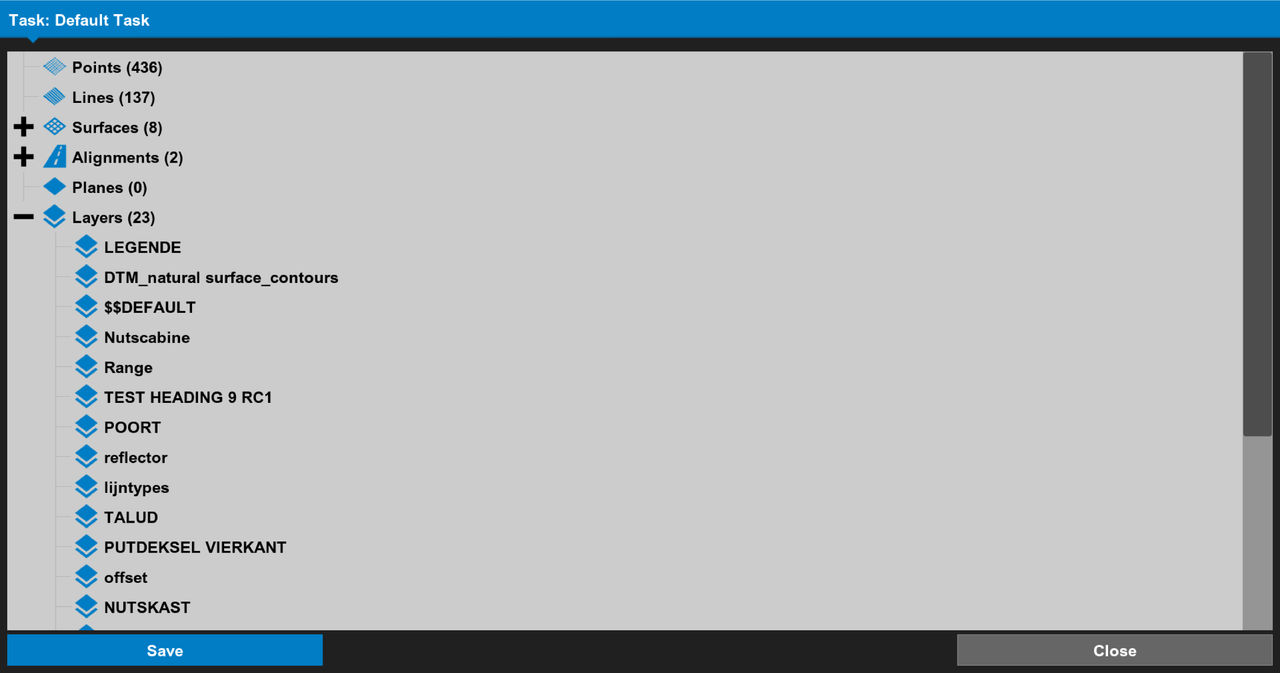
- Select the active:
- Surface
- Alignment
- Operator
- Material
- Delay
- As-built
ADDITIONAL INFORMATION:Figure: Make active 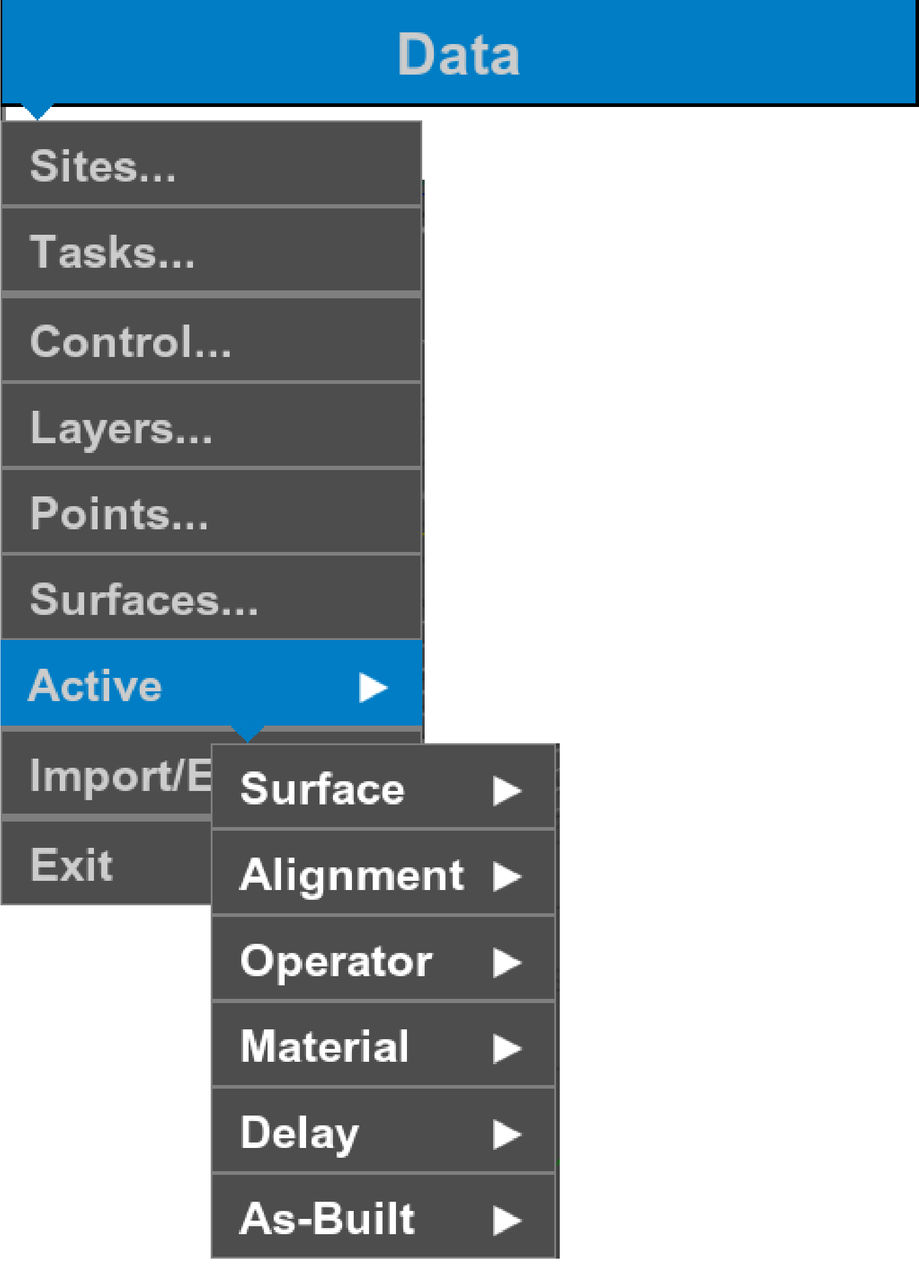
- Configure the task as necessary.ADDITIONAL INFORMATION:
Figure: Edit task 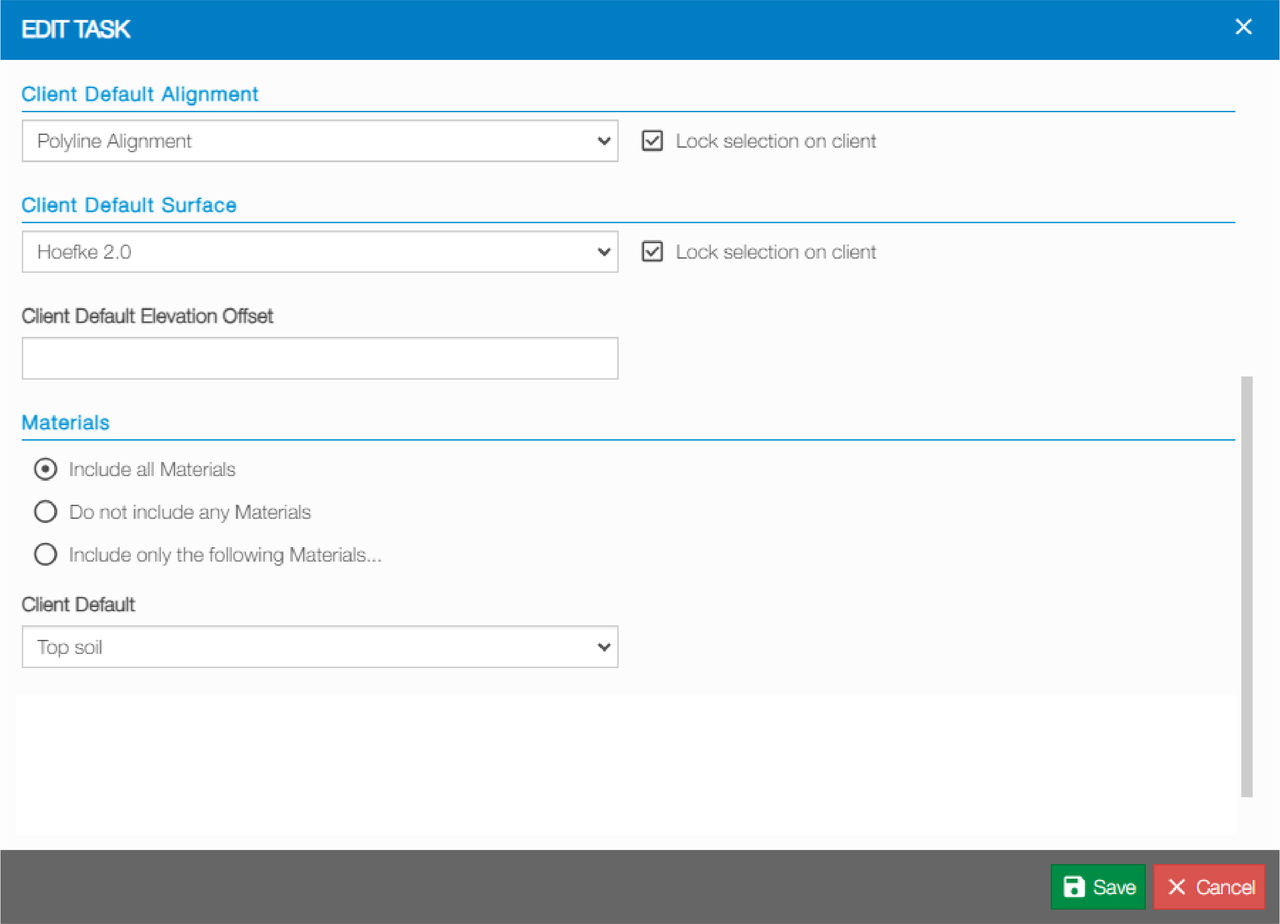
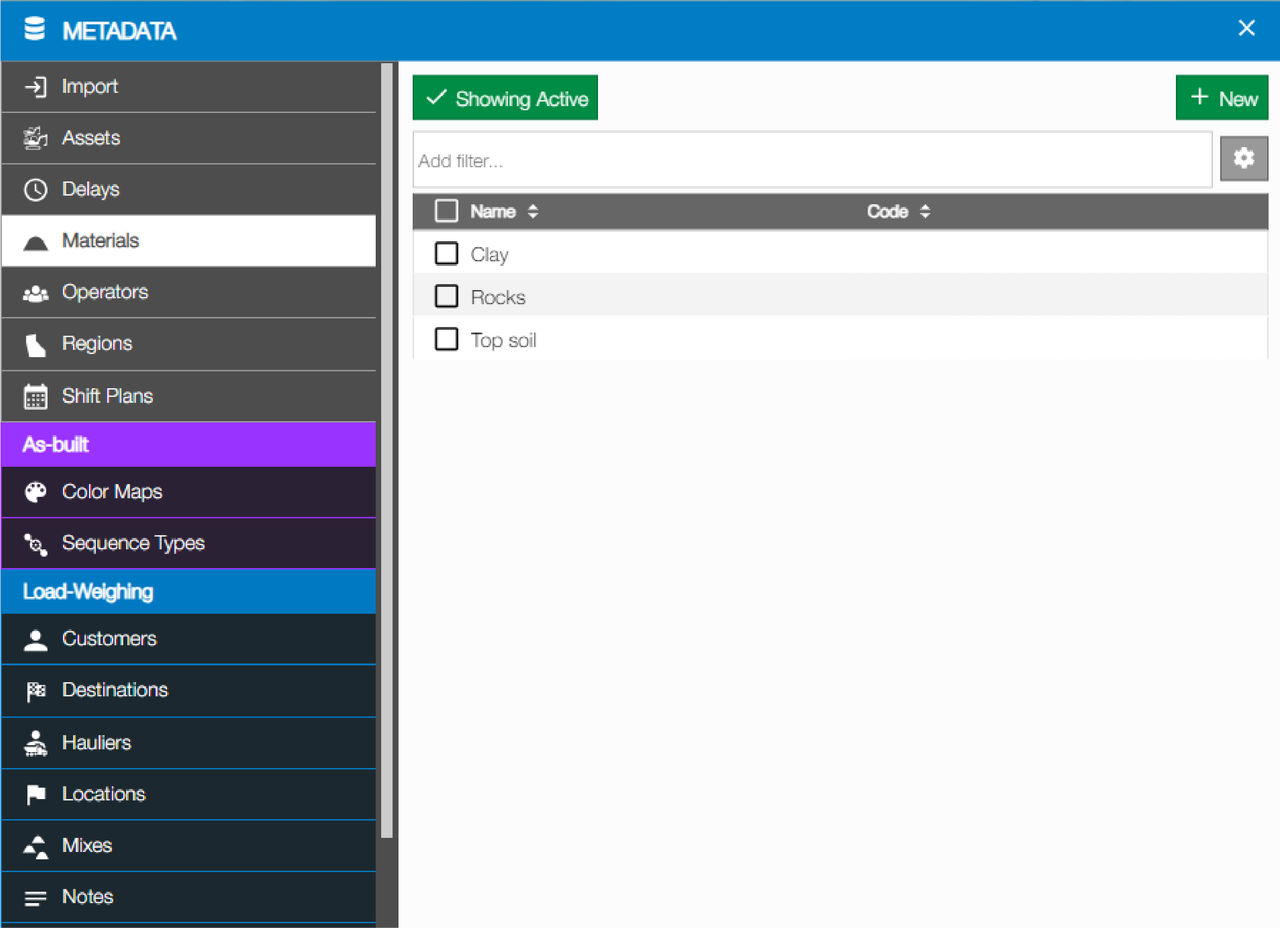
- Select the sequence.ADDITIONAL INFORMATION:
Figure: Sequence selection 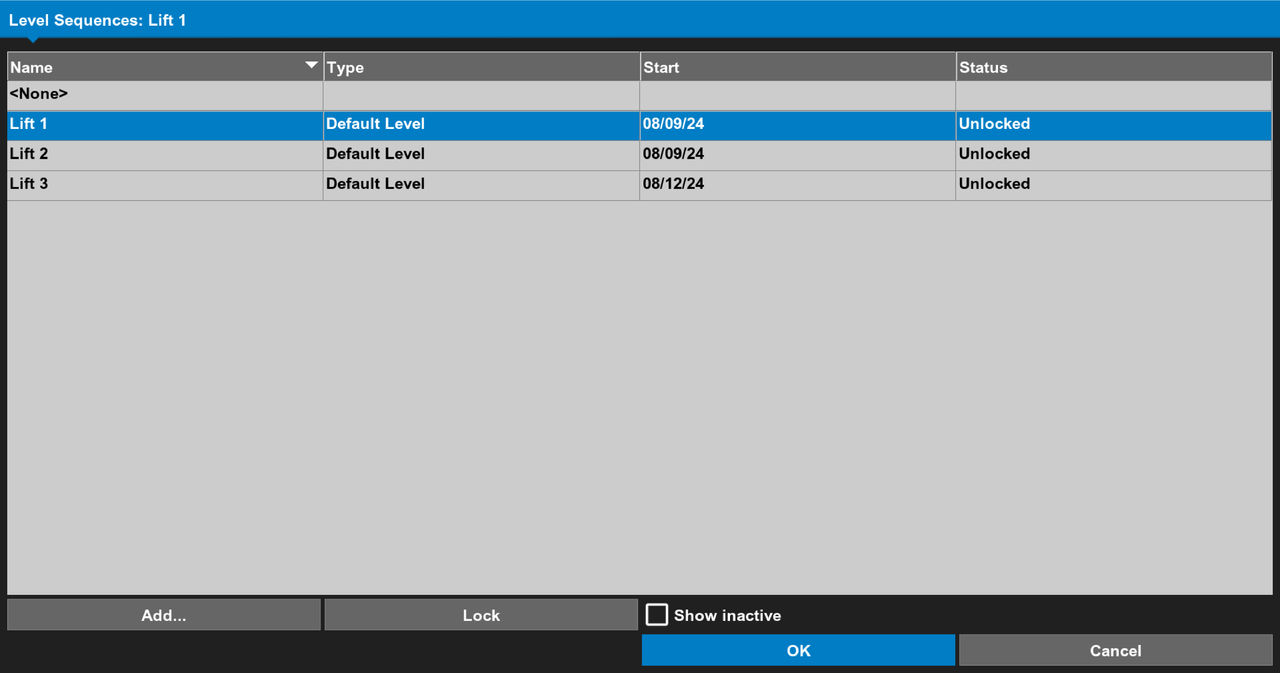
- Select the as-built filters.ADDITIONAL INFORMATION:
Figure: Filter selection 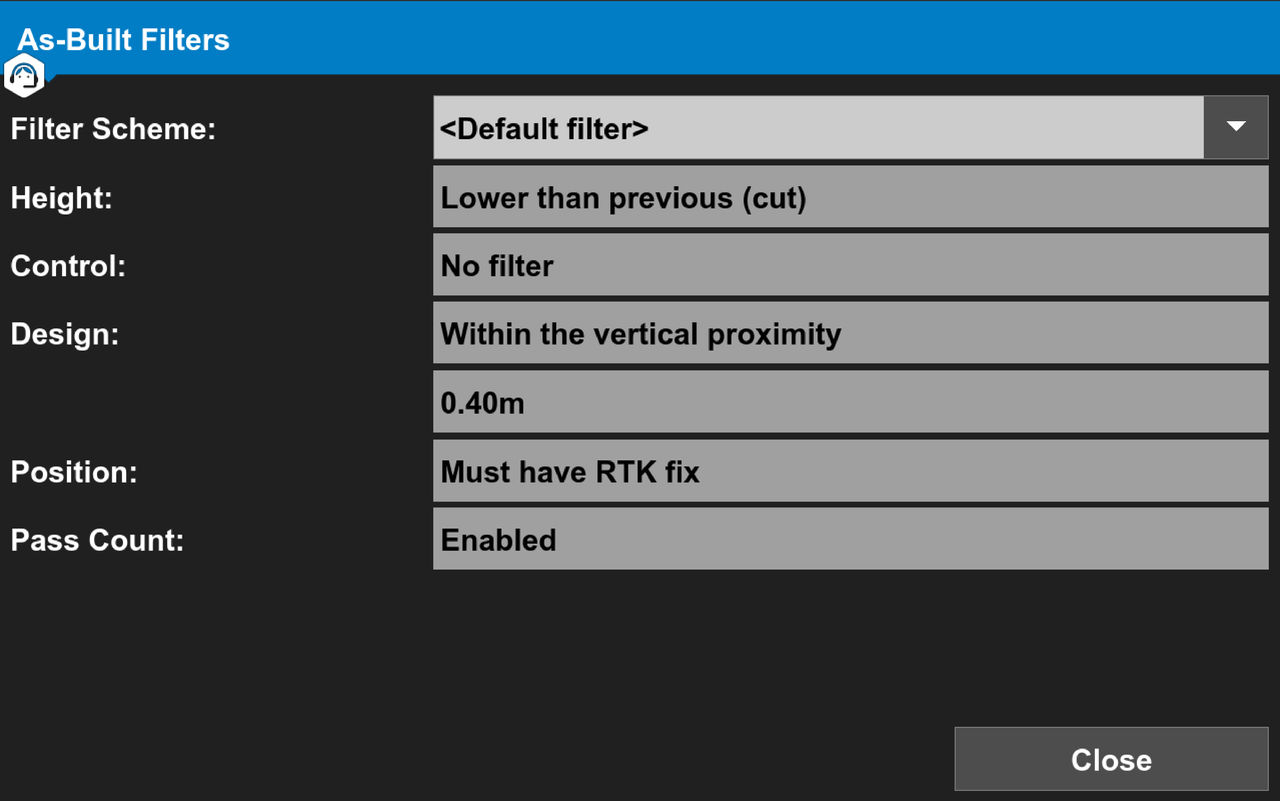
- Enable display and collection of as-built data.
Previous:
As-built terminology
Next:
3D-MC task selection
myTopcon NOW! support
Take your Topcon experience to the next level with myTopcon NOW! This platform is a self-service tool for your desktop or mobile device.





