
- Select to open the Tasks screen.
- Select the task.ADDITIONAL INFORMATION:More than one clients (machines) can select and work on a given task. All clients contribute to the as-built data.
Figure: Default task 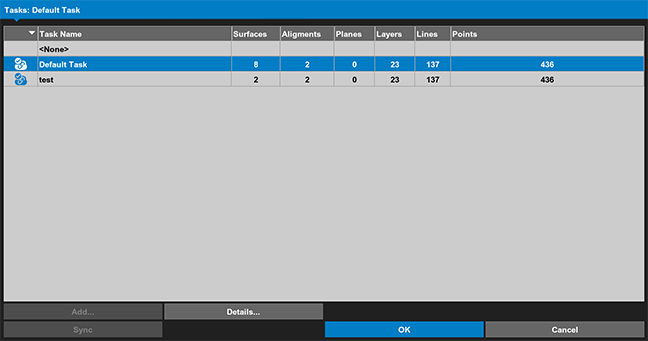 The selected task data show on the Tasks screen.
myTopcon NOW! support
Take your Topcon experience to the next level with myTopcon NOW! This platform is a self-service tool for your desktop or mobile device.





