
Gives an overview of automated and manual grading operations that include curl, manual, active angles, grading types, tilt adjustments, and back grading techniques for enhanced precision and efficiency.
Curl angle
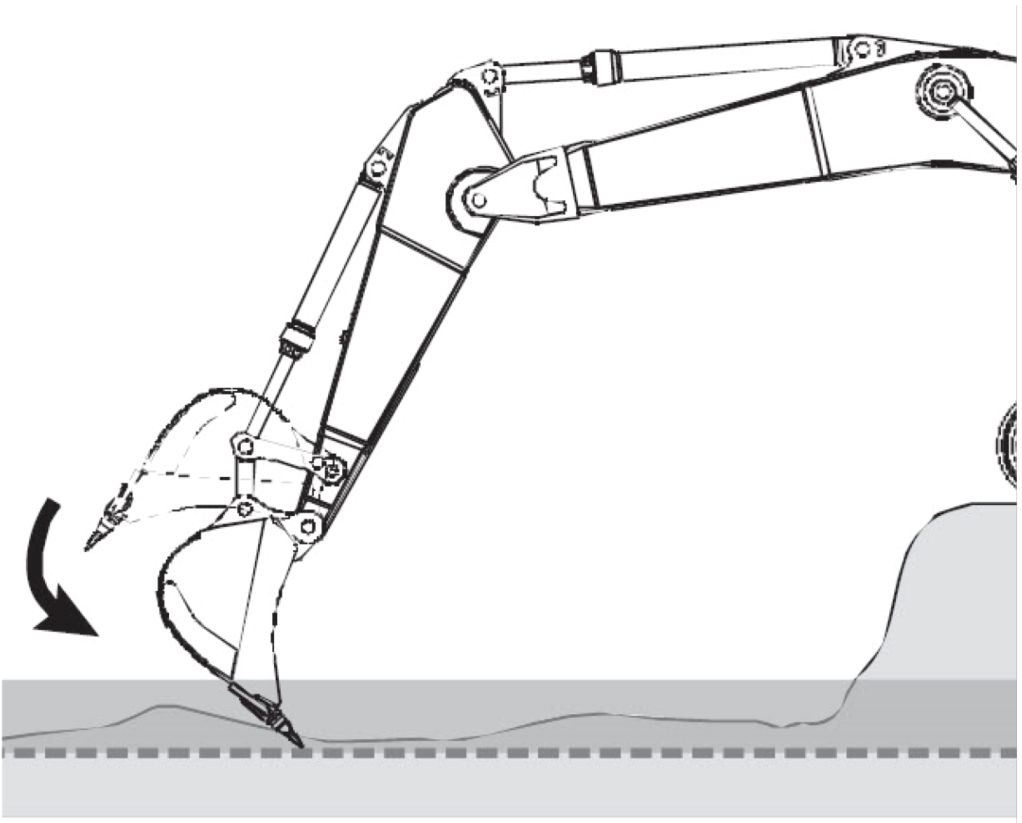
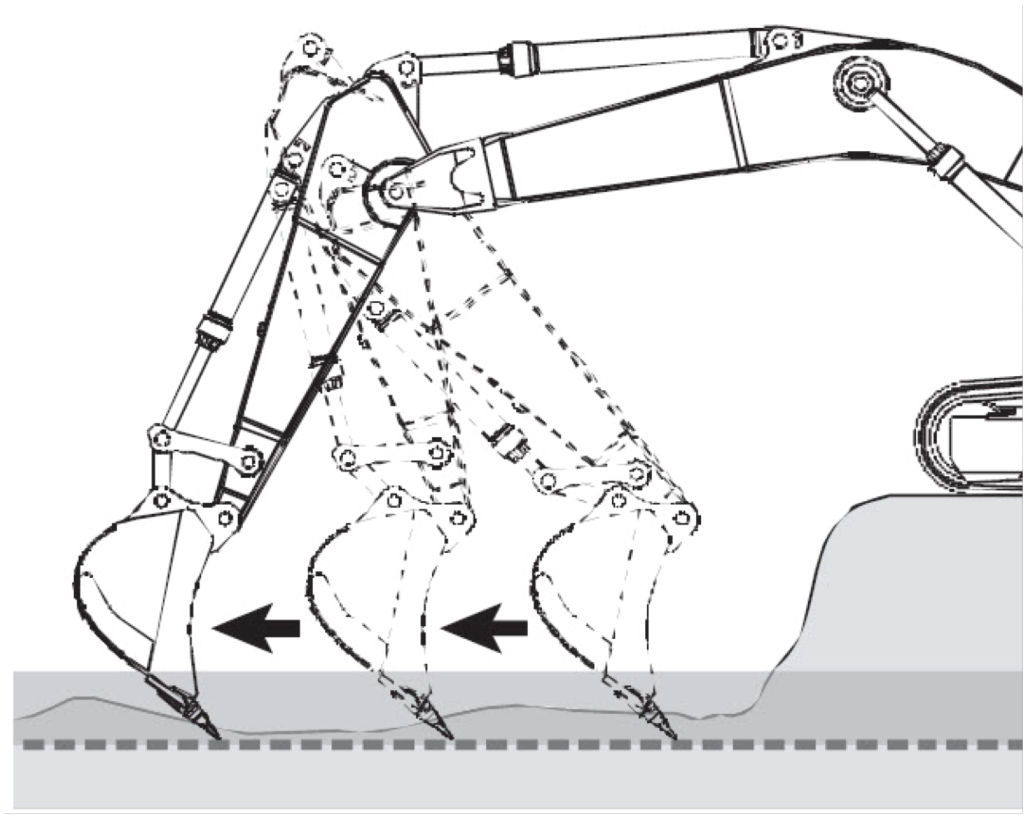
The active control system starts automated grading when the cutting edge reaches the working window (a). It controls the boom up and down to track the design surface (b) within the working window (a).
The operator can grade by controlling the boom and bucket using the arm-in/arm-out operation.
Operation, controlled by the Active Control system, can be overridden when boom-up is selected, using the right control lever (joystick), during grading to pick out rocks or avoid obstacles.
The working window is set to 10 cm above the design surface when entering and 20 cm above the design surface when exiting.
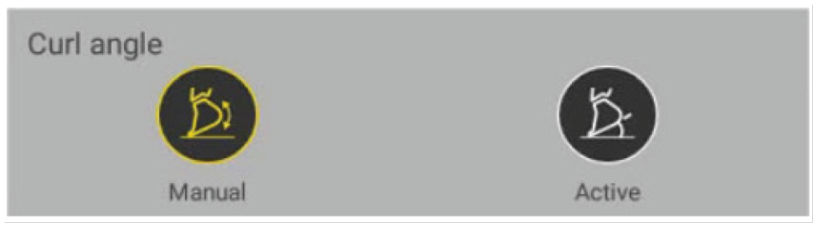
Manual angle
There is no bucket control during automated grading. The boom is controlled automatically to track the design surface (2).
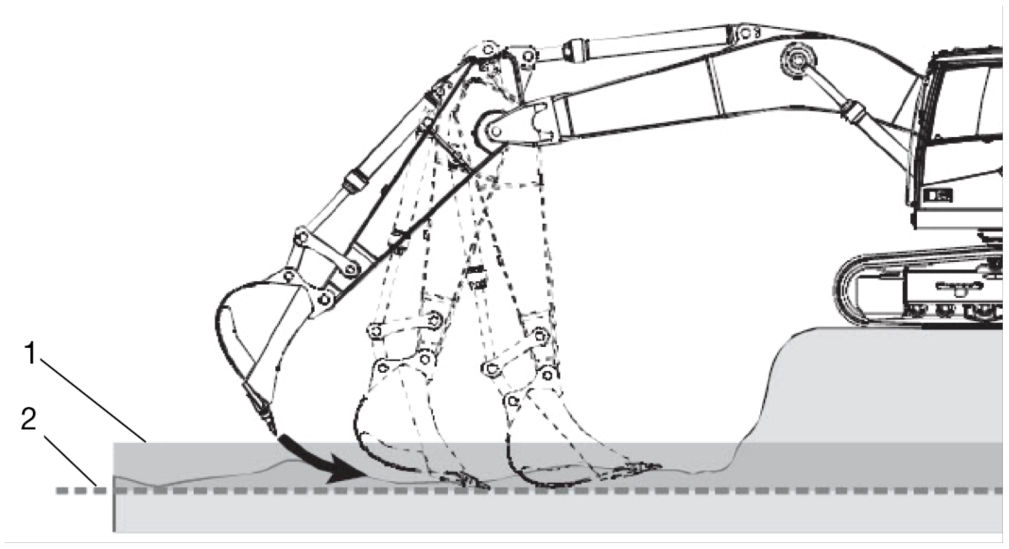
- Working Window
- Design Surface
Active angle
The bucket cutting angle is maintained during automated grading. The boom and bucket are controlled automatically to track the design surface (2). This gets a wider grading length and makes soil cutting easy.
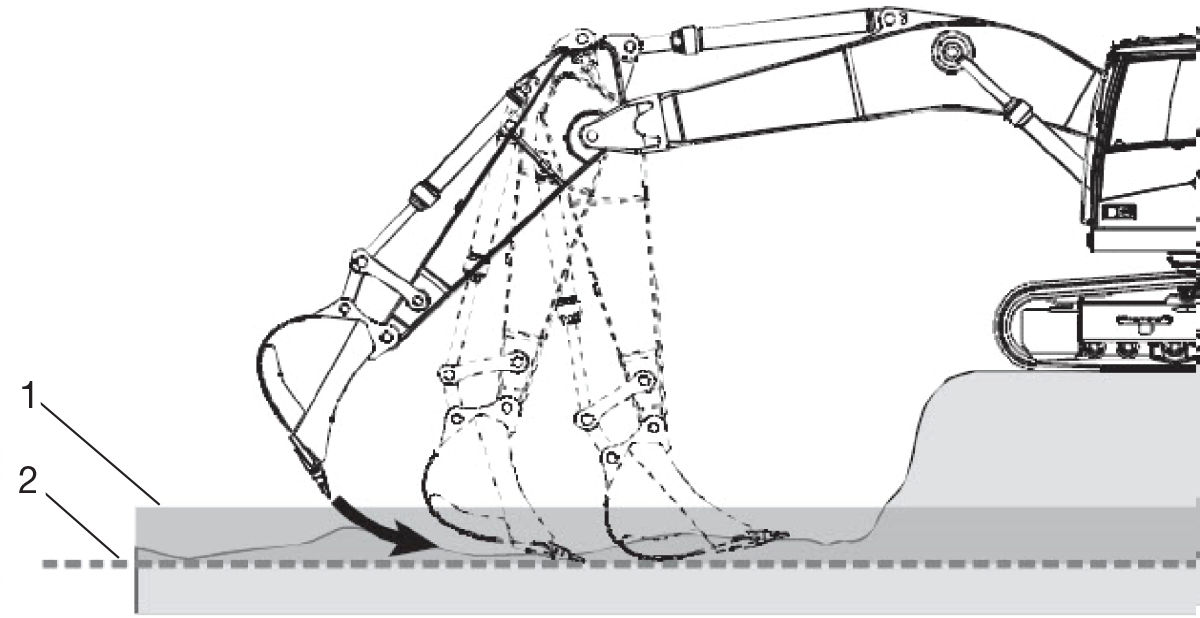
- Working Window
- Design Surface
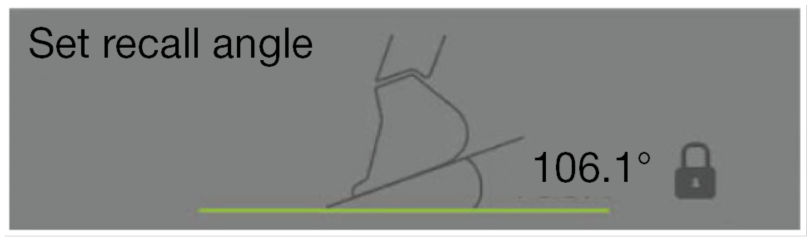
Set recall angle
You can save and lock the applicable grading angle. While you work, you can get the recorded bucket angle by using the programmed joystick button.
Grading
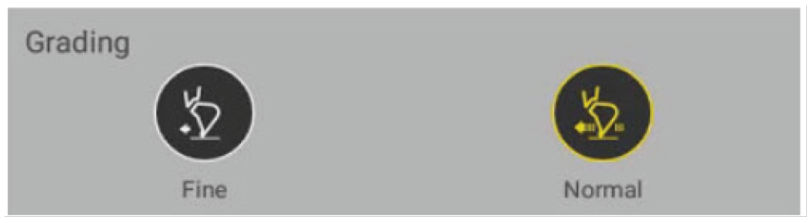
Fine Grading:
Used for high accuracy fine grading, but the grading speed is limited.
Normal Grading:
Used for rough grading and the grading speed is faster than fine grading.
Tilt
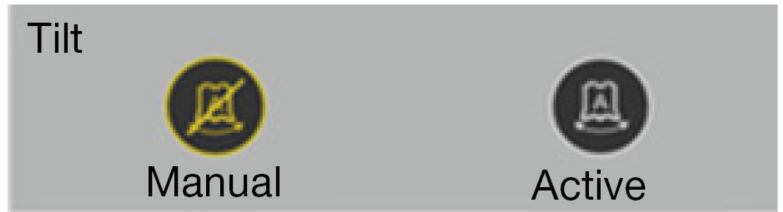
Manual Tilt:
No tilting angle control of the bucket during automated grading.
Active Tilt:
The tilt angle is automatically adjusted to the cross angle on the design surface. You can do grades with the arm-in/out operation on slopes in these conditions:
- Boom and tilt angle are controlled when activated together with manual angle mode.
- Boom, bucket and tilt angle are controlled when activated together with active angle mode.
Notice:
Tilt is enabled for the supported models only, with a tilting bucket. This does not apply to general function buckets.
Back grading
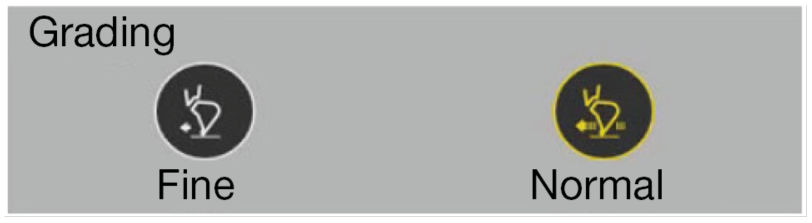
Manual Back Grading:
No boom control during back grading using the arm out operation.
Active Back Grading:
You can do back grading work by controlling the boom with the arm out operation. The boom is controlled automatically to track the design surface.
Previous:
Active control from 3D-MC Activation
Next:
Boundary
myTopcon NOW! support
Take your Topcon experience to the next level with myTopcon NOW! This platform is a self-service tool for your desktop or mobile device.





