
Points, lines and polygons in an avoidance area are known as plan data.
- 2D mode enables the avoidance alarm when an object collides with the machine boundary at an elevation.
- 3D mode enables the avoidance alarm when an object collides with the machine boundary above or below the elevation set by the proximity value.
- Off disables proximity for plan data for the selected layer.
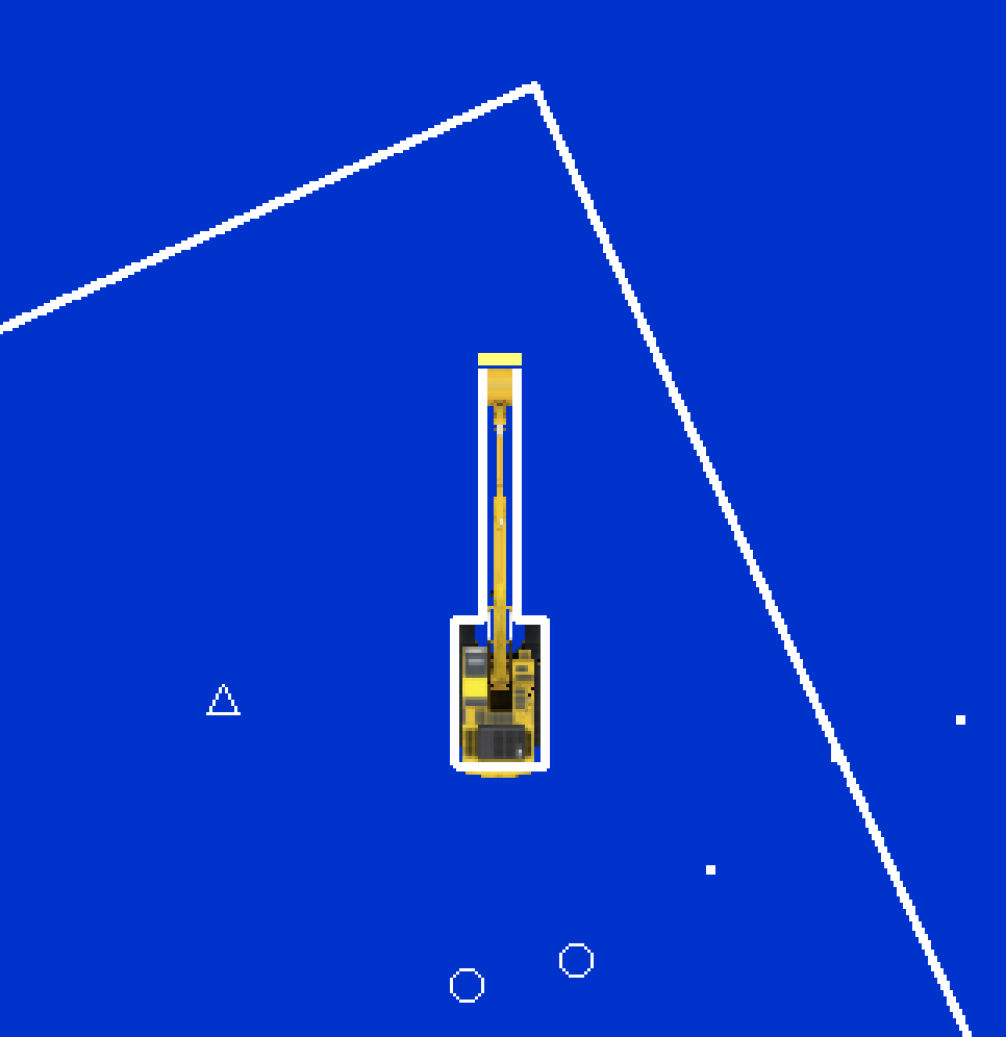
The proximity value expands the collision boundary of the machine. This makes a border around the plan objects. The machine boundary follows the machine tracks, the body, boom, stick, and bucket for 3D objects to sense collisions.
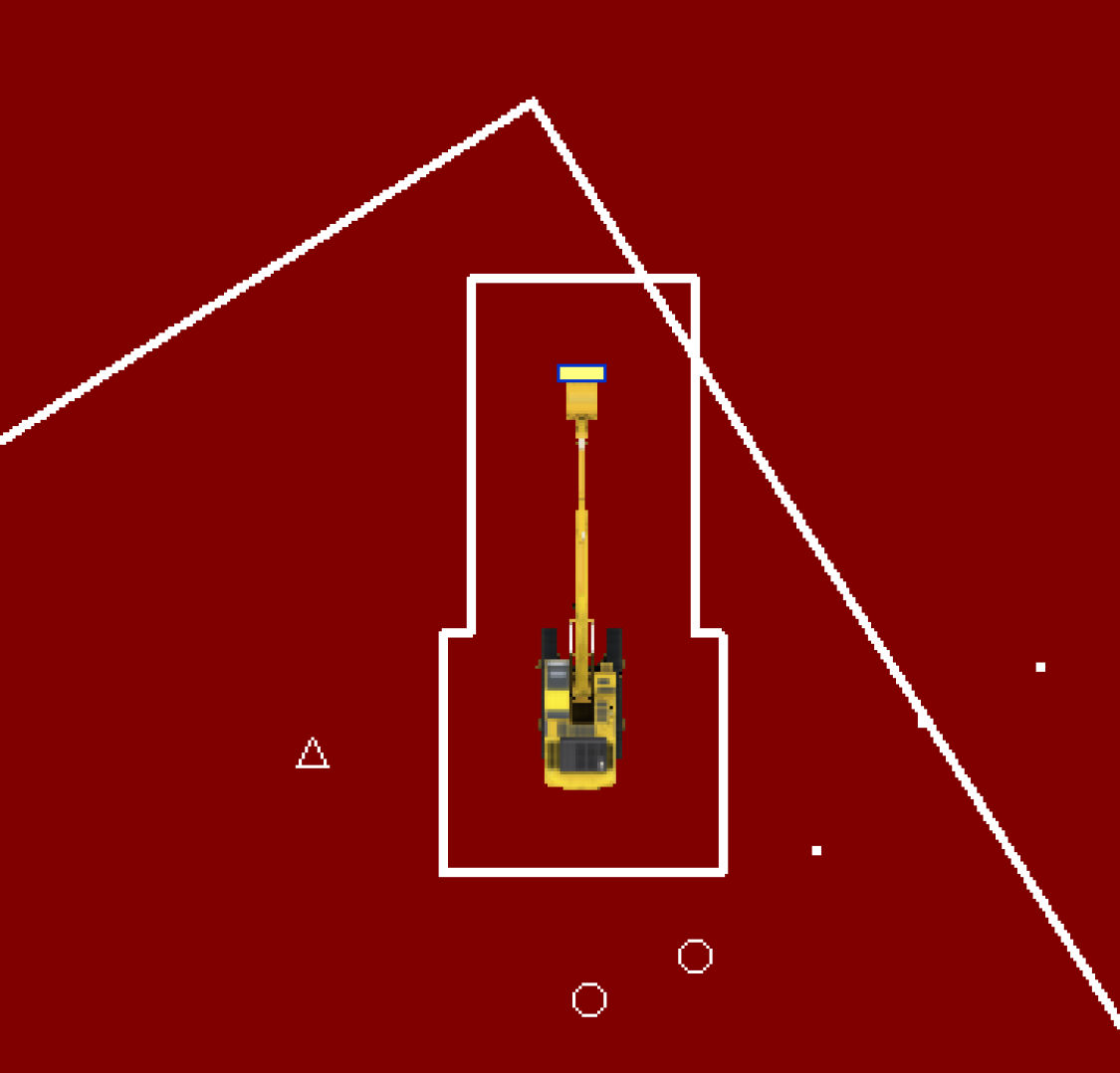
The border of the machine expands by 3 meters when collisions with the line are sensed.
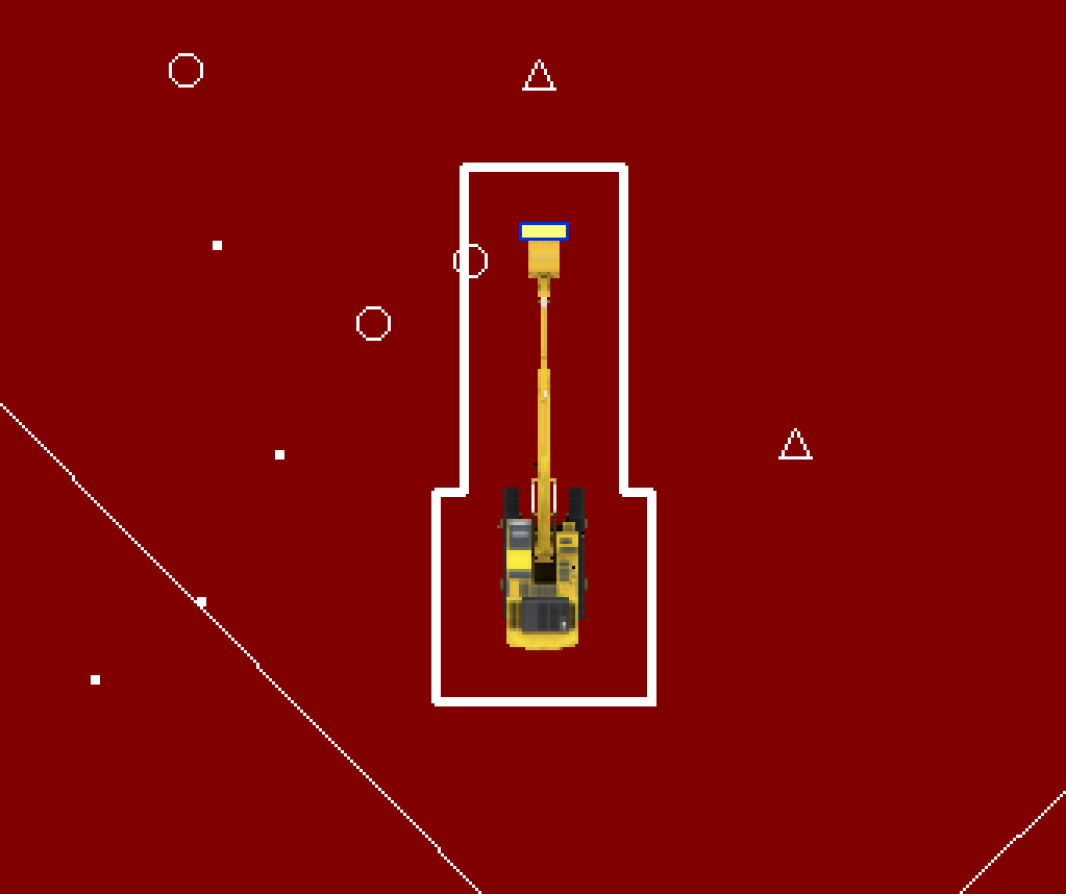
The machine border expands by 2 meters when collisions with the point are sensed.
Previous:
Avoidance area configuration
myTopcon NOW! support
Take your Topcon experience to the next level with myTopcon NOW! This platform is a self-service tool for your desktop or mobile device.





