
- Select or .
- Select Show triangle mesh.ADDITIONAL INFORMATION:With Show triangle mesh selected, the 3D view shows the triangle mesh on the 3D surface. The triangle color is configurable on the TIN tab of the Working Surface Display Settings screen.
Figure: Triangle mesh 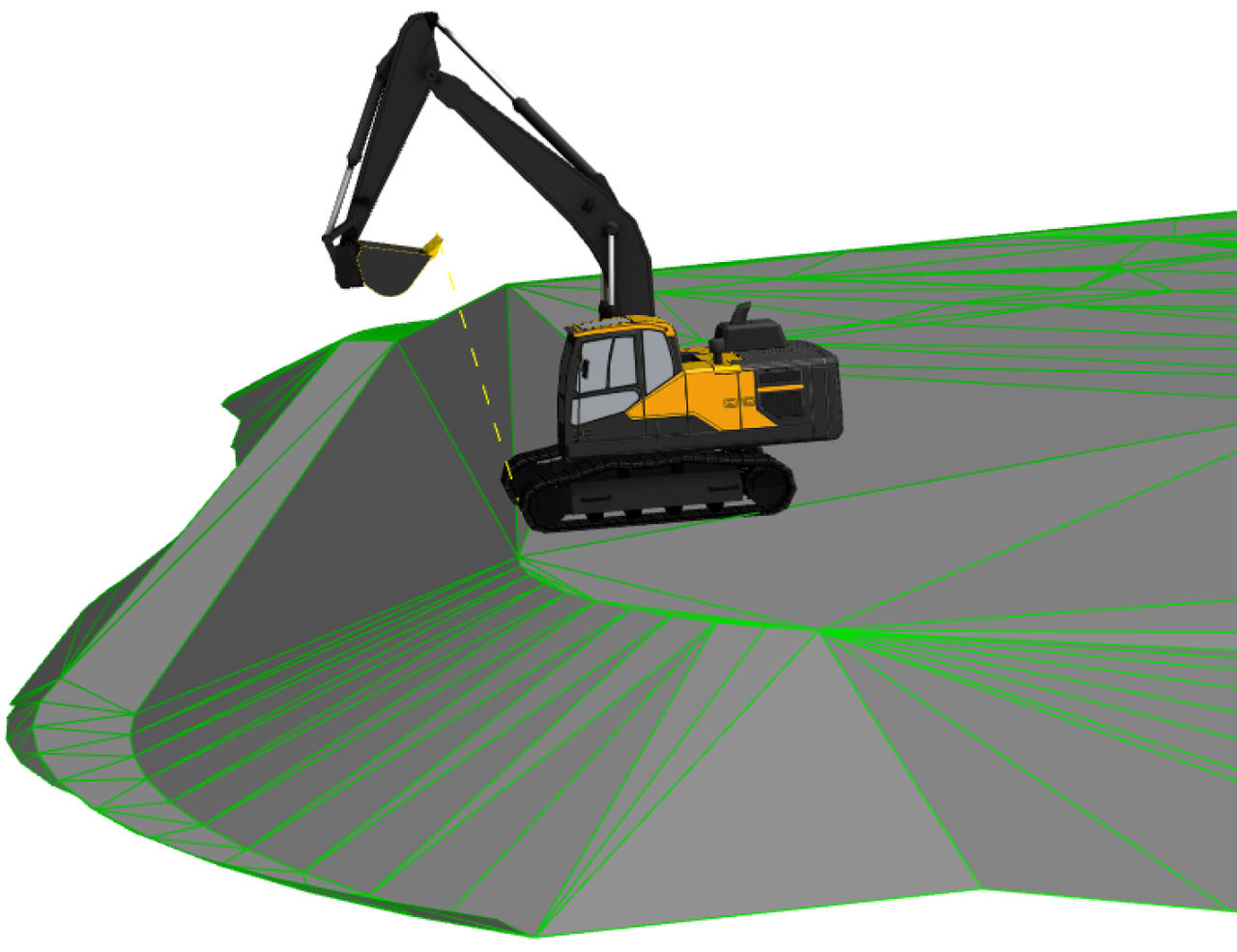
Previous:
Color mapping
Next:
Direction of travel
myTopcon NOW! support
Take your Topcon experience to the next level with myTopcon NOW! This platform is a self-service tool for your desktop or mobile device.





