
Use the Set points menu to adjust the cut/fill offsets. A menu item with a check is active.
- Select and hold an area on the main screen to show the Context menu.ADDITIONAL INFORMATION:
Figure: Set points 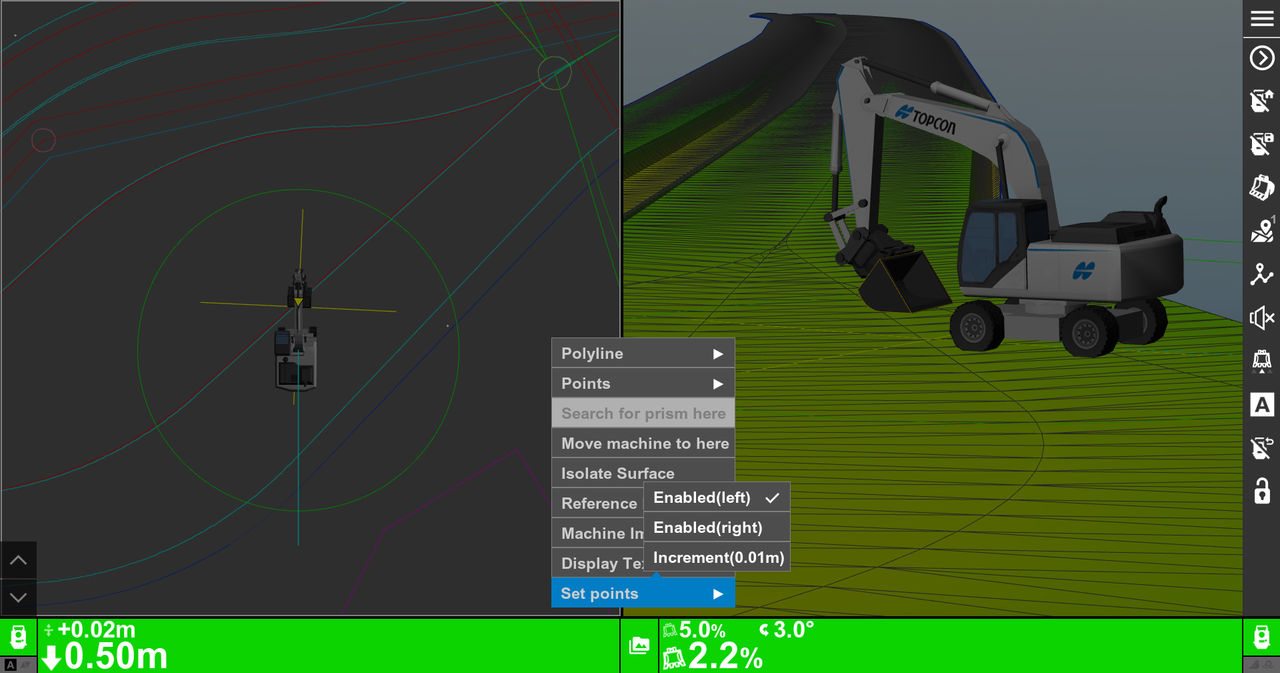 You can also select .
 - Select Set points to show the set point (cut/fill offset) adjustment arrows.
- With the Set points buttons active, select the Elevation Set Point Button arrows to adjust the cut/fill offsets.
- Select to adjust the set point increments.ADDITIONAL INFORMATION:
Figure: Set point increment adjustment 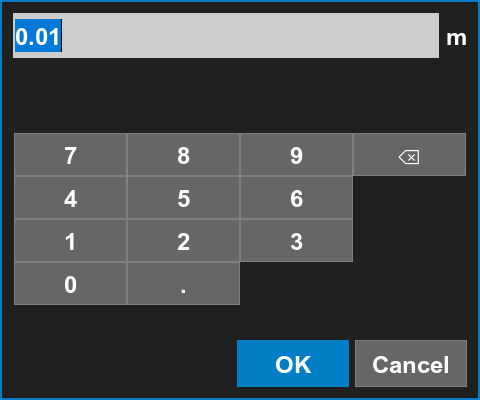
Previous:
Display text
Next:
Setup
myTopcon NOW! support
Take your Topcon experience to the next level with myTopcon NOW! This platform is a self-service tool for your desktop or mobile device.





