
You can select the options for the machine display.
- Select .ADDITIONAL INFORMATION:The Machine Display Options screen opens.
Figure: Machine display menu item 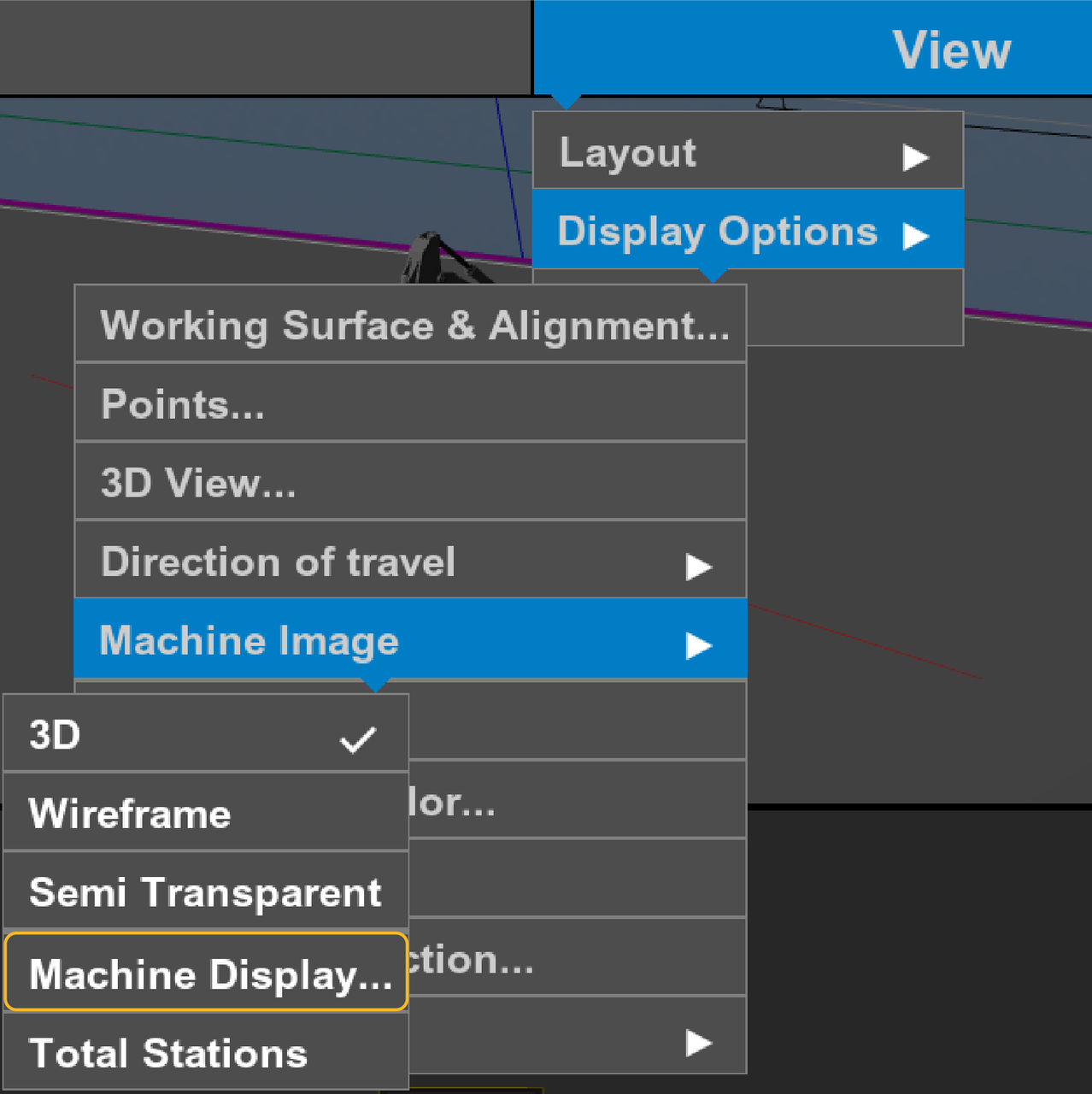
- Select the applicable checkbox(es):ADDITIONAL INFORMATION:
Figure: Machine display options 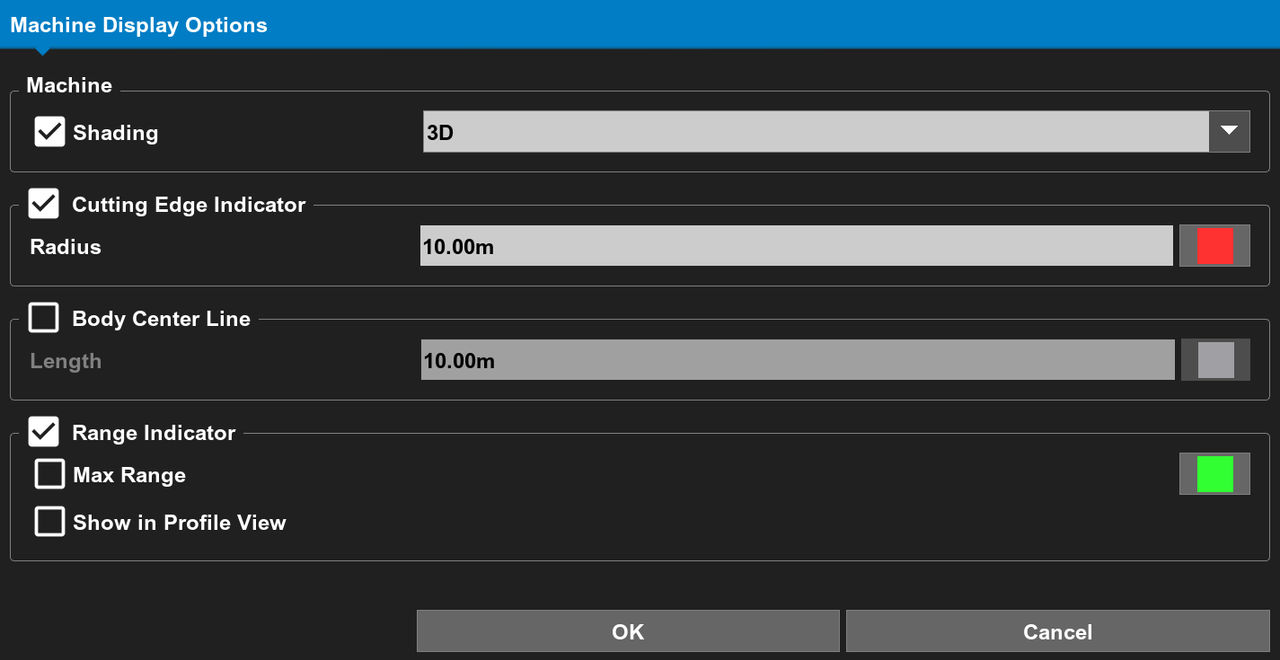 Select Shading to show the machine image shaded.
Figure: Shaded (left) - not shaded (right) 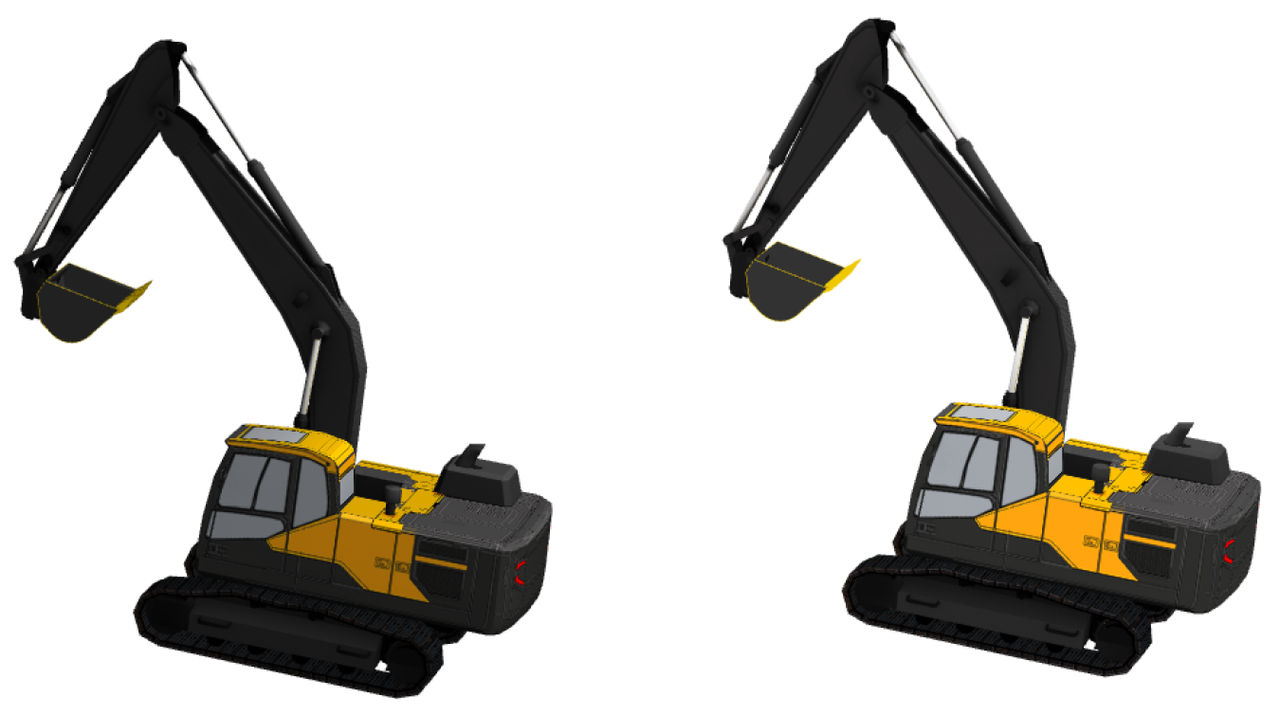 Select Cutting Edge Indicator to show the cutting edge of the implement. Select the Radius to configure the radius value.
Figure: Bucket cutting edge indicator 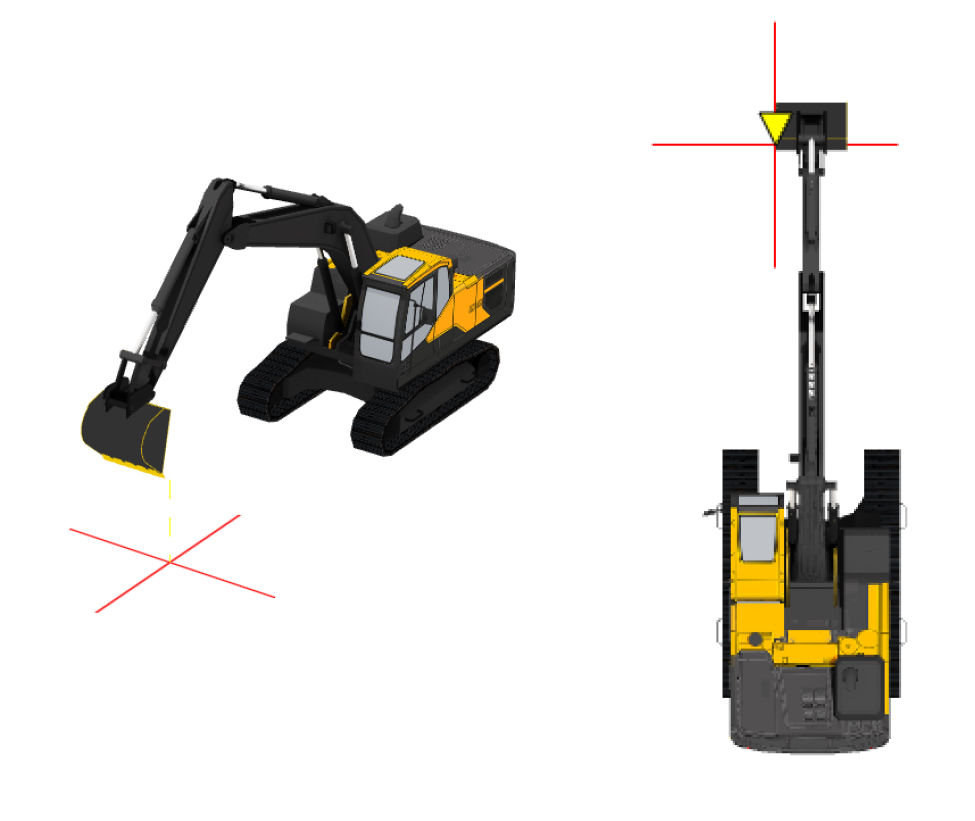
Figure: Bucket cutting edge indicator in Plan and 3D views 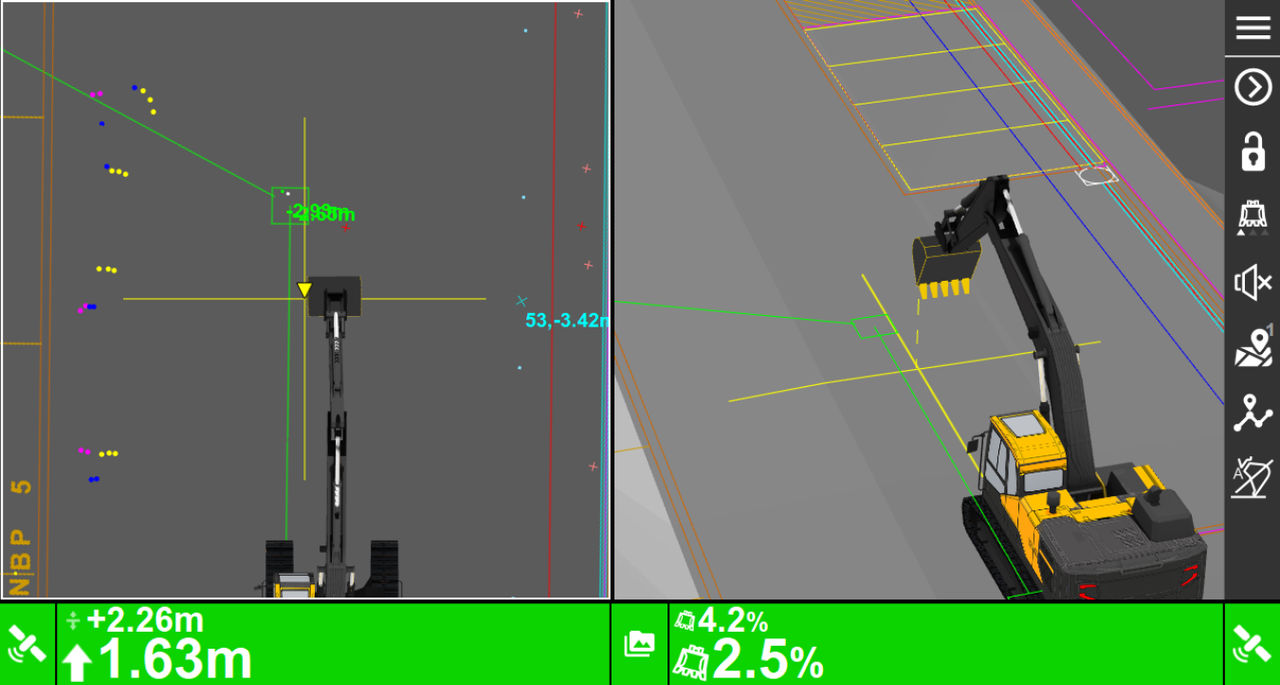 Select Body Center Line to show the centerline on the machine image. Select the Length to configure the length of the centerline shown.
Figure: Body center line 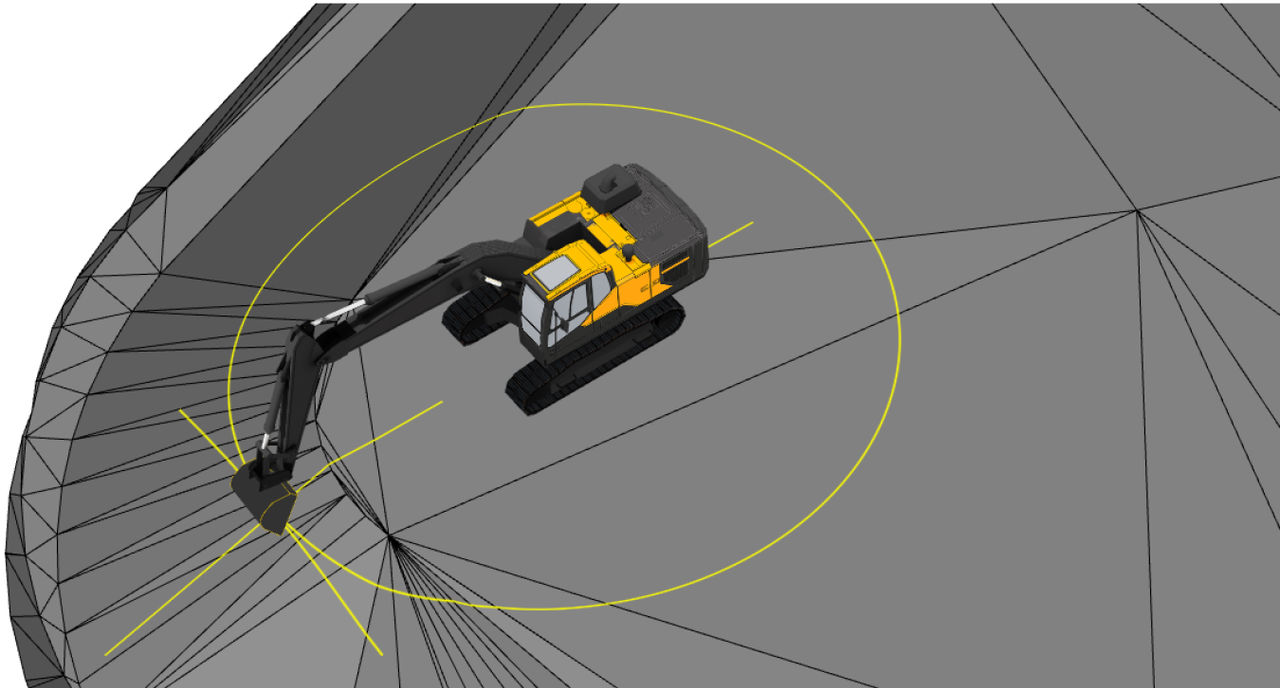
Figure: Body center line in plan and 3D views 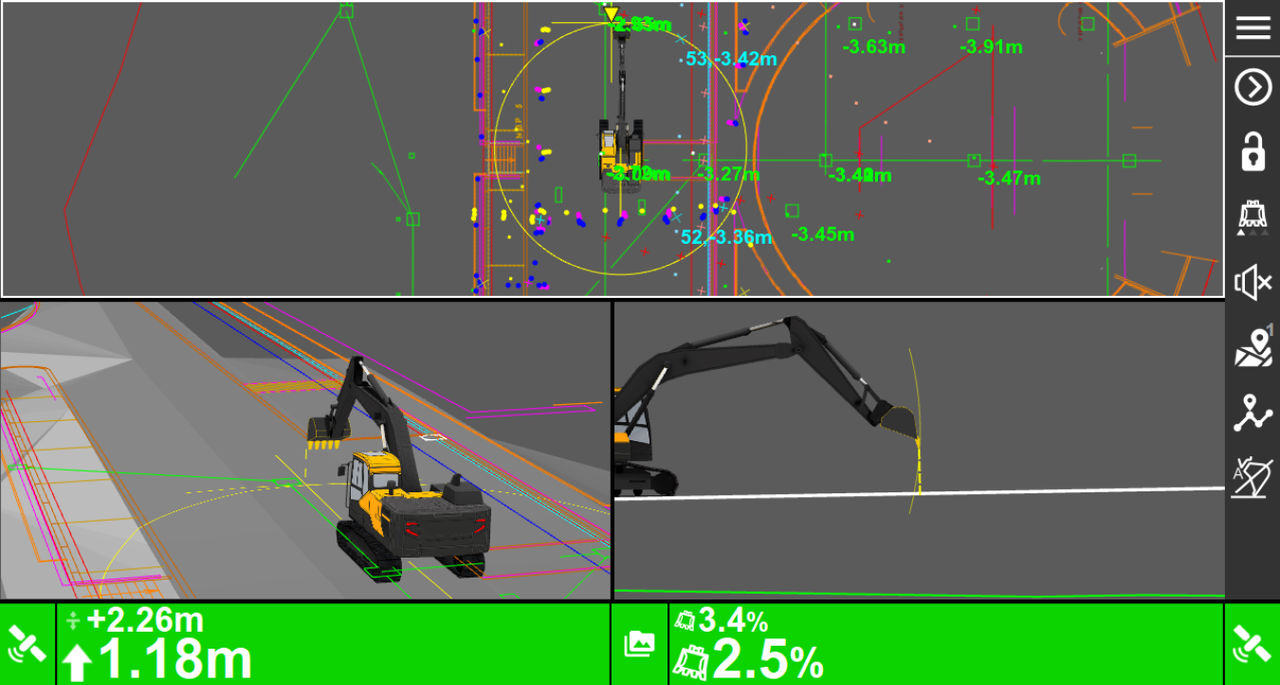 Select Range Indicator to show the range indicator and enable the Max Range and Show in Profile View checkboxes. Select Max Range to show the maximum range.
Figure: Range Indicator in Plan, 3D, and Profile views. Figure: 3D View with Bucket Cutting Edge, Body Centerline, and Range Indicator Select Show in Profile View to show the machine profile view. The machine profile view focuses on the bucket rather than the entire machine. The profile point of view is locked to the bucket side and follows the bucket rotation but not the tilt. This enhances the view for swing boom and tilting rotator applications in the profile view.Select to show the machine body in profile. - Select the machine image from the Machine checkbox drop-down list.ADDITIONAL INFORMATION:Note:The default is 3D.
Figure: Machine drop-down list 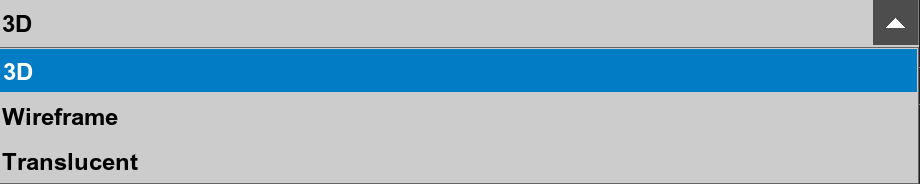
- Select the color button adjacent to the parameter(s).
- Select a color from the Color Selection screen, then select OK.ADDITIONAL INFORMATION:
Figure: Select parameter color 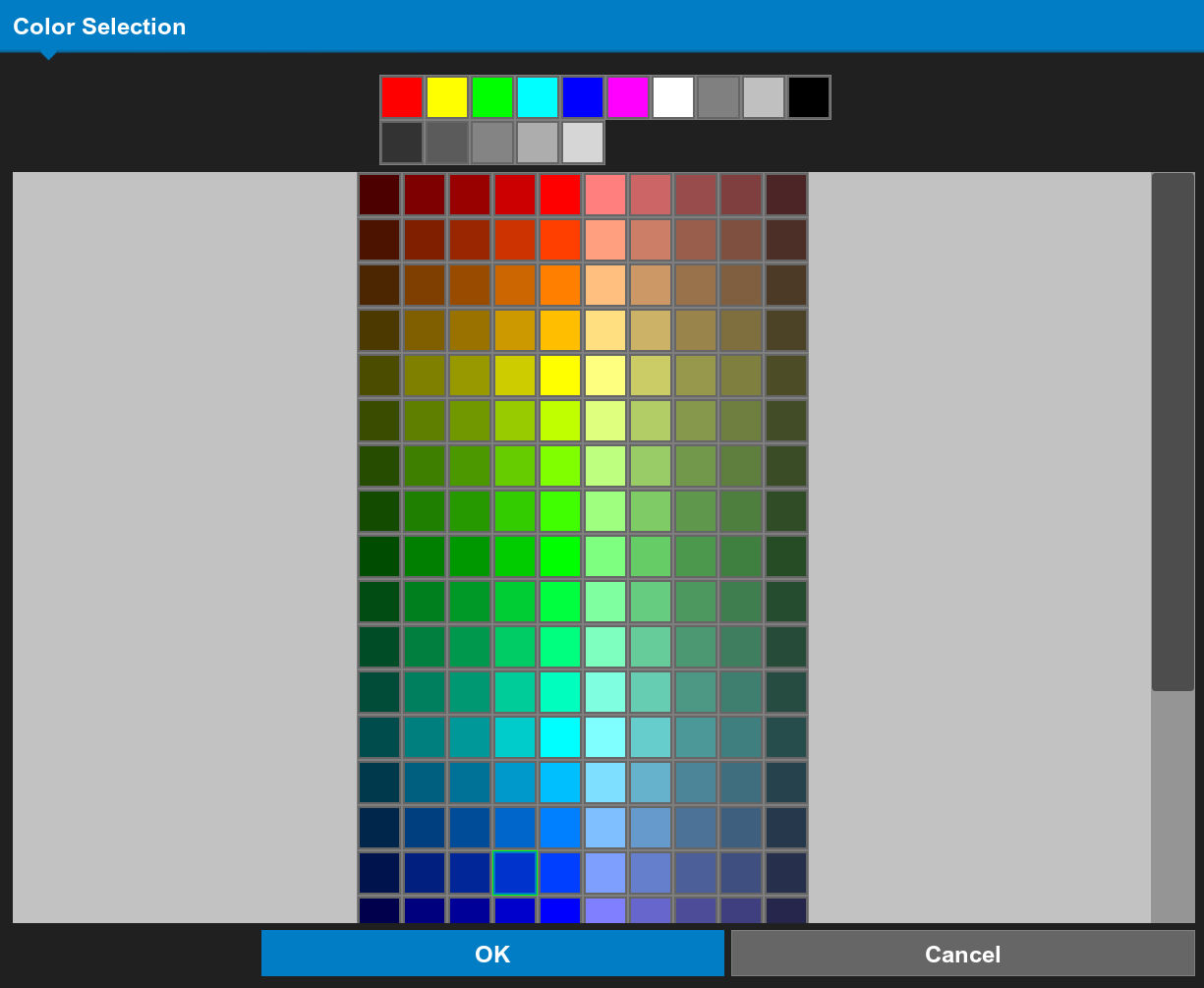
- Select OK on the Machine Display Options screen to apply the changes.ADDITIONAL INFORMATION:If your Sensor type is a Prism, the Total Stations menu item is available.Refer to Total station plan view.
Previous:
Machine image
Next:
Machine profile view
myTopcon NOW! support
Take your Topcon experience to the next level with myTopcon NOW! This platform is a self-service tool for your desktop or mobile device.





