
Your selection changes the visual display of the excavator. Four views are available.
- Select .ADDITIONAL INFORMATION:
Figure: Machine image options 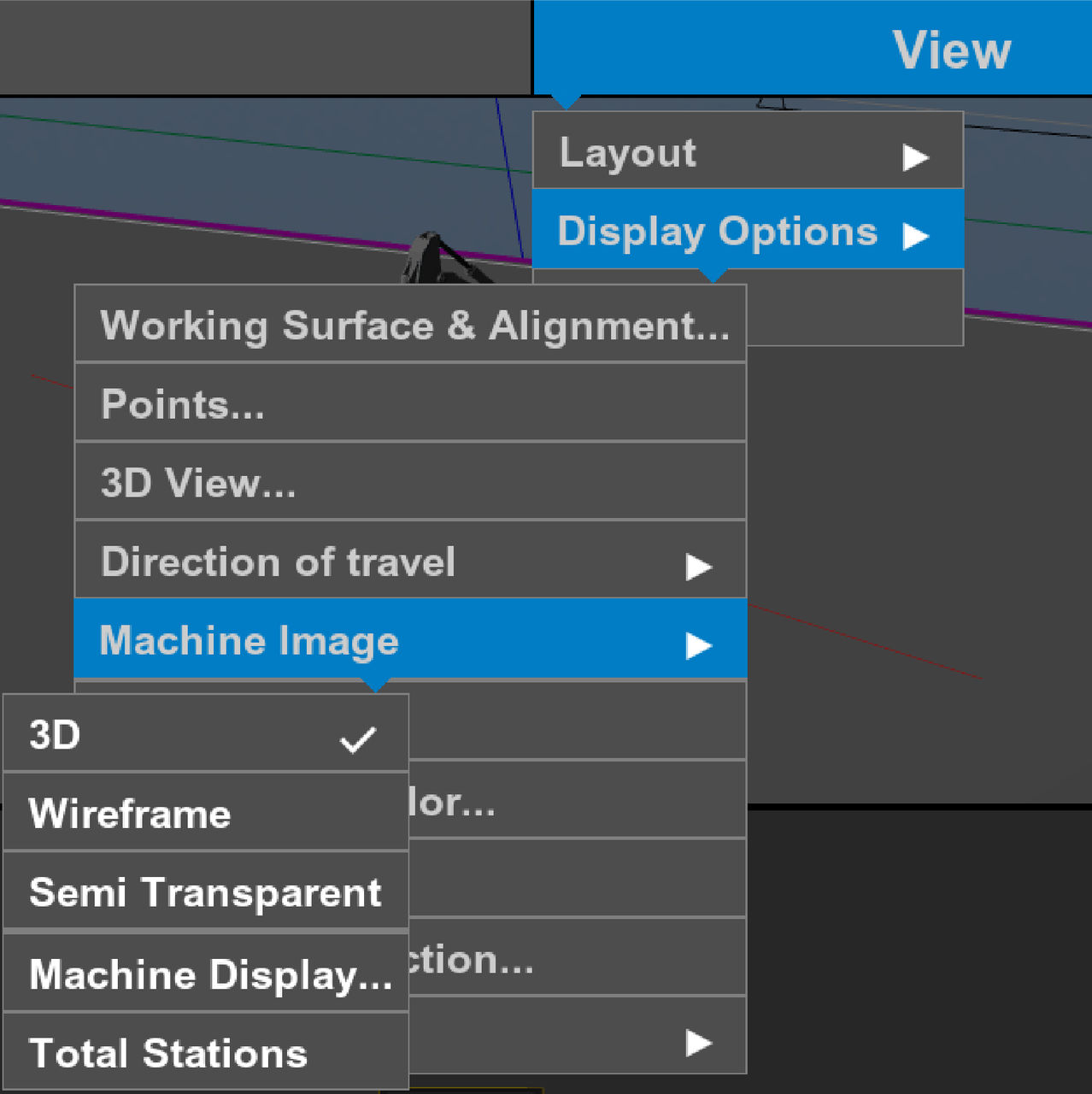 Note:The same options are available from the Shading drop-down list on the Machine Display screen.
 - Select the machine image option.ADDITIONAL INFORMATION:The options for the machine image are 3D, Wireframe, and Semi Transparent.
Figure: Machine image views 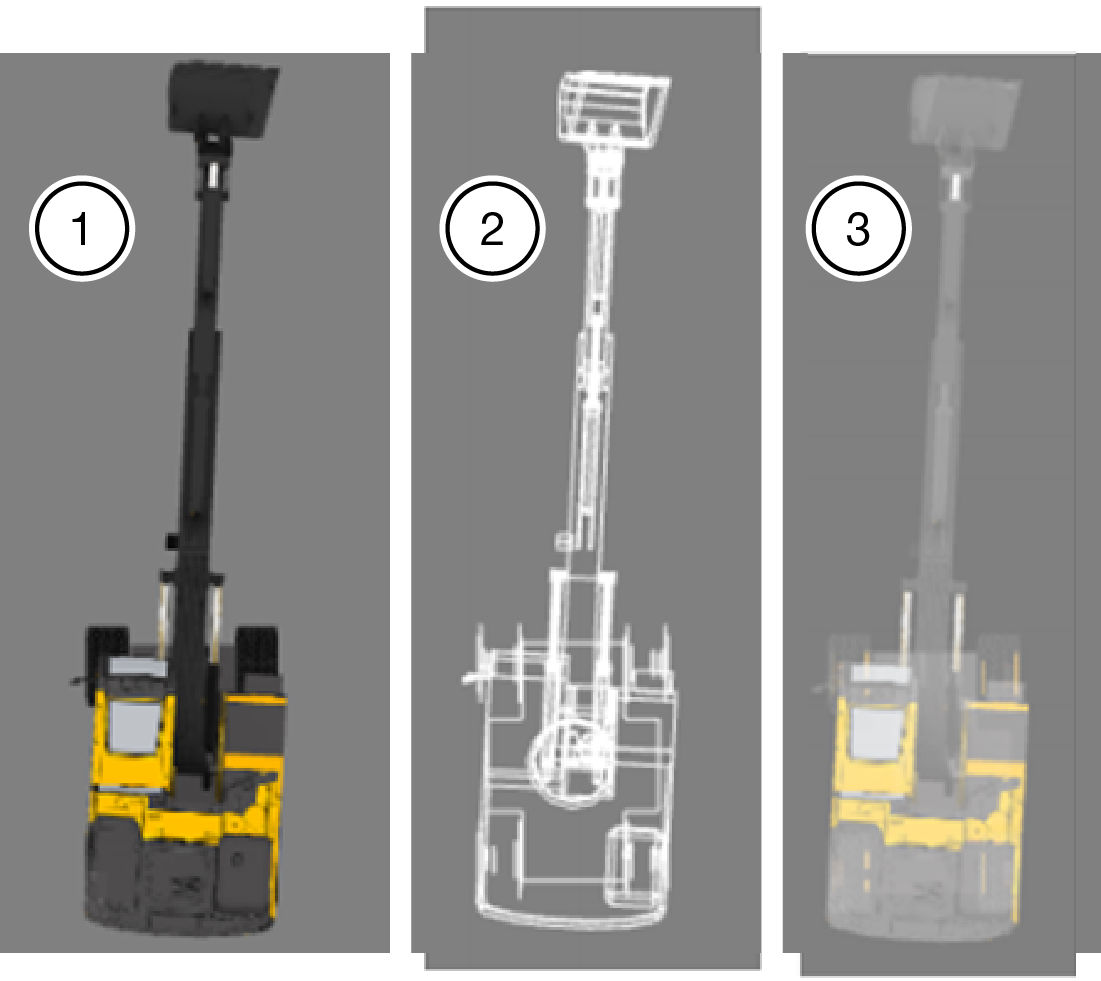
- 3D
- Wireframe
- Translucent
- Select OK.ADDITIONAL INFORMATION:Machine 3D View
Figure: 3D view 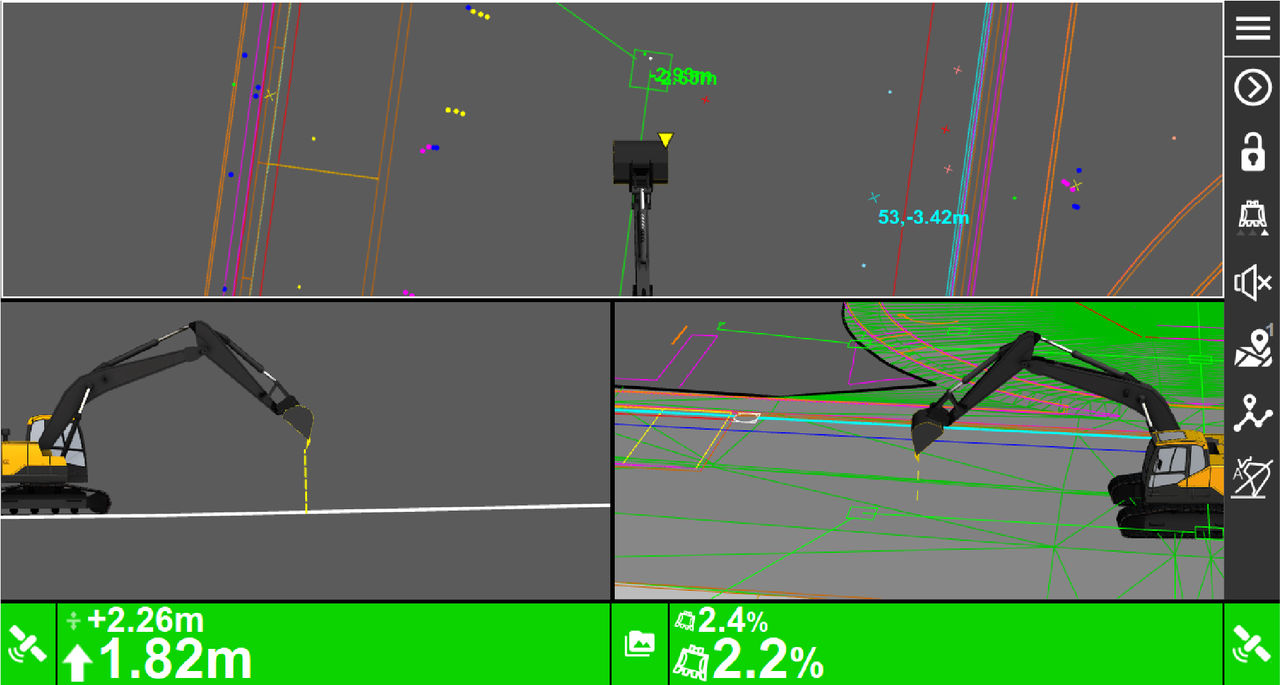 Translucent
Figure: Machine translucent view 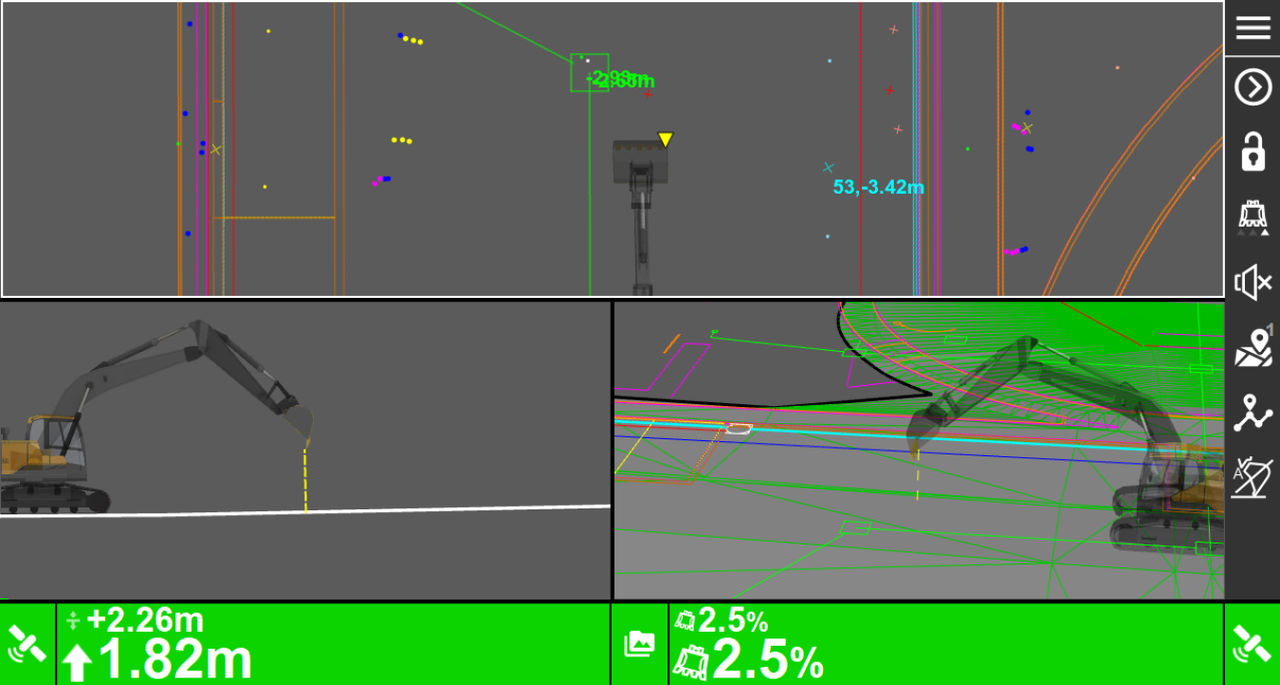 Wireframe
Figure: Machine wireframe view 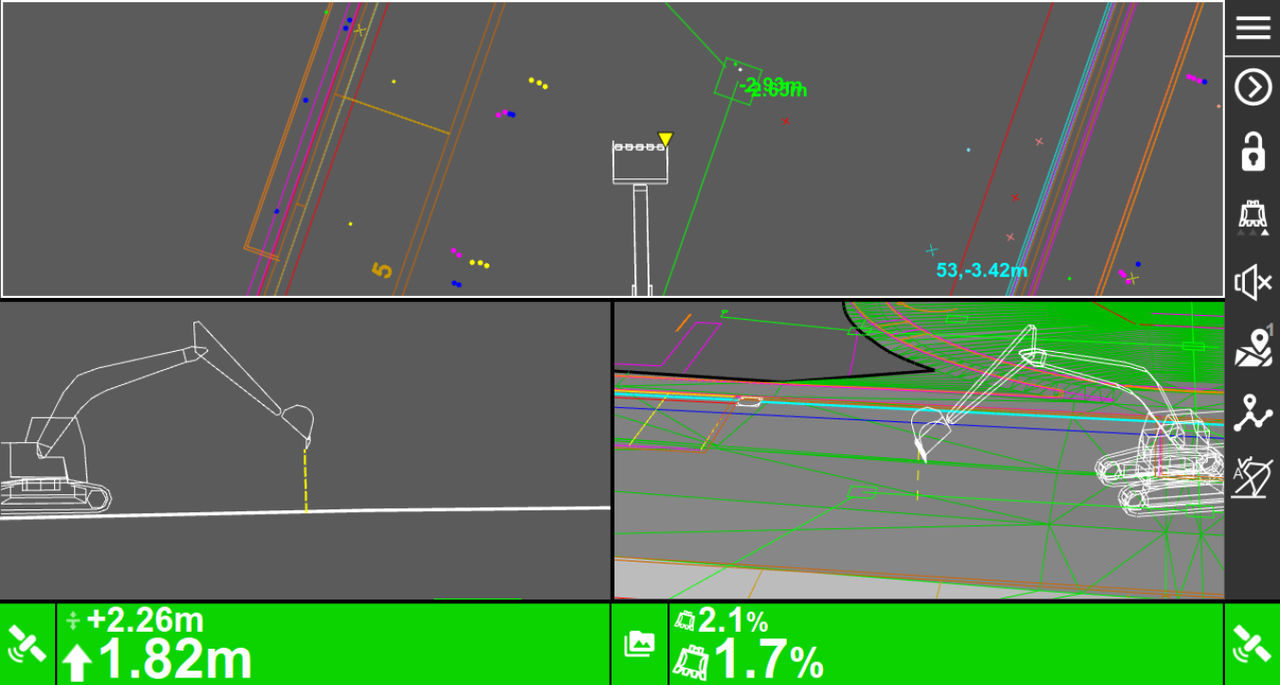
- Select Machine Image to open the Machine Display Options screen.
- Select Total Stations to open the main screen with an indicator that shows the location of the total station.
Previous:
Direction of travel
Next:
Machine display options
myTopcon NOW! support
Take your Topcon experience to the next level with myTopcon NOW! This platform is a self-service tool for your desktop or mobile device.





