Looking for your apps? Click the account icon in the upper right corner of the page.
Main screen layout
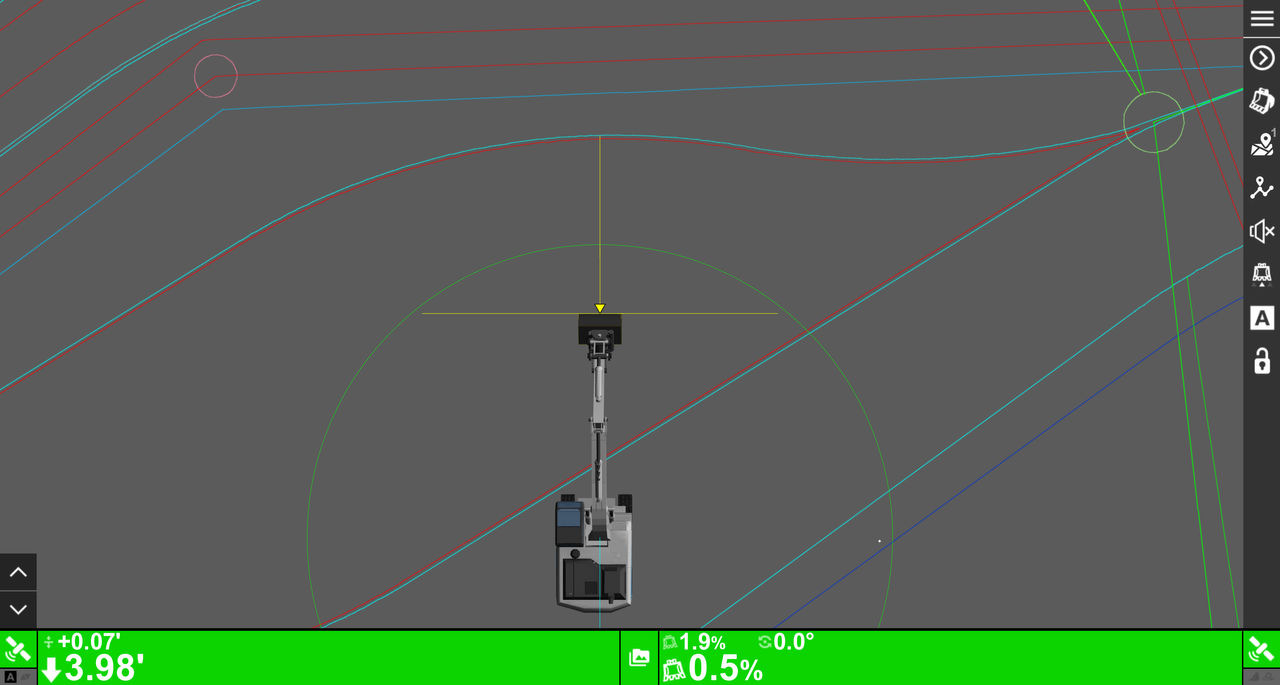
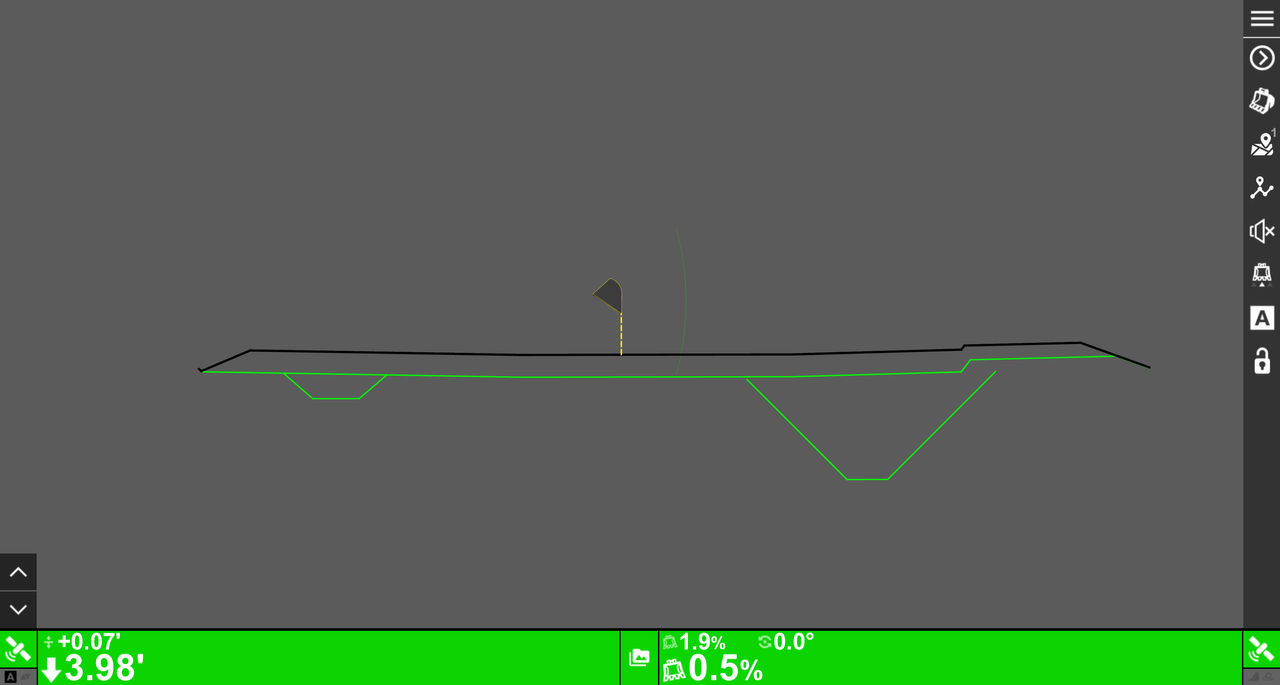
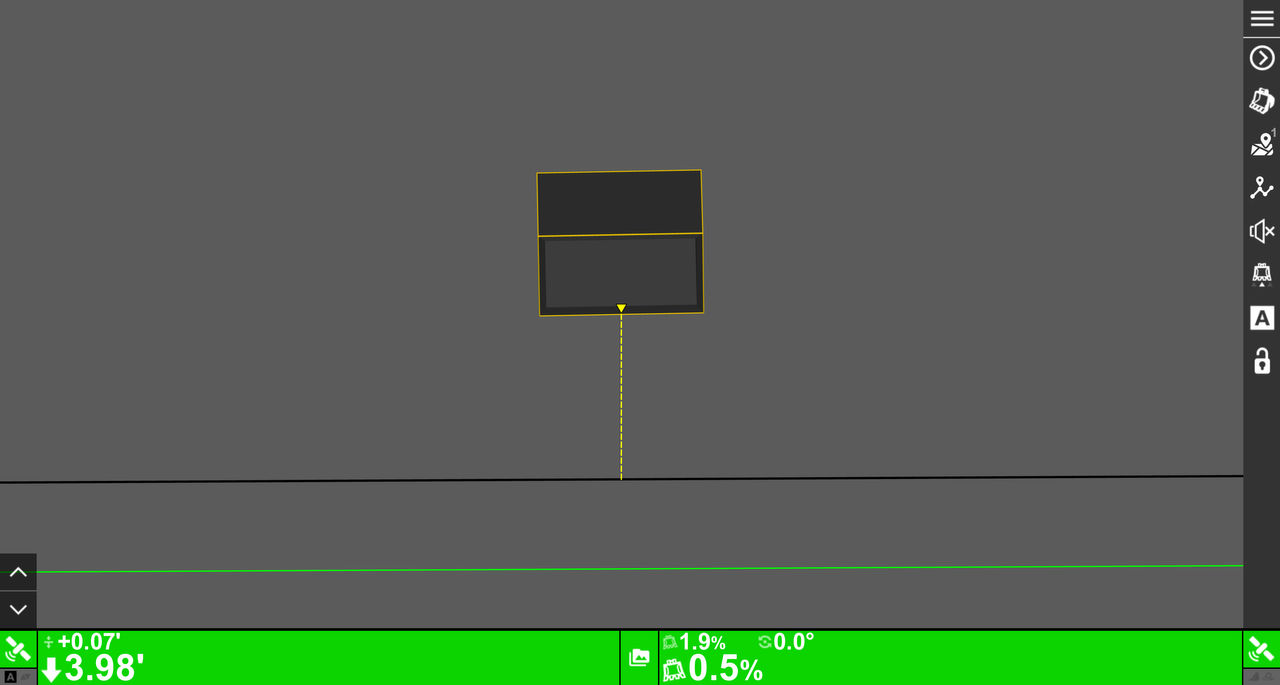
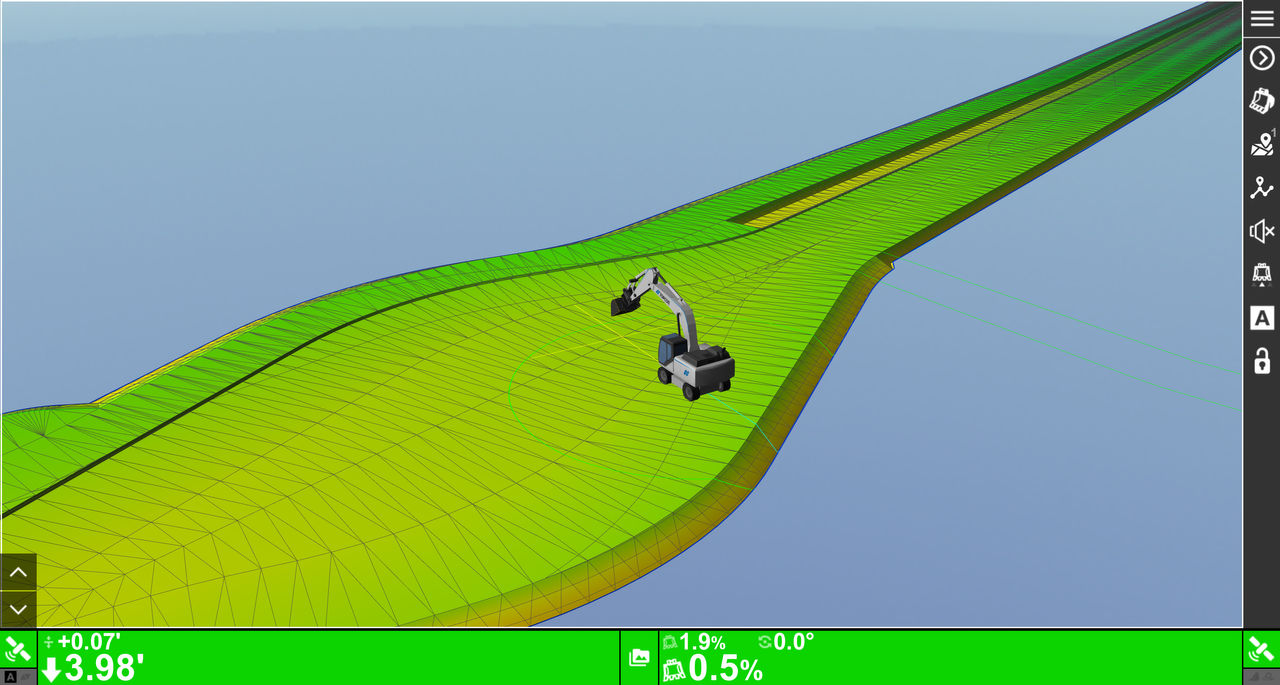
The main screen has four views: Plan, Profile, Section, and 3D, that give different perspectives of the machine and project for detailed visualization.
The main screen has these views:
Plan – top-down view of the machine
Profile – side view of the machine
Section – head-on view of the blade cutting edge
3D – view of the whole project
Figure: Plan viewFigure: Profile viewFigure: Section viewFigure: 3D view