
The Slope Control button shows the bucket cross slope, bucket rotation, and the design cross slope.
Select the Slope Control button to open the Control Configurations screen with the Reference Points tab active.
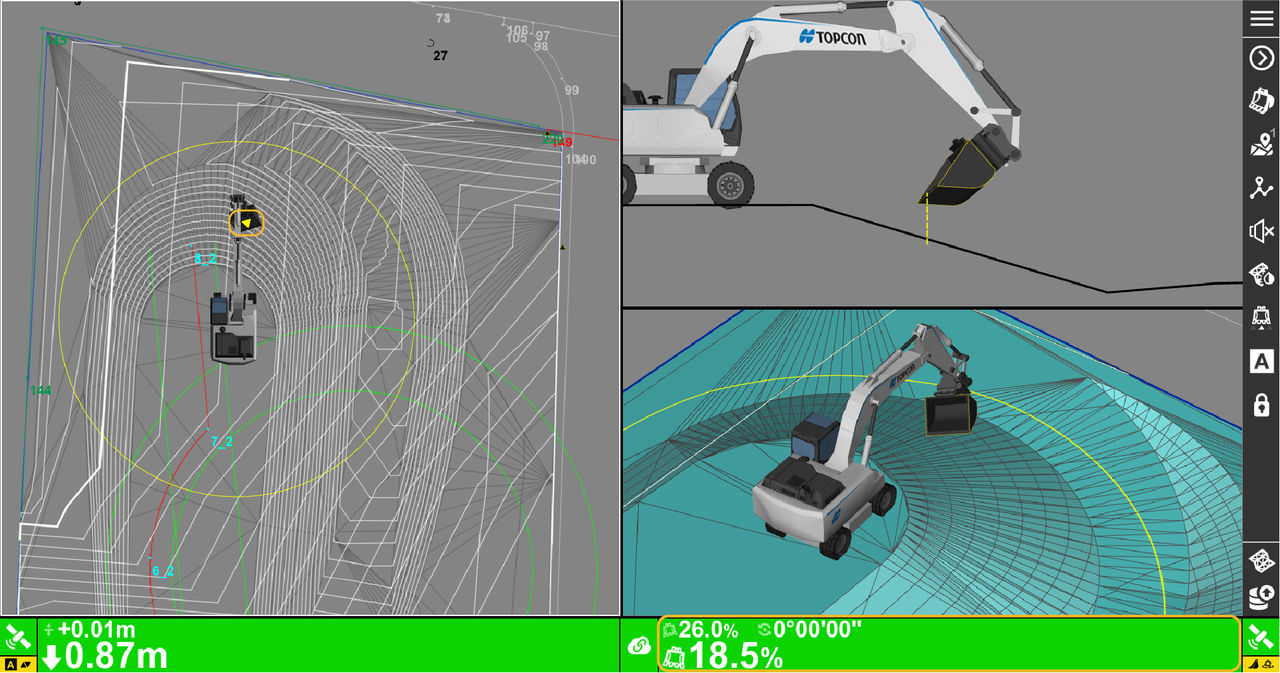
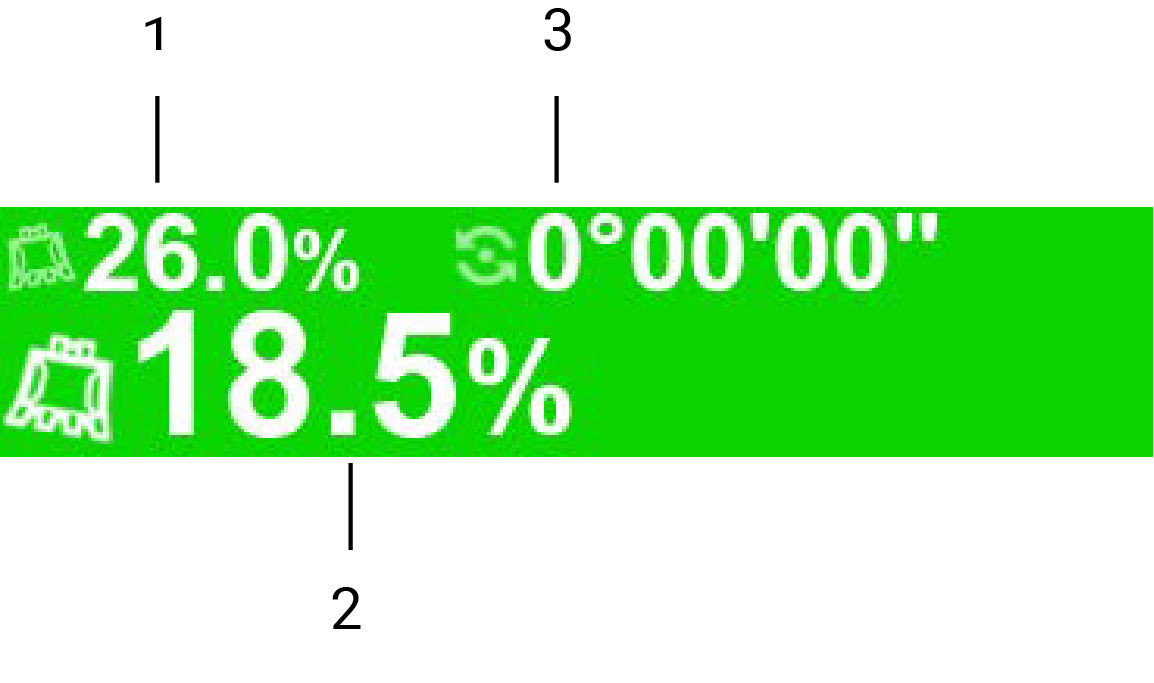
- Bucket cross slope
- Bucket rotation
- Design cross slope
Previous:
Elevation sensor type and status
Next:
Control configuration
myTopcon NOW! support
Take your Topcon experience to the next level with myTopcon NOW! This platform is a self-service tool for your desktop or mobile device.





