
You can measure a polyline on a layer on the Polyline screen.
- Select the Polyline shortcut button to open the Polyline screen.ADDITIONAL INFORMATION:
Figure: Polyline shortcut button 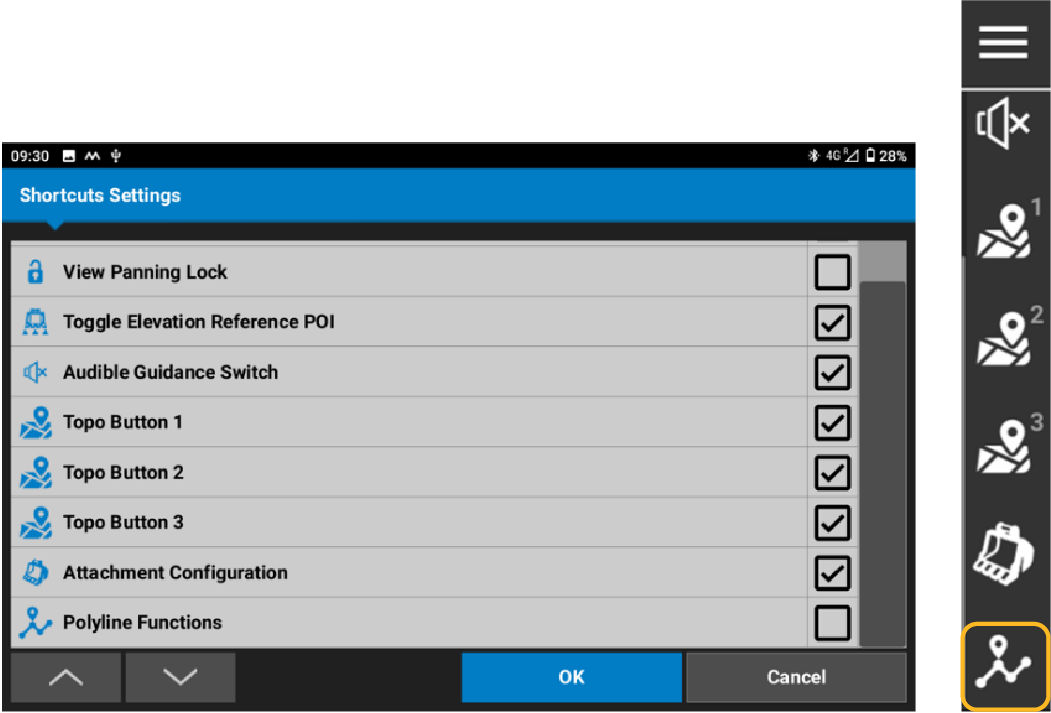
- Select the layer from the Add to layer drop-down list.
- Select Start to return to the main screen.ADDITIONAL INFORMATION:
Figure: Polyline 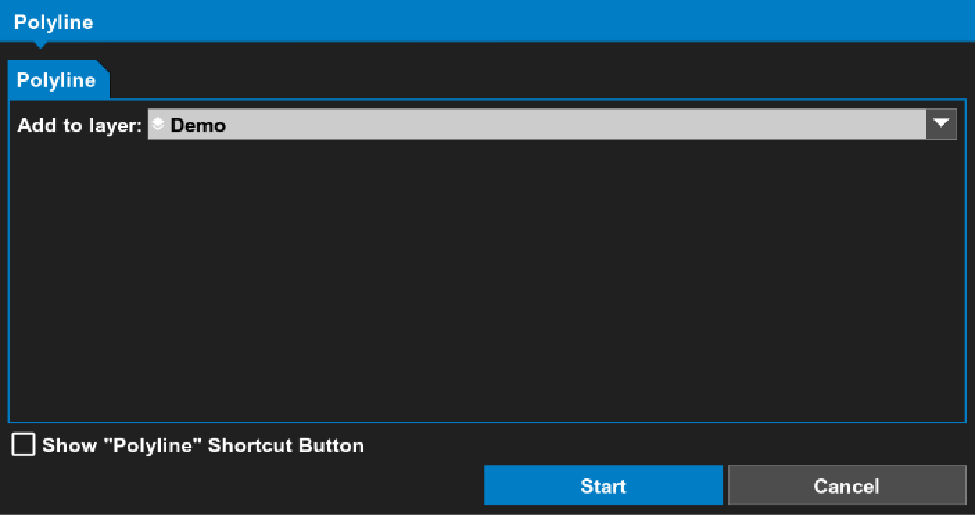 All segments show in real time during a polyline measurement. Measured segments show as white dotted lines. A line to be measured shows as a black dotted line (see the Polyline Measurement figure).
 - When the measurement is complete, select Stop to save the measurement.ADDITIONAL INFORMATION:
Figure: Polyline measurement 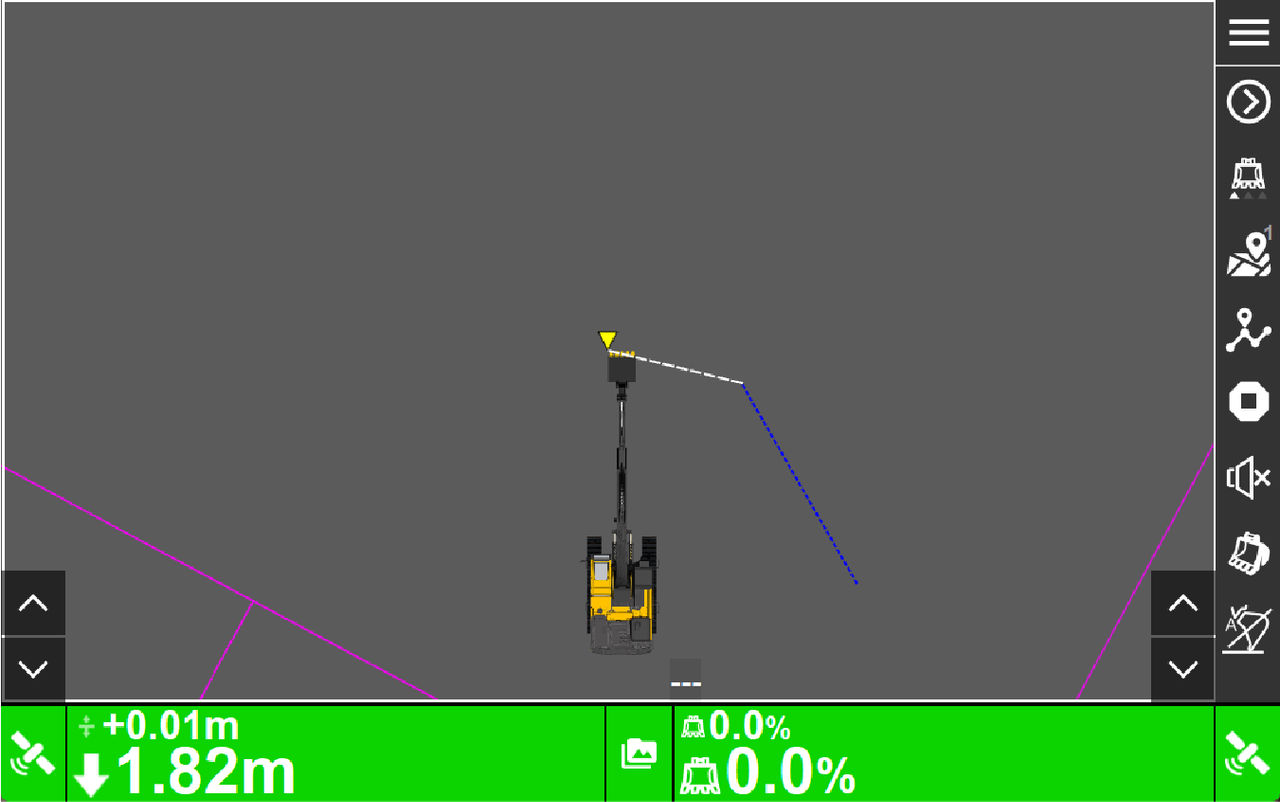 You can select to apply a grade (extended grade or surface profile) to a selected polyline.
Figure: Apply grade 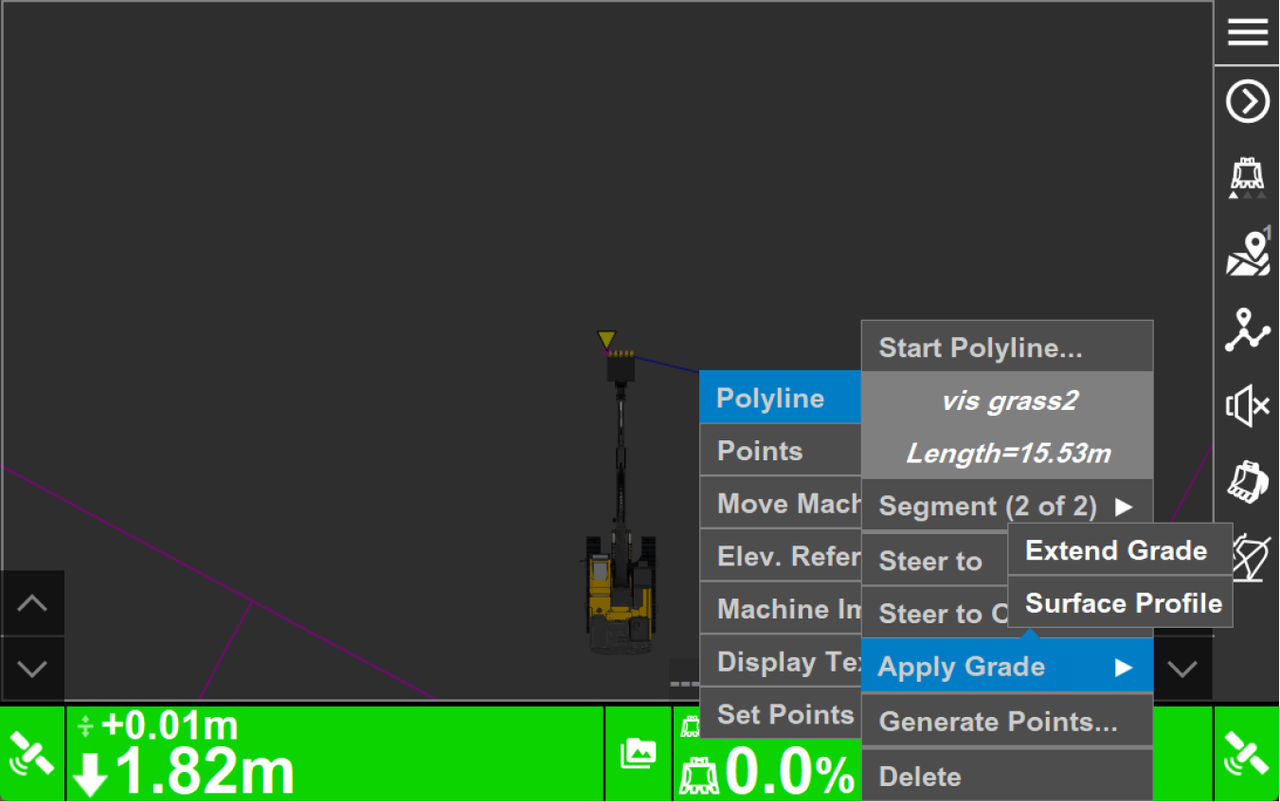
Figure: Surface profile applied to a polyline 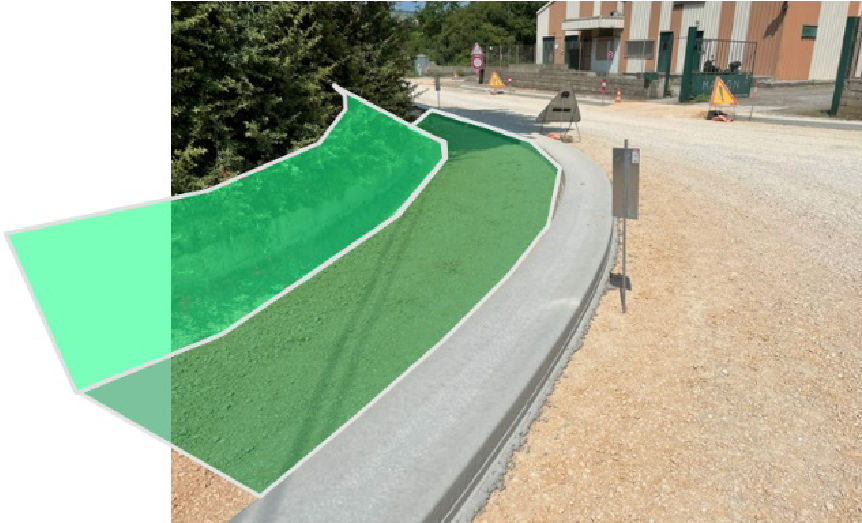
Previous:
Add a new control point
myTopcon NOW! support
Take your Topcon experience to the next level with myTopcon NOW! This platform is a self-service tool for your desktop or mobile device.





