
- Select Audible guidance on the Reference Points tab of the Control Configuration screen.ADDITIONAL INFORMATION:
Figure: Control configuration reference tab 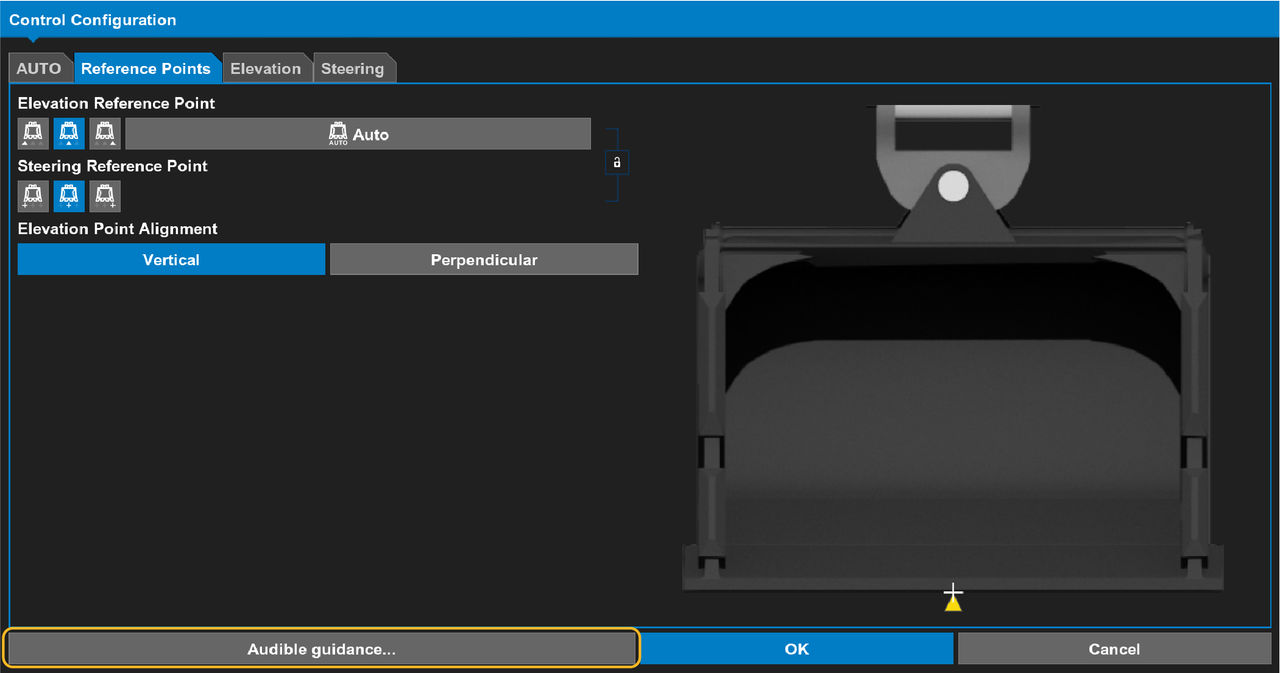
- Select the distance parameters to configure the limits.ADDITIONAL INFORMATION:
Figure: Audible guidance config 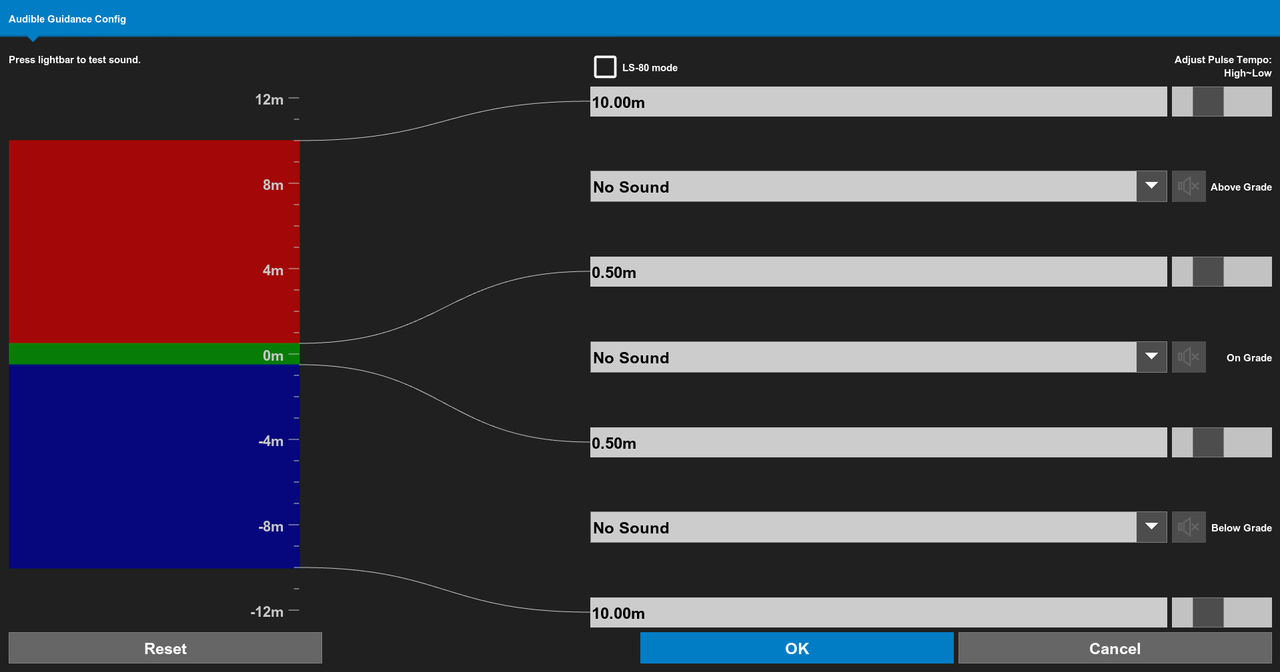
Figure: Configure distance 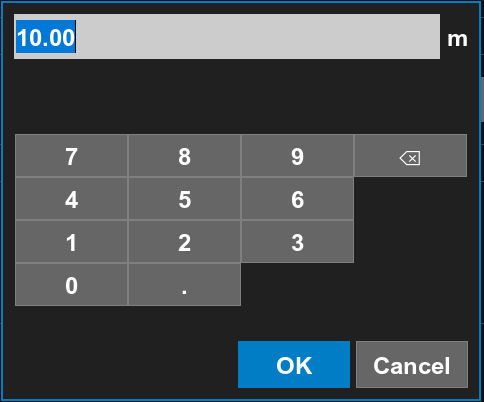
- Use the slider control
 to adjust the pulse rate of the configured sounds for each parameter.
 - Use the drop-down lists to select the sound that the system makes when a parameter is above or below a set limit.ADDITIONAL INFORMATION:The default is No Sound.
- Select LS-80 mode
 to optimize audible guidance for an LS-80 laser receiver.
 - If necessary, select Reset.
- Select OK.
Previous:
Set steering indication
Next:
Check implement position
myTopcon NOW! support
Take your Topcon experience to the next level with myTopcon NOW! This platform is a self-service tool for your desktop or mobile device.





