
The steering point of interest (POI) calculates the indication values. For excavator applications, do not set the POI here.
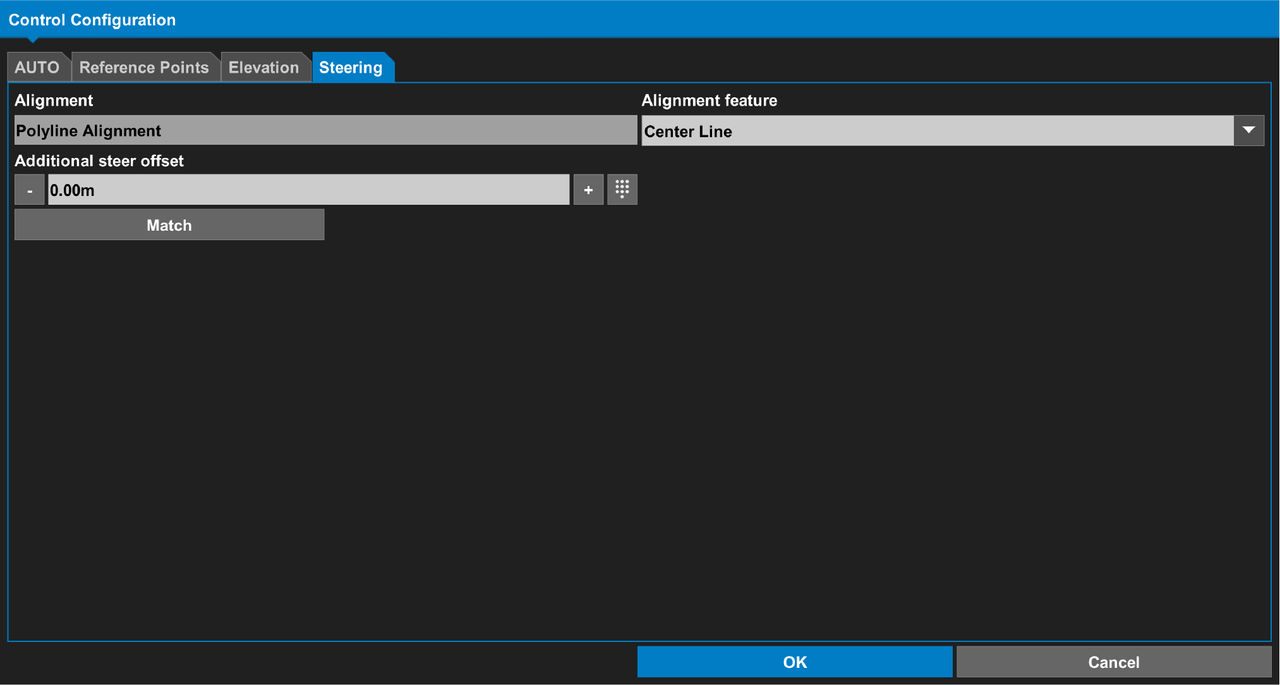
- Make sure that there is an active Alignment.
- Select .
- Select the steering POI indicator.ADDITIONAL INFORMATION:You The operator can choose the arrow or crosshair indicator from the context menu.
Figure: Steering POI indicators 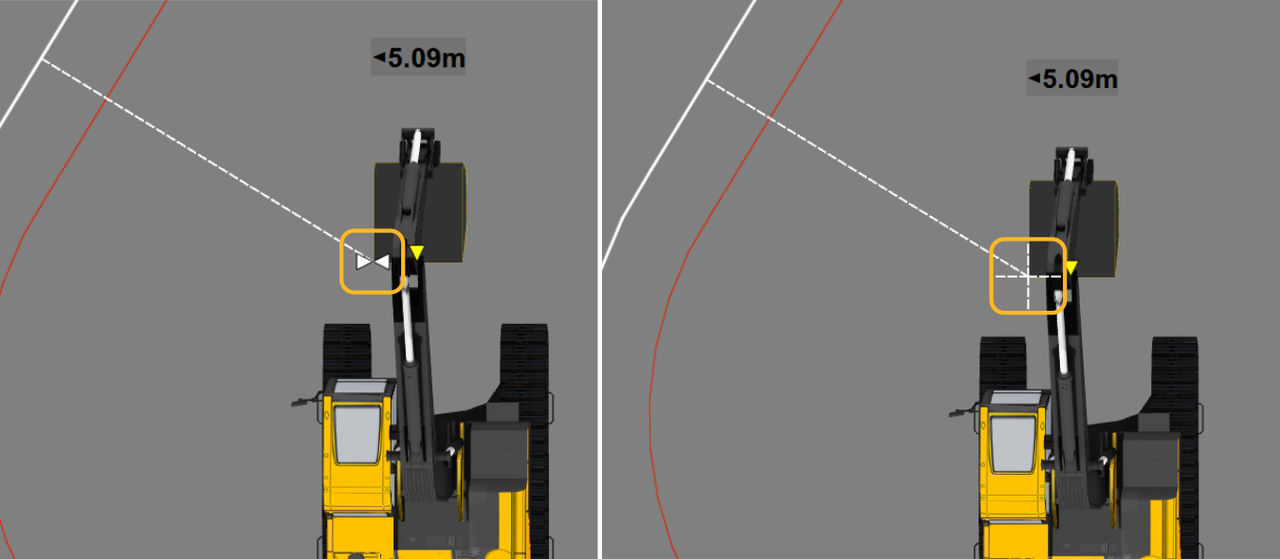
- Select OK to show the main screen.
Previous:
Steer indication
myTopcon NOW! support
Take your Topcon experience to the next level with myTopcon NOW! This platform is a self-service tool for your desktop or mobile device.





