
The left and right CAT joysticks can be set to use Automatic Control.
- On the CAT display, select .ADDITIONAL INFORMATION:
Figure: Left joystick and right joystick setup 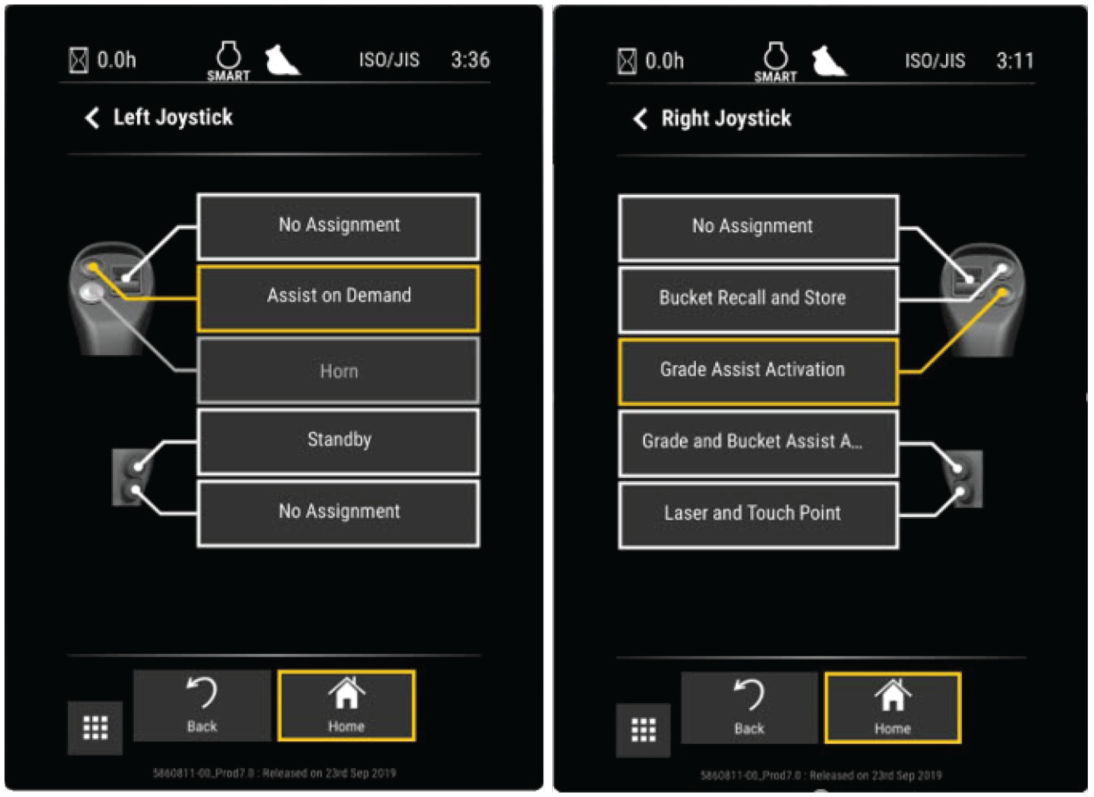 The Left Joystick or Right Joystick screen shows. Make the button selections. Assist or Automatic Control are two of the alternatives.
Figure: Assist Joystick setup 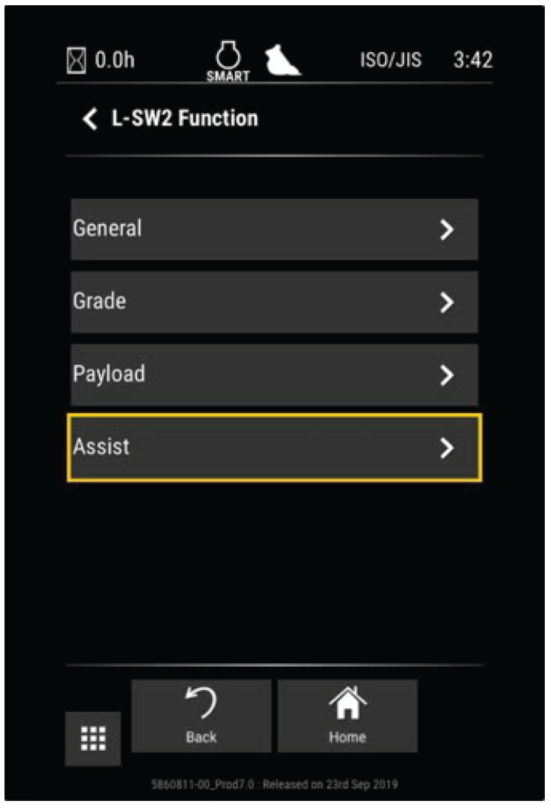
myTopcon NOW! support
Take your Topcon experience to the next level with myTopcon NOW! This platform is a self-service tool for your desktop or mobile device.





