
The Forward Speed and Total Area panes are always visible, with additional panes and controls for data display, tramlining, work rate, fan speed, and shaft speed monitoring.
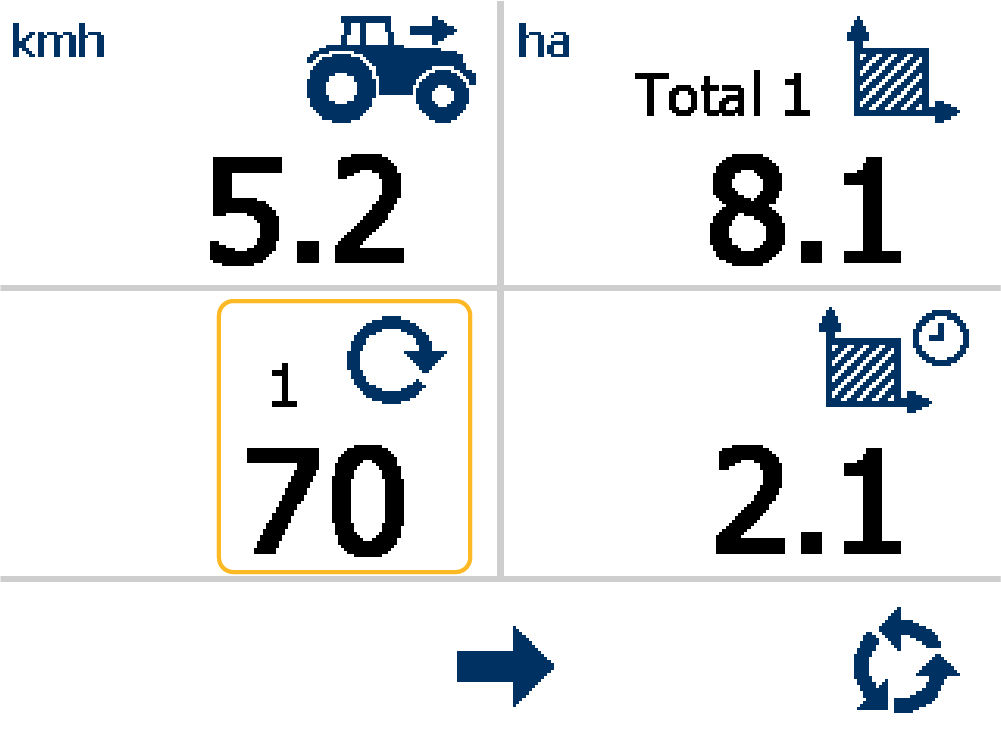
The Forward Speed pane (1) and Total Area pane (2) permanently show. Four buttons on the display have specified functions.
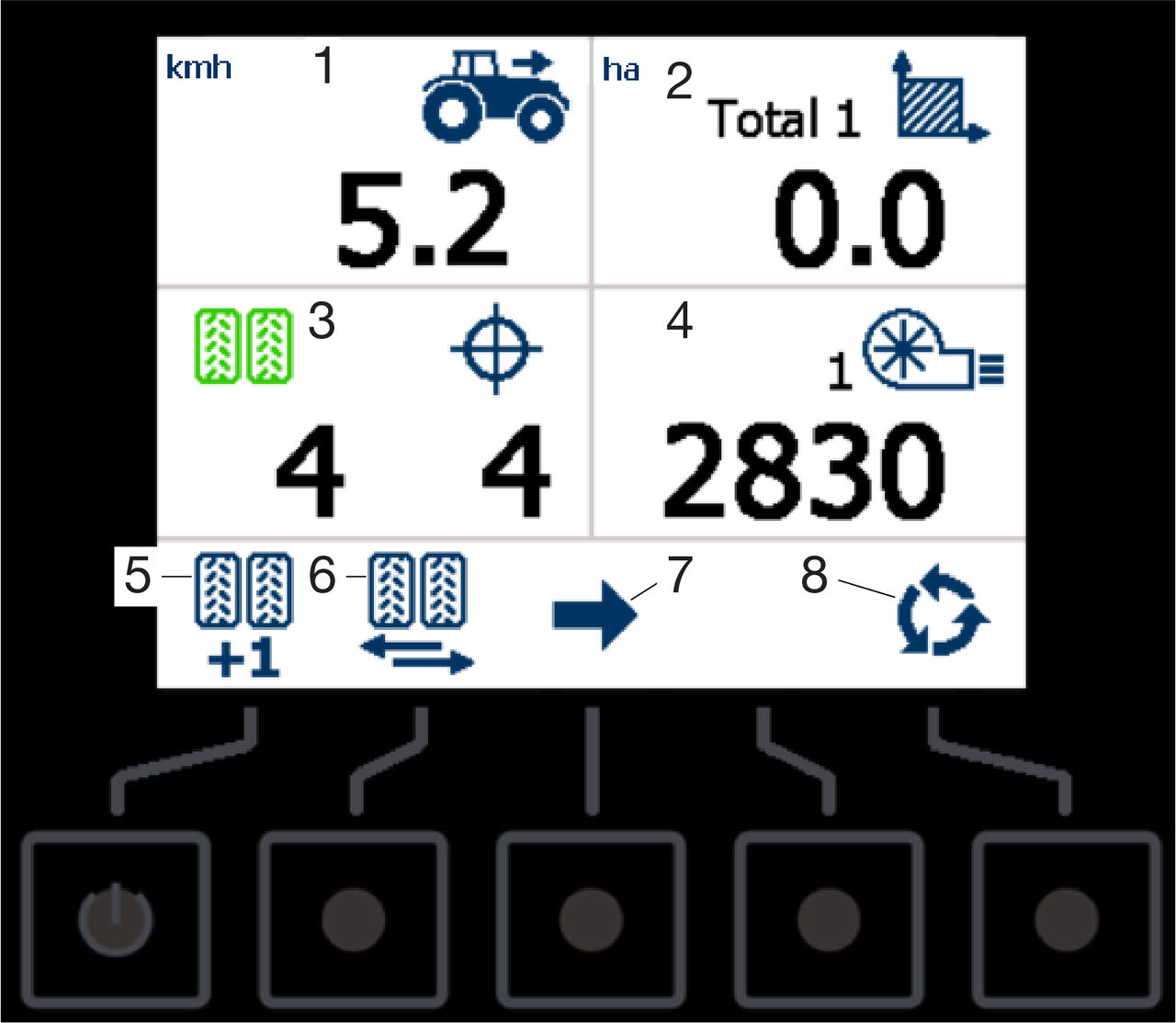
- Forward Speed pane
- Total Area pane
- Data pane
- Data pane
- Move the bout number forward
- Pause the bout number
- Change the data pane
- Select screen
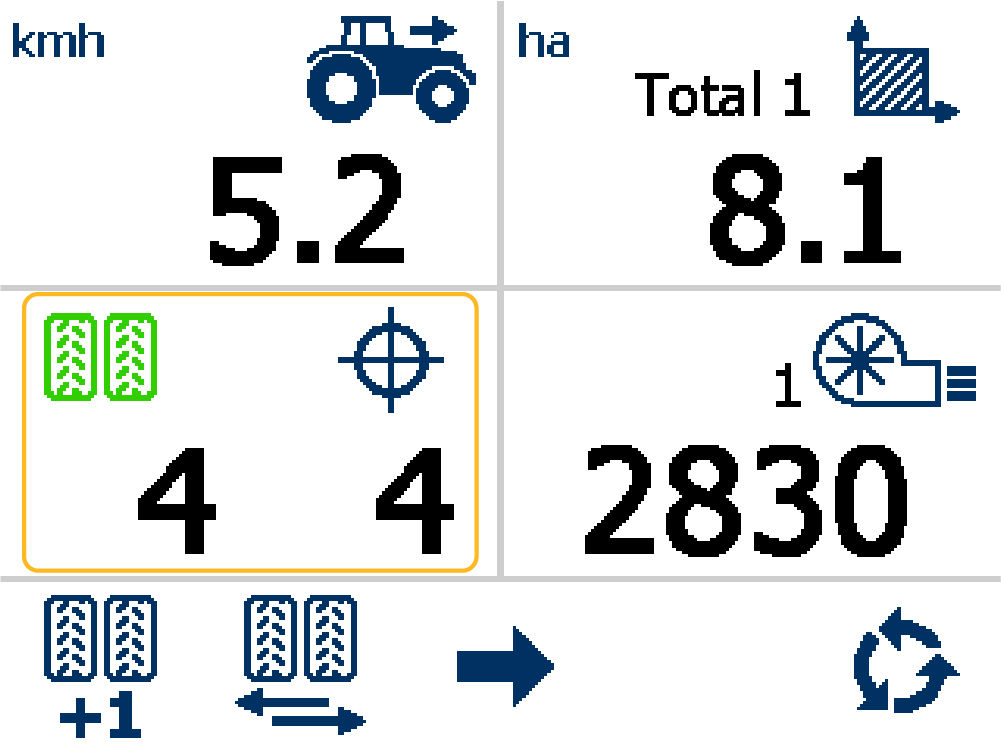
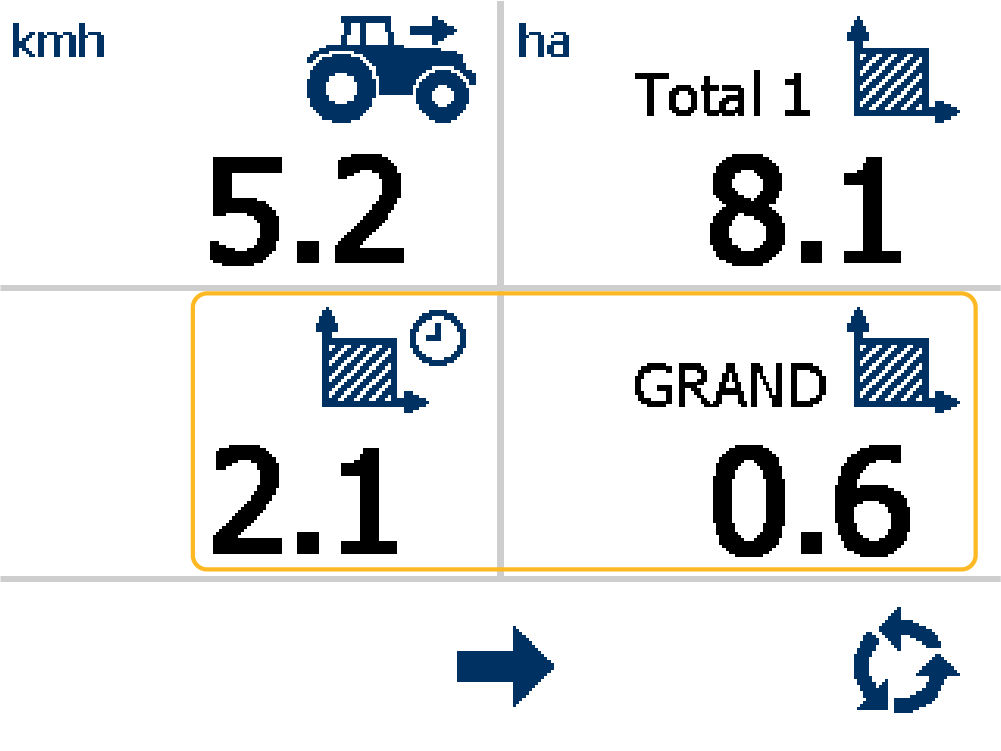
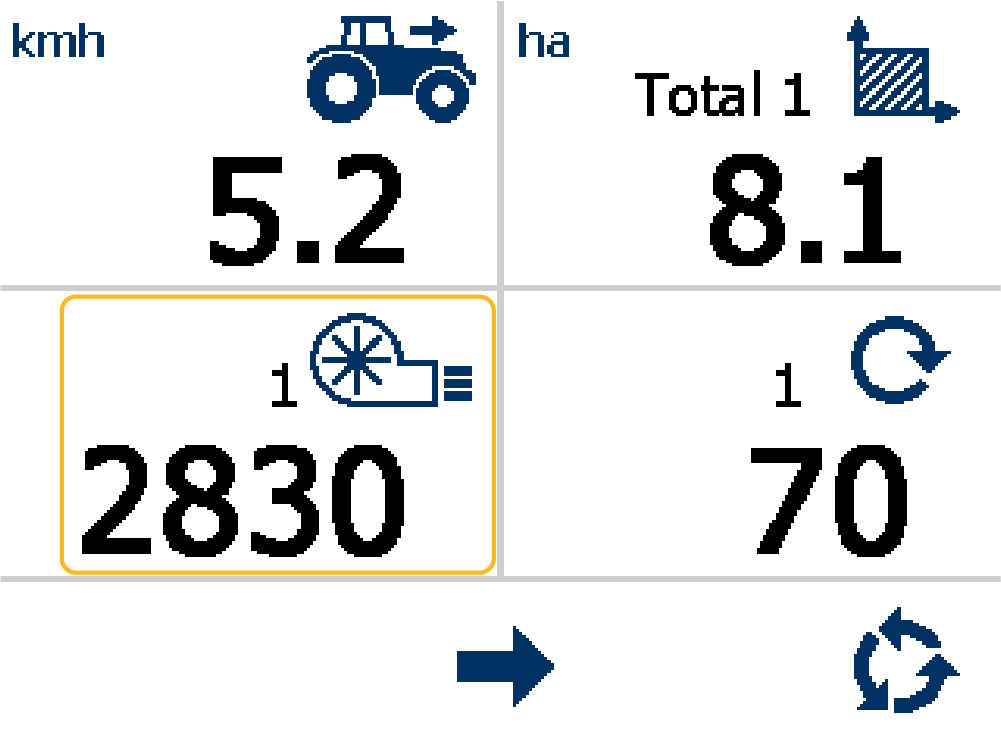
Examples of pane 3 and 4:
Note:
An additional data pane shows the fan speed if the system senses Fan 2.
Note:
An additional data pane shows the fan speed if the system senses Shaft 2.
Previous:
Primary screen navigation
Next:
Setup menu
myTopcon NOW! support
Take your Topcon experience to the next level with myTopcon NOW! This platform is a self-service tool for your desktop or mobile device.


