
The capacitive touch buttons control screen functions. Each button has an on-screen icon, shown by the highlighted button.
The five capacitive touch buttons control all screen functions. Each button on the display aligns with an icon on the current screen.
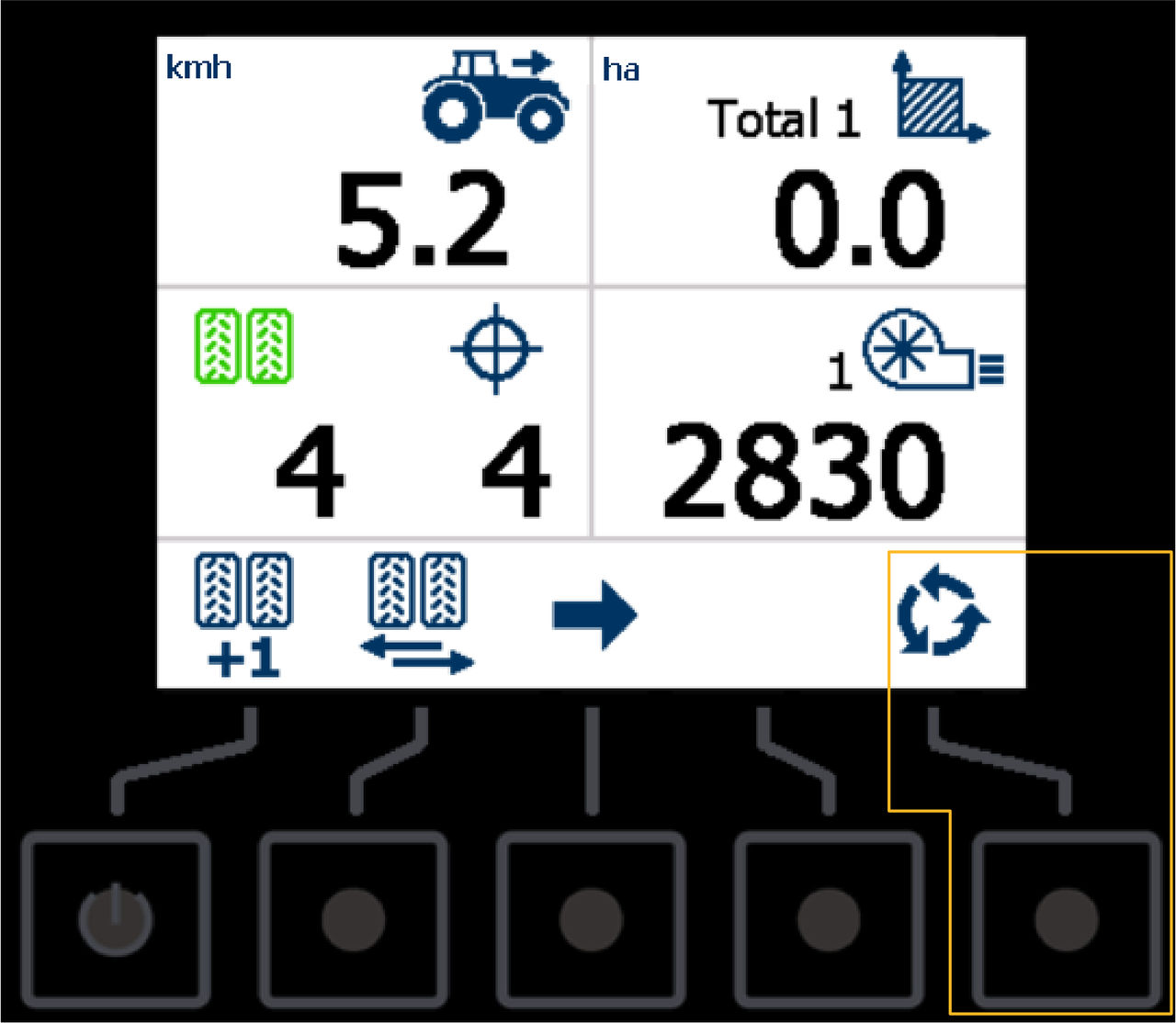
The example shows the Open Totals and Settings screens button highlighted.
myTopcon NOW! support
Take your Topcon experience to the next level with myTopcon NOW! This platform is a self-service tool for your desktop or mobile device.


