
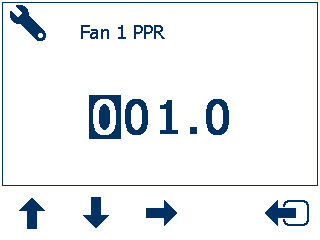
The Technician menu has the Fan, Shaft, TL Enable, TL Advance, TL Debounce, Level 1 Enable, Level 2 Enable, and Diagnostics options. It has the up, down, Edit, and Return to previous menu controls. When you select an option to edit, an Edit parameter screen shows.
The default access PIN is 2345.
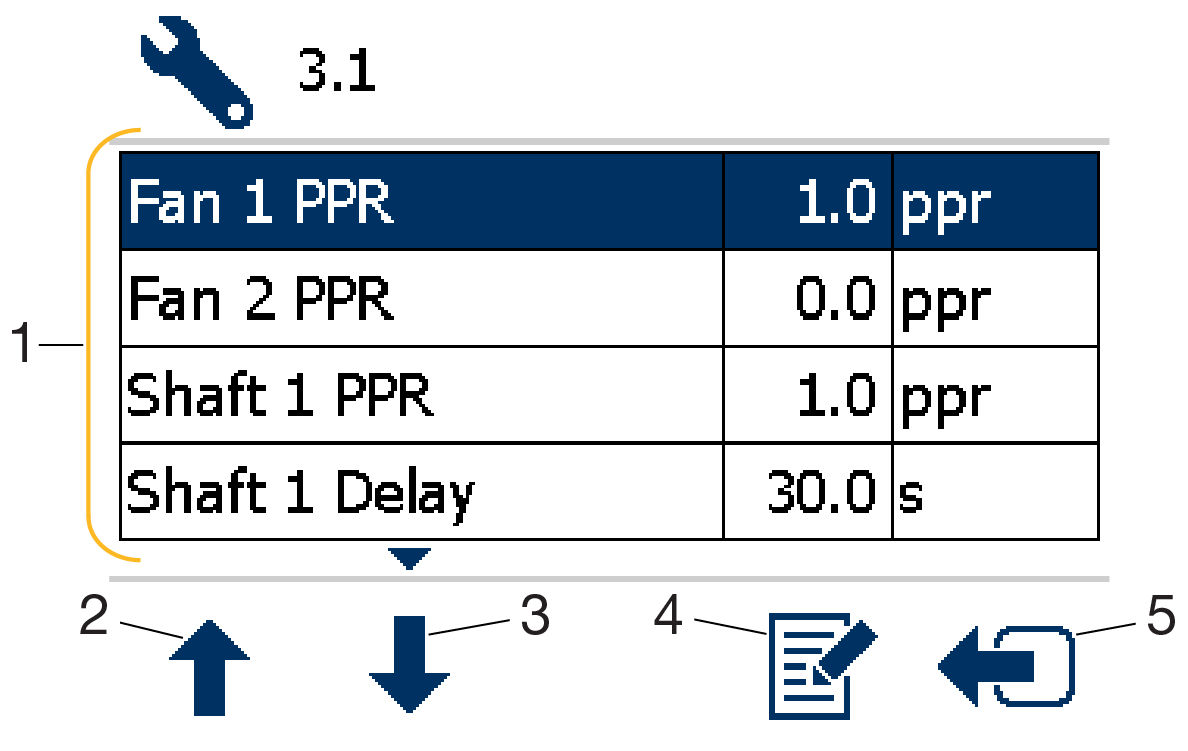
- Options
- Move up
- Move down
- Select
- Go back to previous menu
Sub-Menu | Parameter | Default setting |
|---|---|---|
Fan 1 PPR | pulses per rev | [1.0 ppr] |
Fan 2 PPR | pulses per rev | [1.0 ppr] |
Shaft 1 PPR | pulses per rev | [1.0 ppr] |
Shaft 1 Delay | Time in seconds | [30 seconds] |
Shaft 2 PPR | pulses per rev | [1.0 ppr] |
Shaft 2 Delay | Time in seconds | [30 seconds] |
TL Enable | ON / OFF | [ON] |
TL Advance | Time in seconds | [3.0 s] |
TL Debounce | Time in seconds | [3.0 s] |
Level 1 Enable | ON / OFF | [ON] |
Level 2 Enable | ON / OFF | [OFF] |
Diagnostics |
Previous:
Operator menu
Next:
Factory menu
myTopcon NOW! support
Take your Topcon experience to the next level with myTopcon NOW! This platform is a self-service tool for your desktop or mobile device.


