
Open MCWEB in 3D-MC on wireless tablet
After 3D-MC is connected to the MC-X1 with Supervisor Mode enabled, you can open MCWEB on the wireless tablet.
- In 3D-MC, select .ADDITIONAL INFORMATION:Note: Supervisor mode must be enabled to select MCX Configuration.
- Enter 192.168.0.1 in the browser address bar to connect to MCWEB.ADDITIONAL INFORMATION:
Figure: MCWEB URL 
- Enter your login credentials.ADDITIONAL INFORMATION:
Figure: MCWEB login 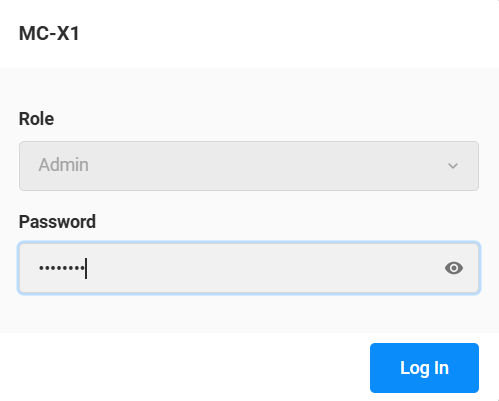
- Select Log in.
Next:
Update MC-X firmware
myTopcon NOW! support
Take your Topcon experience to the next level with myTopcon NOW! This platform is a self-service tool for your desktop or mobile device.





