
Select Compensate in TILT Settings to enable dynamic TILT. Topcon Field manages operation. The Survey screen has status and Reset TILT options.
Select Compensate on the TILT Settings screen to enable dynamic TILT.
Topcon Field fully controls TILT operation. Dynamic TILT automatically starts operation after setup.
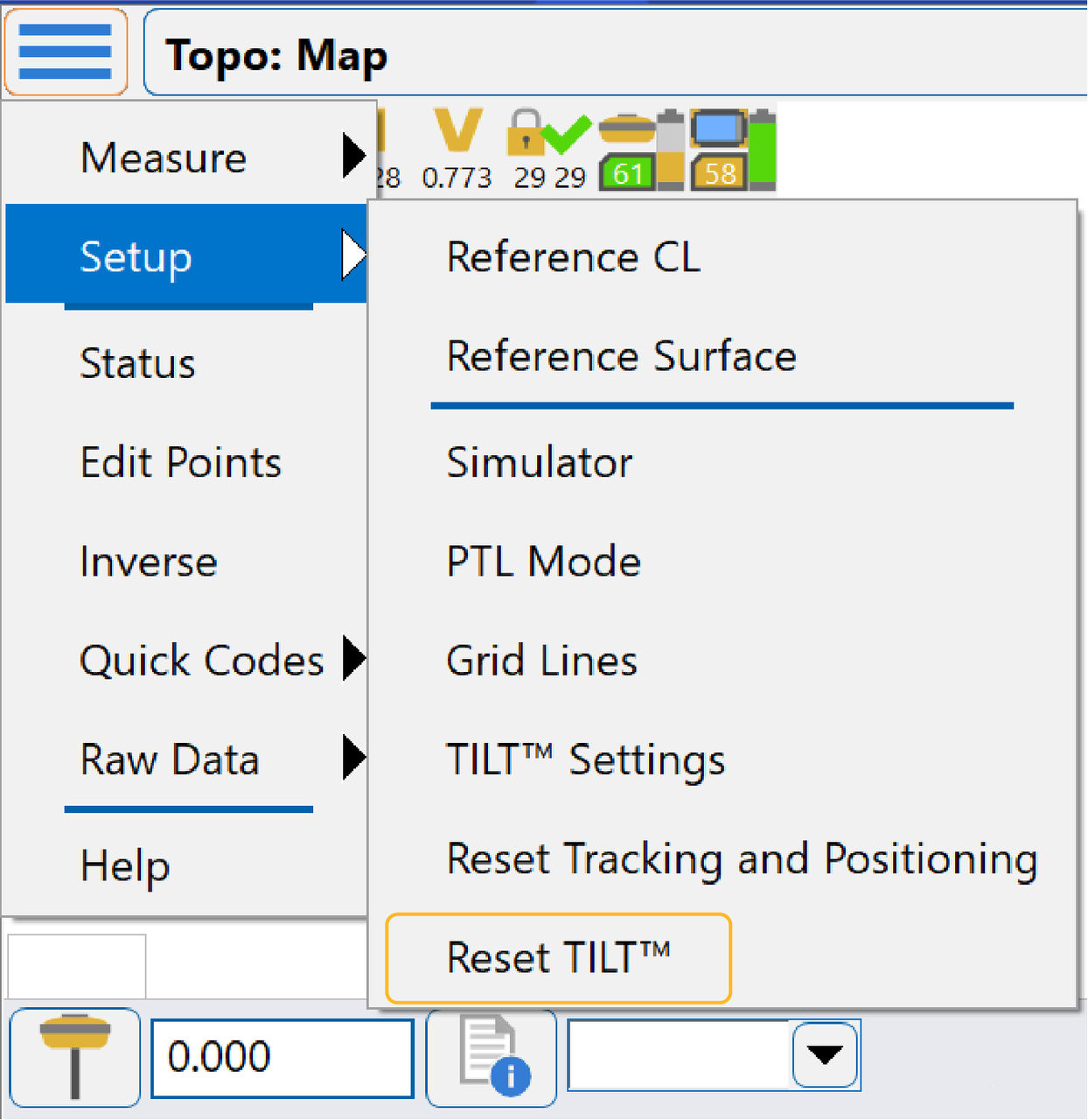
Status information shows on the Survey screen as a text label and icon in Topcon Field. Reset TILT is a Setup menu item in TILT compensation mode.
Refer to the Topcon Field online Help for more information.
Note: Select Reset TILT before you start a new survey.
Previous:
Dynamic TILT setup
Next:
IMU alignment
myTopcon NOW! support
Take your Topcon experience to the next level with myTopcon NOW! This platform is a self-service tool for your desktop or mobile device.





