
You can open the Control Configuration screen from the Control menu.
- Select .ADDITIONAL INFORMATION:
Figure: Control menu 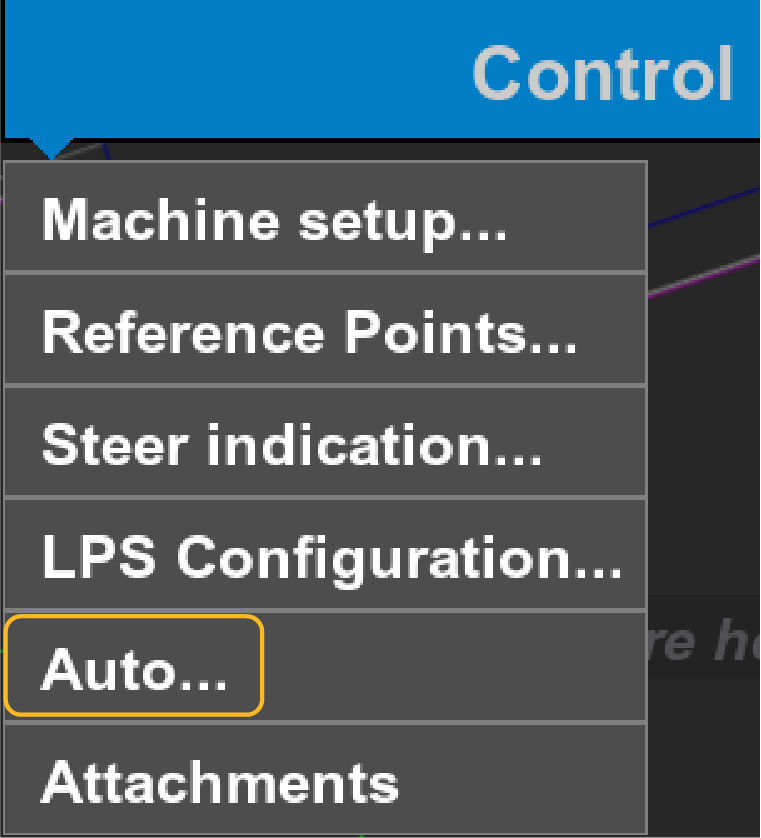 The Control Configuration screen opens with the AUTO tab active.
 - Select the applicable control(s).ADDITIONAL INFORMATION:Select Elevation, Bucket, and Slope Control to illuminate the boom, bucket, and coupler on the excavator image. Refer to Advanced auto control configuration
Figure: Excavator auto control 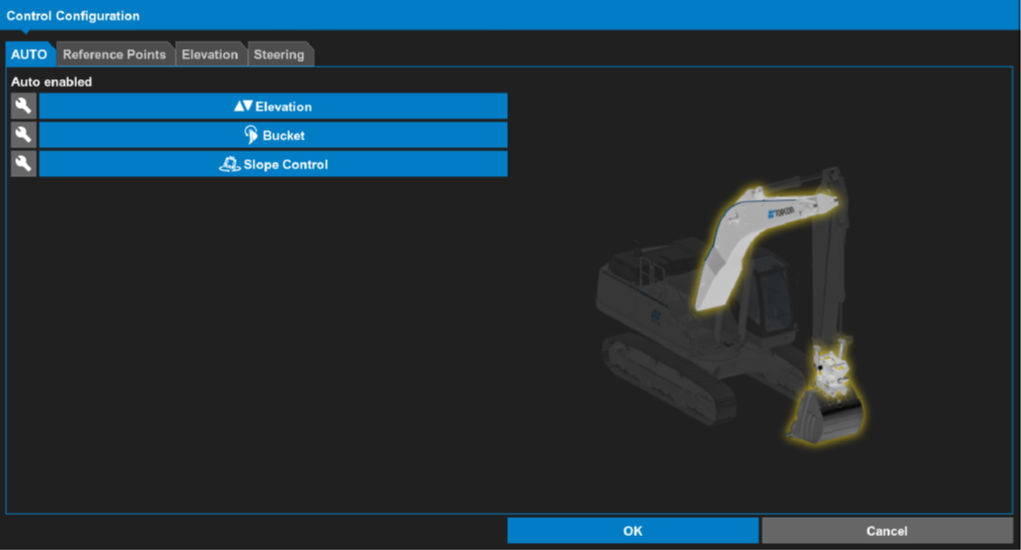
- Select OK.
Previous:
Auto control and slope control
myTopcon NOW! support
Take your Topcon experience to the next level with myTopcon NOW! This platform is a self-service tool for your desktop or mobile device.





