
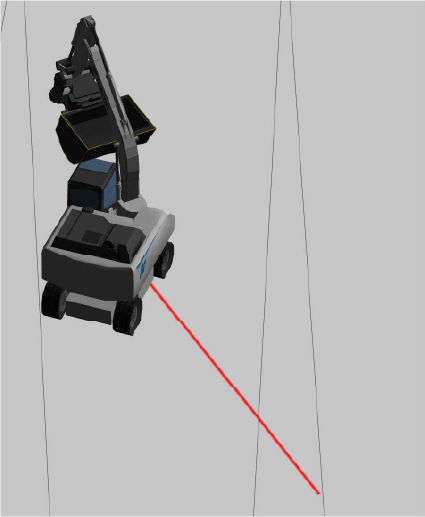
The body center line shows on the surface in plan and 3D views. This feature is helpful for swing boom applications.
- Select .
- Select the Body Center Line checkbox on the Machine Display Options screen.ADDITIONAL INFORMATION:
Figure: Machine display options 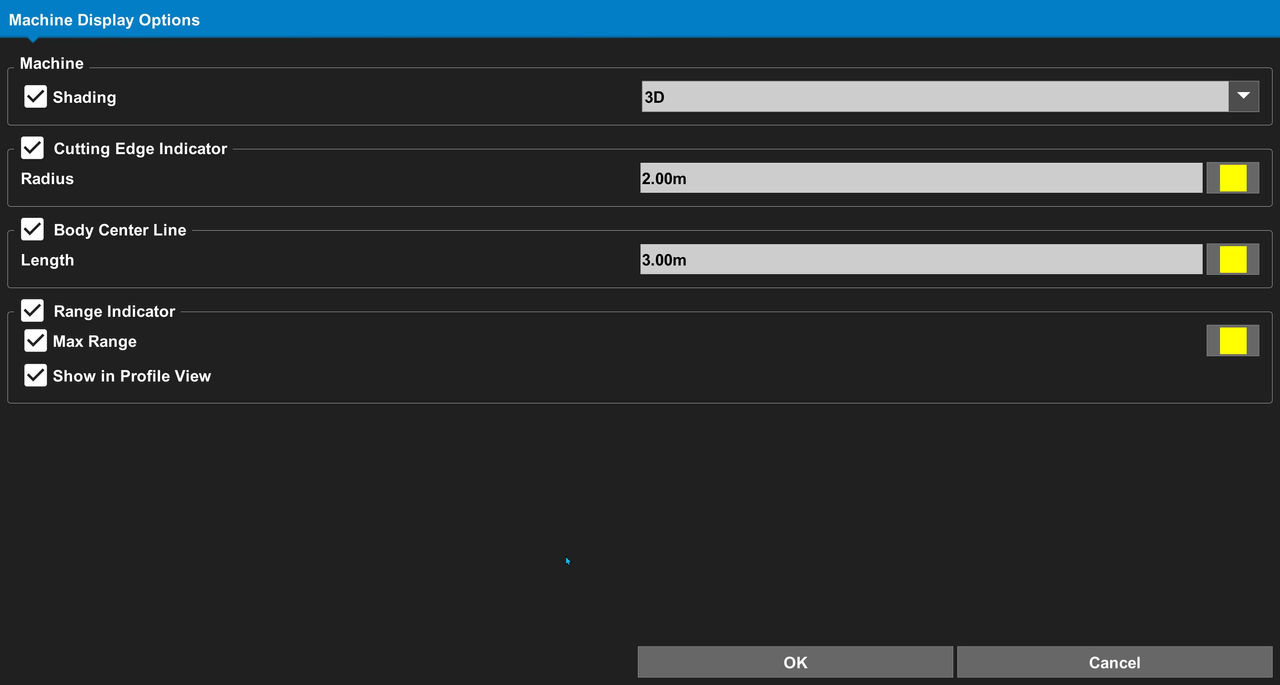
- Enter the radius.
- Select the color.
- Select OK.ADDITIONAL INFORMATION:
Figure: Body center line 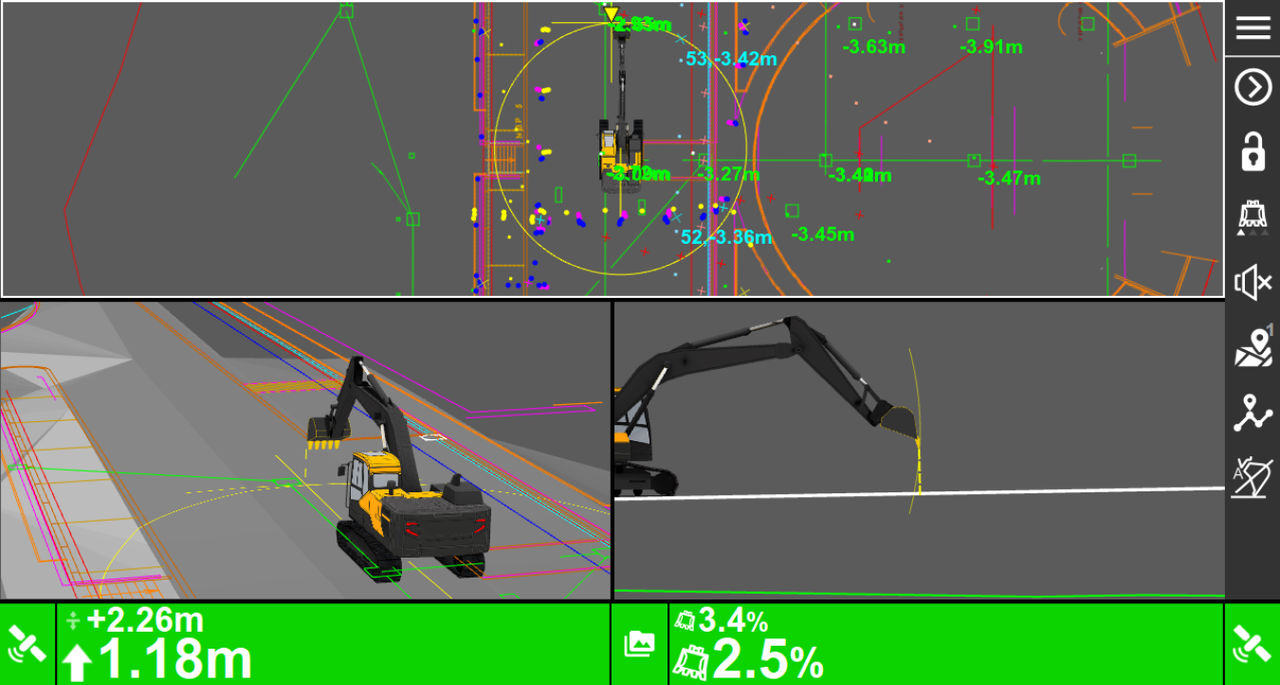
Figure: Body center line in plan and 3D views 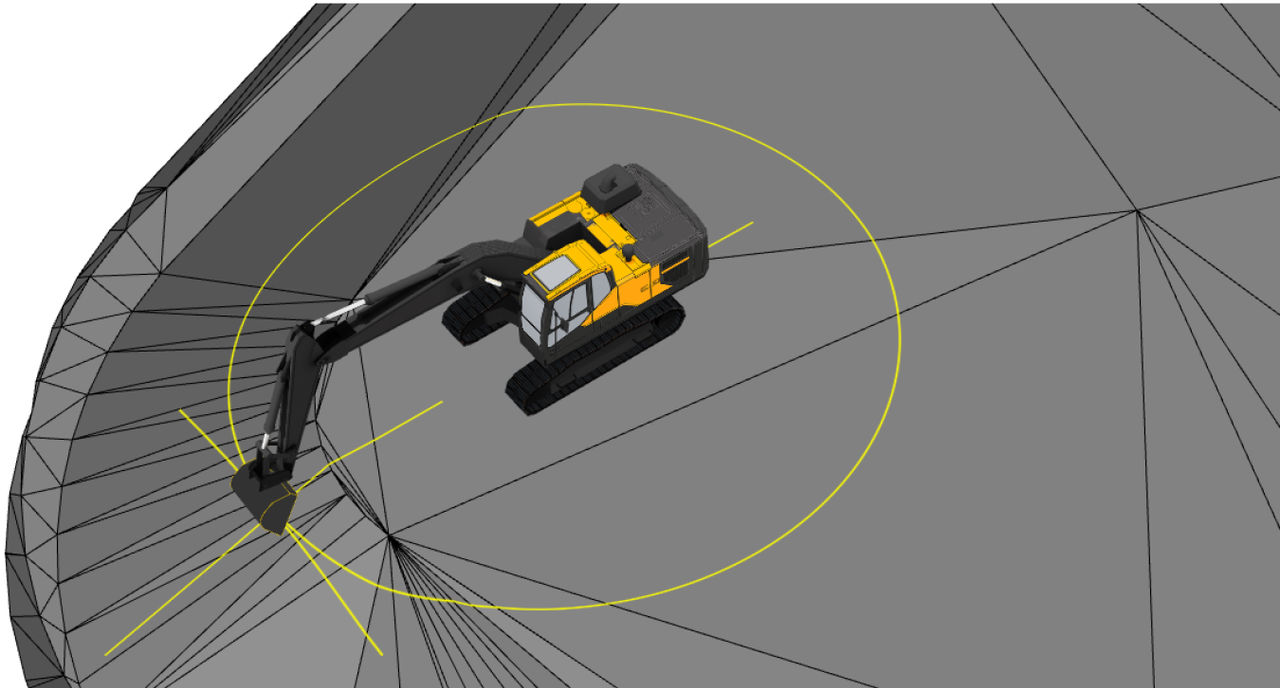
Previous:
Cutting edge indicator
Next:
Range indicator
myTopcon NOW! support
Take your Topcon experience to the next level with myTopcon NOW! This platform is a self-service tool for your desktop or mobile device.





