
You can adjust a setting to show or hide the total station in the plan view. This option is available when the Sensor type is a Prism.
From the main menu, select .
In Plan view, you can see where the total station is relative to the machine. You can enable or disable this feature. This feature lets you turn the total station if loses the prism.
Select  Search tabStart.
Search tabStart.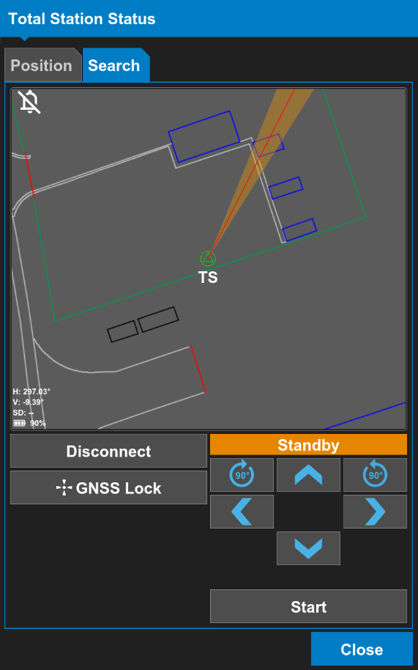
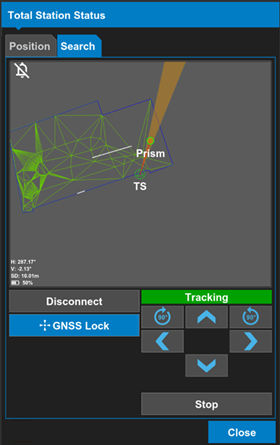
The Search tab shows Tracking when the total station sees the prism.
Previous:
Range indicator
Next:
Shortcuts settings
myTopcon NOW! support
Take your Topcon experience to the next level with myTopcon NOW! This platform is a self-service tool for your desktop or mobile device.





